
PoE Switch for Security Cameras: How Many Watts and Ports Do You Need?
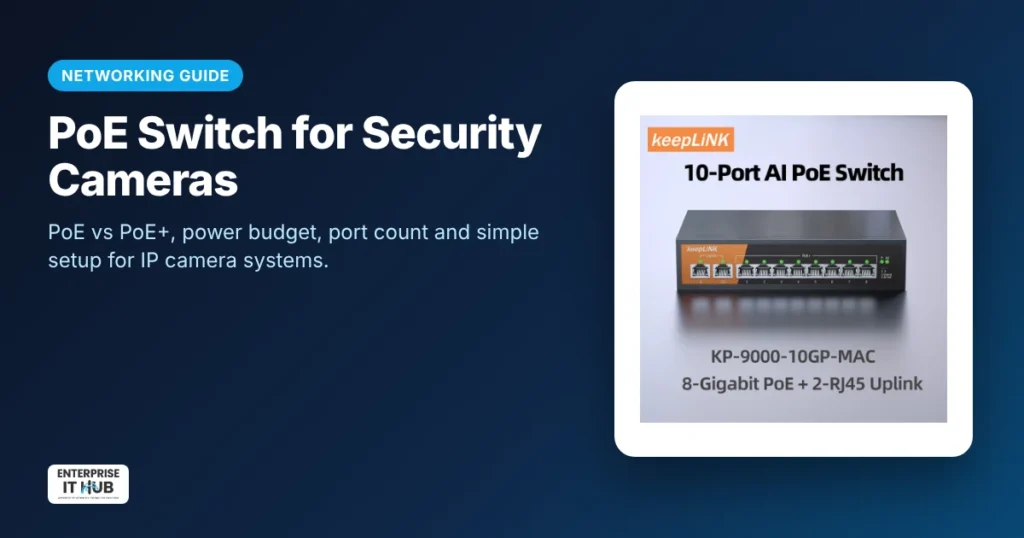
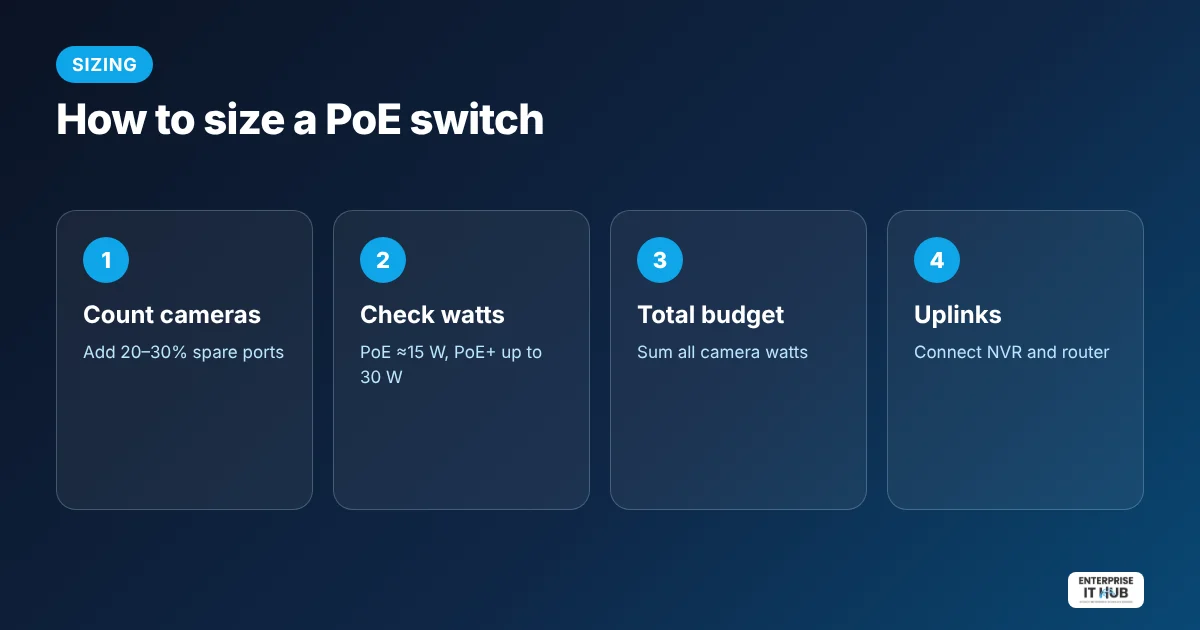
Quick answer: A PoE (Power over Ethernet) switch sends power and data over one Ethernet cable, so IP security cameras need no separate power adapters. To choose one: count your cameras and add spare ports, check each camera’s wattage (PoE ≈ 15 W per port, PoE+ up to 30 W), make sure the total PoE budget covers all cameras, and keep gigabit uplink ports for your NVR and router.
PoE vs PoE+ vs PoE++
| Standard | Max power per port (at switch) | Typical devices |
|---|---|---|
| PoE (802.3af) | 15.4 W | Basic IP cameras, VoIP phones |
| PoE+ (802.3at) | 30 W | PTZ cameras, cameras with IR and heaters, Wi-Fi access points |
| PoE++ (802.3bt) | 60–90 W | Large PTZ cameras, displays |
PoE+ ports also power standard PoE cameras, so PoE+ gives you room to grow.
How to calculate your PoE budget
- List every camera and its max power draw (on the spec sheet, often 5–12 W for fixed cameras and more for PTZ).
- Add them up and add about 20% headroom.
- Choose a switch whose total PoE budget is higher than that number.
Example: 8 cameras × 10 W = 80 W, plus 20% = 96 W. A 135 W budget covers it with room to spare.
Our pick for 4–8 cameras
The 10-port gigabit PoE switch ($79.99) has 8 gigabit PoE+ ports at up to 30 W each, a 135 W total PoE budget and 2 gigabit uplink ports. It adds VLAN isolation for camera networks in a plug-and-play, unmanaged metal case with a US plug.
Setting up a PoE camera system
- Run Cat5e or Cat6 cable from each camera to the switch (up to 100 m / 328 ft per run).
- Plug cameras into the PoE ports. They power on automatically.
- Connect an uplink port to your NVR or router.
- Add cameras in your NVR or camera app and set recording.
- Store footage on a drive built for 24/7 recording. See our surveillance hard drive guide.
Unmanaged vs managed PoE switches
Unmanaged switches are plug-and-play and ideal for homes and small businesses. Managed switches add remote control, detailed VLANs and per-port power scheduling for larger IT networks.
Frequently asked questions
How many watts does a PoE camera use?
Most fixed IP cameras use roughly 5–12 W. PTZ cameras, IR illuminators and heaters can use more. Always check the camera’s spec sheet.
What is the difference between PoE and PoE+?
PoE supplies up to 15.4 W per port and PoE+ up to 30 W per port. PoE+ ports also power standard PoE devices.
How far can a PoE cable run?
Standard Ethernet, including PoE, is rated for up to 100 meters (328 feet) per cable run.
Do I need a PoE switch if my NVR has PoE ports?
Not always. Use a PoE switch when you need more ports than the NVR has, or when cameras are far from the NVR.
Can I mix PoE and non-PoE devices on a PoE switch?
Yes. PoE switches detect whether a device needs power and only send power to PoE devices.
Is an unmanaged PoE switch good enough?
For most homes and small businesses, yes. It is plug-and-play and reliable.
The bottom line
Count ports, add up watts, and choose PoE+ with a healthy budget. Our 10-port gigabit PoE+ switch covers most 4–8 camera systems. See more networking gear and security cameras.
Enterprise IT Hub ships across the US with free shipping on orders over $50, a tracking number on every order and 30-day hassle-free returns. See our shipping policy.

The Enterprise IT Hub team writes practical guides on enterprise storage, projectors, label printing and IT infrastructure.

1 Comment