Slow Wi-Fi on Your PC? How a Wi-Fi 6 USB Adapter Fixes It (2026 Guide)
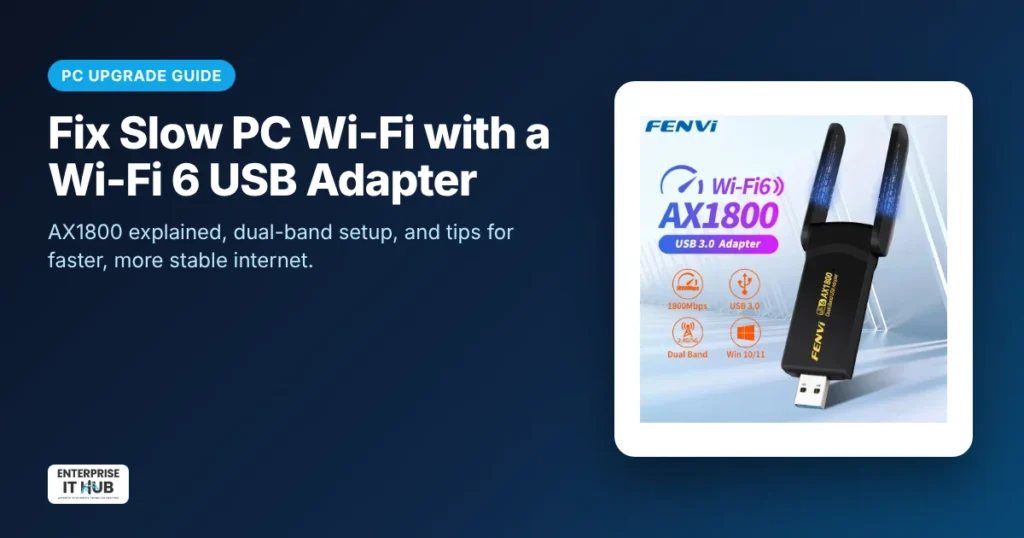
Quick answer: If your desktop PC has no Wi-Fi, or your older laptop’s Wi-Fi is slow and drops out, a Wi-Fi 6 USB adapter is the quickest fix. It plugs into a USB 3.0 port, connects on both 2.4 GHz and 5 GHz, and uses the newer Wi-Fi 6 (802.11ax) standard. You’ll get better speeds and more stable connections on a busy home network, with no need to open the PC.
Why is Wi-Fi slow on my PC?
- The built-in Wi-Fi card is old (Wi-Fi 4 or 5) or has weak antennas.
- The PC sits behind a desk or under a table, blocking the signal.
- It’s stuck on the crowded 2.4 GHz band.
- Outdated drivers.
What does AX1800 mean?
“AX” means Wi-Fi 6. “1800” is the combined maximum link rate across both bands (up to 1800 Mbps). Real-world speeds are lower and depend on your router, internet plan, distance and walls, but a good Wi-Fi 6 adapter is usually a big step up from an old built-in card.
Our pick
The Wi-Fi 6 USB adapter AX1800 ($27.99) adds dual-band 2.4/5 GHz Wi-Fi 6 to Windows PCs over USB 3.0. It has two high-gain antennas.
How to set up a USB Wi-Fi adapter
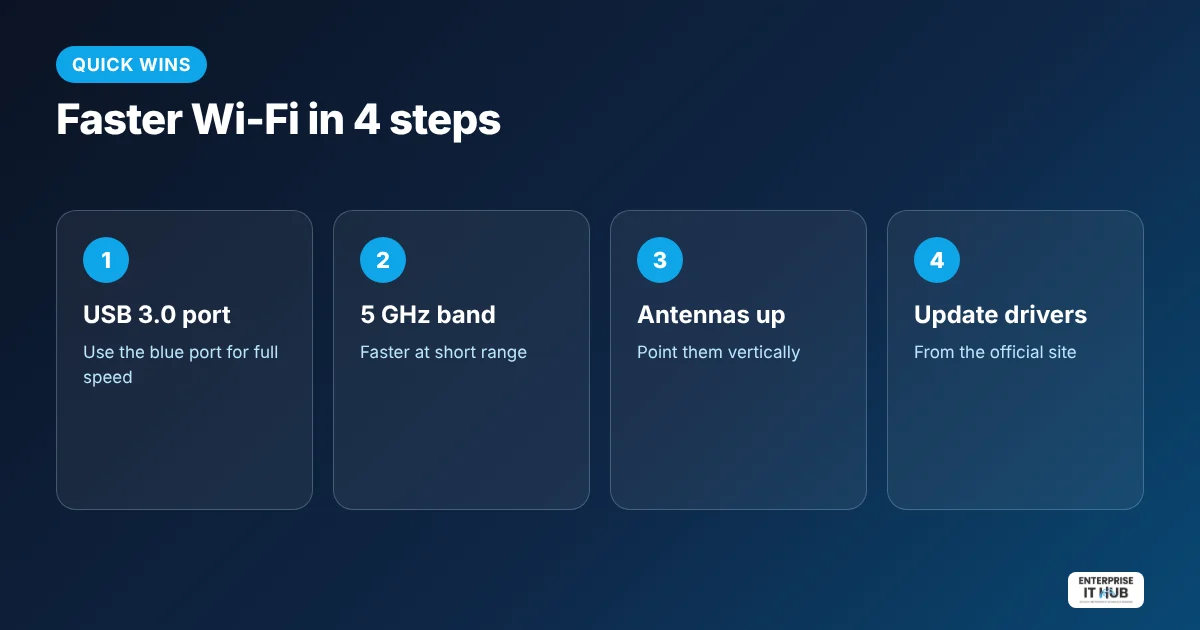
- Plug it into a USB 3.0 port (often blue) on the back of the PC, or use a USB extension cable to lift it above the desk.
- Install the driver from the included source or the manufacturer’s official website if Windows doesn’t detect it automatically.
- Disable the old built-in Wi-Fi in Device Manager to avoid conflicts.
- Connect to your network and choose the 5 GHz band when you’re within a room or two of the router.
More ways to speed up home Wi-Fi
- Move the router to a central, high spot.
- Restart the router and update its firmware.
- For gaming PCs and work-from-home setups that never move, an Ethernet cable is still the most stable option.
- If you’re also building a camera system, see our PoE switch guide.
Frequently asked questions
Will a Wi-Fi 6 adapter work with my old router?
Yes. Wi-Fi 6 adapters are backward compatible with Wi-Fi 4 and 5 routers, though you get the full benefit with a Wi-Fi 6 router.
Is a USB Wi-Fi adapter as fast as a built-in card?
A good USB 3.0 Wi-Fi 6 adapter is often faster than an older built-in card. Use a USB 3.0 port for full speed.
Does a USB Wi-Fi adapter work on Mac?
Many USB Wi-Fi adapters are made for Windows. Check the product’s supported operating systems before buying.
2.4 GHz or 5 GHz: which should I use?
5 GHz is faster at short range; 2.4 GHz reaches farther through walls. Dual-band adapters let you pick.
Why is my USB Wi-Fi adapter slow?
It may be in a USB 2.0 port, blocked behind the PC, on the 2.4 GHz band, or running old drivers.
Do I need to install drivers?
Sometimes. Windows may detect it automatically; if not, install the official driver.
The bottom line
For under $30, a Wi-Fi 6 USB adapter is one of the cheapest upgrades for an old PC. Browse more networking accessories.
Enterprise IT Hub ships across the US with free shipping on orders over $50, a tracking number on every order and 30-day hassle-free returns. See our shipping policy.

The Enterprise IT Hub team writes practical guides on enterprise storage, projectors, label printing and IT infrastructure.