Best Barcode Scanner for Small Business: 1D vs 2D, Wireless vs USB (2026)
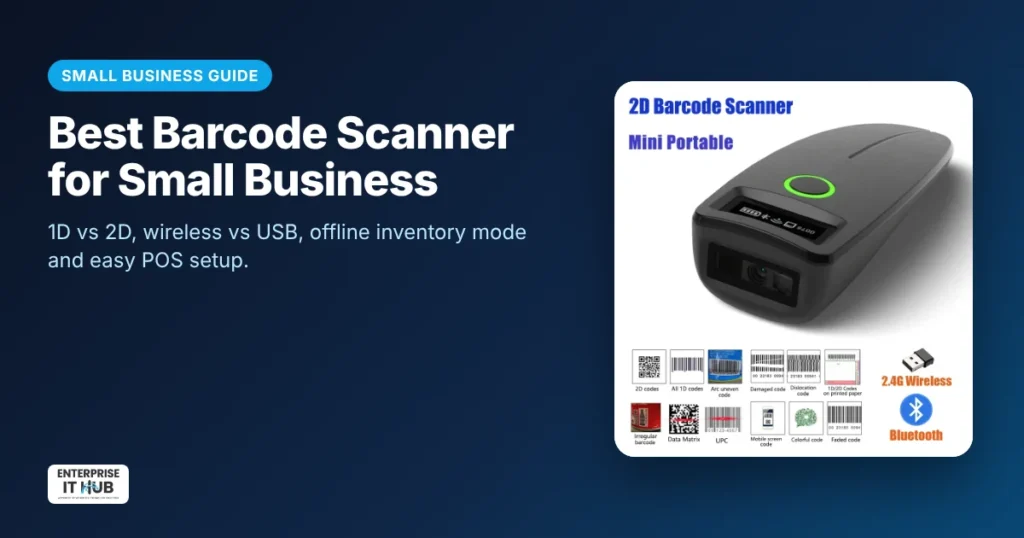
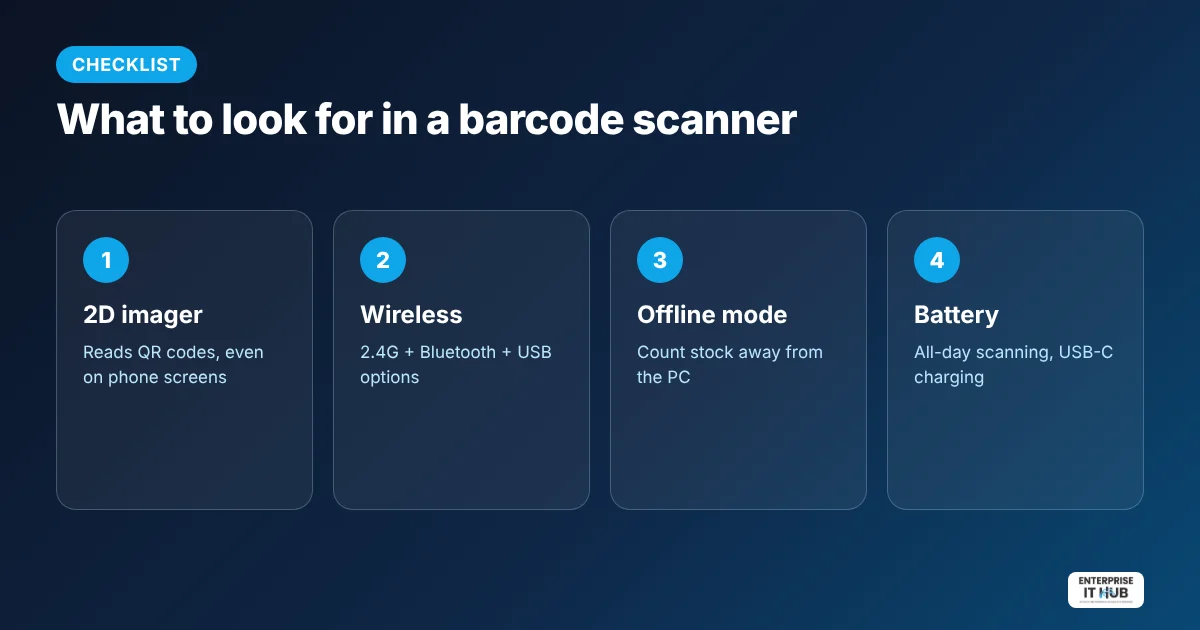
Quick answer: For most small businesses, the best barcode scanner is a wireless 2D scanner. It reads standard 1D barcodes and QR codes, including codes on phone screens, connects by Bluetooth, 2.4G or USB, and works like a keyboard with your POS, inventory software or Excel. An offline storage mode lets you count stock on the shelf and upload later.
1D vs 2D barcode scanners
- 1D (linear) scanners read traditional barcodes like UPC and Code 128, the lines on most retail products.
- 2D scanners read 1D barcodes and QR codes and Data Matrix codes, including from phone and computer screens: digital coupons, tickets, shipping labels and payment codes.
Prices are close today, so a 2D scanner is the safer choice for nearly every business.
Wireless vs wired
| Connection | Best for |
|---|---|
| USB cable | One fixed checkout counter; zero setup |
| 2.4G wireless dongle | Walking the store or warehouse, with long range and plug-and-play |
| Bluetooth | Tablets, iPads and phones running a POS app |
Our pick
The wireless 2D barcode scanner ($49.99) reads 1D and 2D QR codes, even on screens. It connects by 2.4G wireless, Bluetooth or USB and is rated up to 200 scans per second. It has an offline storage mode for stock counts and a 1100 mAh battery with USB-C charging.
How businesses use a barcode scanner
- Retail checkout: scan products into Square, Shopify POS, Clover or other POS software.
- Inventory counts: use offline mode to scan shelves, then upload to Excel or Google Sheets.
- Shipping and e-commerce: scan order and tracking codes when packing. Pair it with a 4×6 thermal label printer.
- Events and restaurants: scan QR tickets and digital coupons from phones.
How to set up a barcode scanner
- Charge the scanner fully.
- Plug in the 2.4G dongle or USB cable, or pair over Bluetooth.
- Open Notepad, Excel or your POS and scan a test barcode. The code should appear as if typed.
- Use the setup barcodes in the manual to set the keyboard language, suffix (Enter key) or offline mode.
Frequently asked questions
What barcode scanner do I need for a small business?
A wireless 2D scanner covers almost everything: product barcodes, QR codes, phone screens and inventory counts.
Can a 2D scanner read regular barcodes?
Yes. 2D scanners read standard 1D barcodes such as UPC and Code 128, as well as QR codes.
Does a barcode scanner work with Excel?
Yes. Most scanners act like a keyboard, so each scan types the code into the selected cell.
Will a barcode scanner work with Shopify POS or Square?
Most keyboard-mode scanners work with POS apps on computers, and Bluetooth models pair with tablets. Check your POS provider’s list of supported hardware.
Can a barcode scanner read codes on a phone screen?
2D image scanners can. Many older 1D laser scanners cannot.
What is offline mode on a barcode scanner?
The scanner stores scans in memory while away from the computer, then uploads them all at once, which is ideal for stock counts.
The bottom line
Skip 1D-only scanners and go straight to a wireless 2D model. Start with our wireless 2D barcode scanner, and see all scanners for document scanning too.
Enterprise IT Hub ships across the US with free shipping on orders over $50, a tracking number on every order and 30-day hassle-free returns. See our shipping policy.

The Enterprise IT Hub team writes practical guides on enterprise storage, projectors, label printing and IT infrastructure.