Best Indoor Security Camera for Home & Pets: 2026 Buying Guide
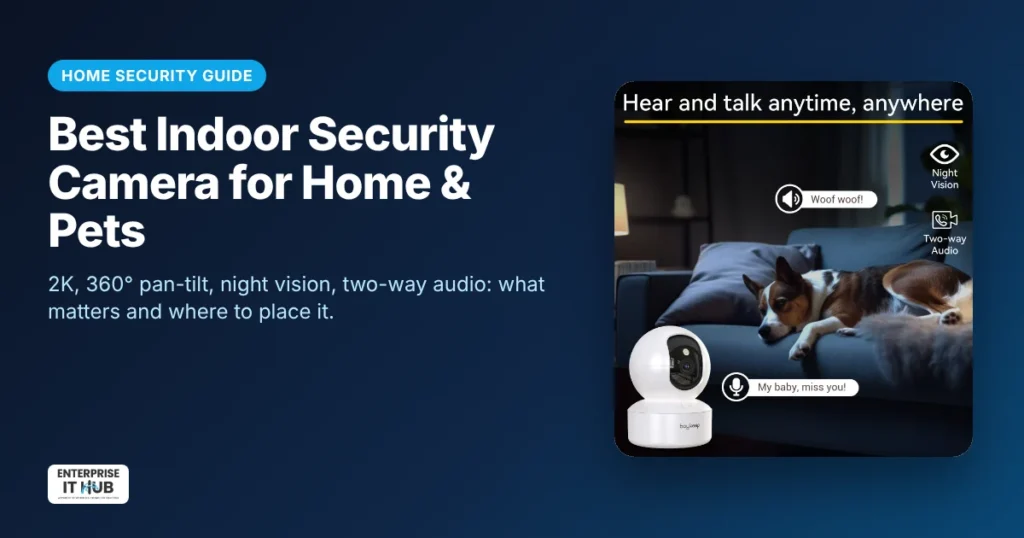
Quick answer: The best indoor security camera for most homes records in 2K or better, can pan and tilt 360° to cover a whole room, sends motion alerts with auto tracking, has two-way audio and night vision, and connects on dual-band Wi-Fi. For pets, kids and apartments, a pan-tilt camera under $50 gives you full-room coverage without drilling or wiring.
This guide explains which features matter, where to place an indoor camera, how to keep it private and secure, and how to choose one for pets, babies, elderly parents or a small office.
Why get an indoor security camera?
- Check on pets while you’re at work and talk to them through the speaker.
- Keep an eye on kids or a babysitter in another room.
- Look in on elderly parents, with their permission.
- Get alerts if someone enters while you’re away.
- Watch a small shop or office after hours.
Indoor security camera features that matter
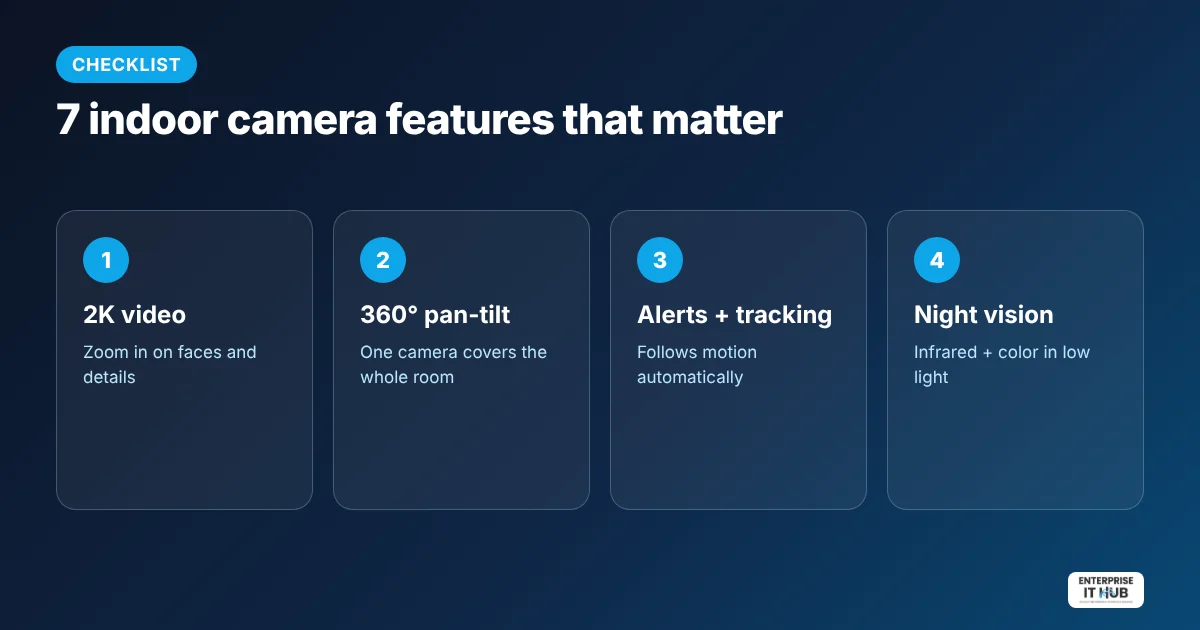
1. Resolution: 1080p vs 2K
1080p is fine for a quick look, but 2K (about 3MP) lets you zoom in on faces, labels and small details without the picture breaking up. It’s worth it for most rooms.
2. 360° pan and tilt
A fixed camera sees one angle. A pan-tilt camera rotates from your phone, so one camera can cover a whole living room. Auto tracking follows movement on its own.
3. Motion alerts and tracking
Smart motion detection sends a phone notification when something moves. With auto tracking, the camera follows the pet or person across the room so you don’t miss what happened.
4. Two-way audio
Talk and listen through the camera, to calm a dog, remind kids to do homework, or ask a delivery person to leave the package by the door.
5. Night vision
Infrared night vision shows a clear black-and-white image in the dark. Color night vision uses low light to keep colors, which helps you recognize what you’re seeing.
6. Dual-band Wi-Fi
Many cheap cameras only support 2.4 GHz Wi-Fi. A dual-band camera (2.4 + 5 GHz) works with more routers and can give a smoother live view when it’s near the router.
7. Storage: microSD vs cloud
Local microSD storage keeps recordings in the home with no monthly fee. Cloud storage saves clips even if the camera is stolen, but it usually costs a subscription. Check which options a camera supports before you buy.
Our pick for most homes
The 2K indoor Wi-Fi pan-tilt security camera covers every feature above for $39.99. It has 2K 3MP video with 360° pan and tilt, motion alerts and auto tracking, two-way audio, infrared plus color night vision, dual-band Wi-Fi and multi-user sharing, so the whole family can watch from their own phones.
Best indoor camera by use
- For pets: pan-tilt with two-way audio and auto tracking, placed at floor or couch height.
- For babies and toddlers: night vision and a stable mount high on a shelf, out of reach.
- For elderly parents: two-way audio and simple sharing so several family members can check in. Always with their consent.
- For a small shop or office: motion alerts plus a view of the door and register. For recording around the clock, see our surveillance hard drive guide and the security cameras collection.
Where to place an indoor security camera
- Cover entry points: the front door, a back door, or the hallway that leads to them.
- Mount it high in a corner for the widest view.
- Avoid pointing it at a window. Glare and reflections ruin night vision.
- Keep it within good Wi-Fi range of your router.
- Respect privacy: don’t place cameras in bathrooms or bedrooms of guests, and tell household members and babysitters that a camera is in use.
How to keep your camera secure
- Use a strong, unique password for the camera app, and turn on two-factor login if the app offers it.
- Update the firmware when the app prompts you.
- Put cameras on your guest or IoT Wi-Fi network if your router supports it.
- Only share access with people who need it, and remove old users.
Frequently asked questions
What is the best indoor security camera for pets?
A 2K pan-tilt camera with two-way audio, motion tracking and night vision. You can follow your pet around the room and talk to them from your phone.
Do indoor security cameras need a subscription?
Not always. Many cameras record to a microSD card with no monthly fee, while cloud storage plans are optional. Check the camera’s storage options before buying.
Is 2K better than 1080p for a security camera?
Yes. 2K has more detail, so faces and objects stay clearer when you zoom in on the recording.
Can indoor cameras see in the dark?
Yes. Infrared night vision shows a clear black-and-white image in darkness, and color night vision keeps colors in low light.
Does an indoor camera work on 5 GHz Wi-Fi?
Only if it’s a dual-band model. Many cameras support only 2.4 GHz, so check for “dual-band” if your router uses 5 GHz.
Is it legal to use an indoor camera at home?
Recording video in your own home is generally legal, but audio and hidden-camera rules vary by state, and privacy rules apply to babysitters, tenants and guests. Check your local laws and tell people when a camera is in use.
The bottom line
For most homes, a 2K pan-tilt camera with motion tracking, two-way audio and night vision is the sweet spot. Start with our 2K indoor Wi-Fi security camera. It’s also a great holiday gift. See more ideas in our best tech gifts under $100 guide.
Enterprise IT Hub ships across the US with free shipping on orders over $50, a tracking number on every order and 30-day hassle-free returns. See our shipping policy.

The Enterprise IT Hub team writes practical guides on enterprise storage, projectors, label printing and IT infrastructure.