
Description
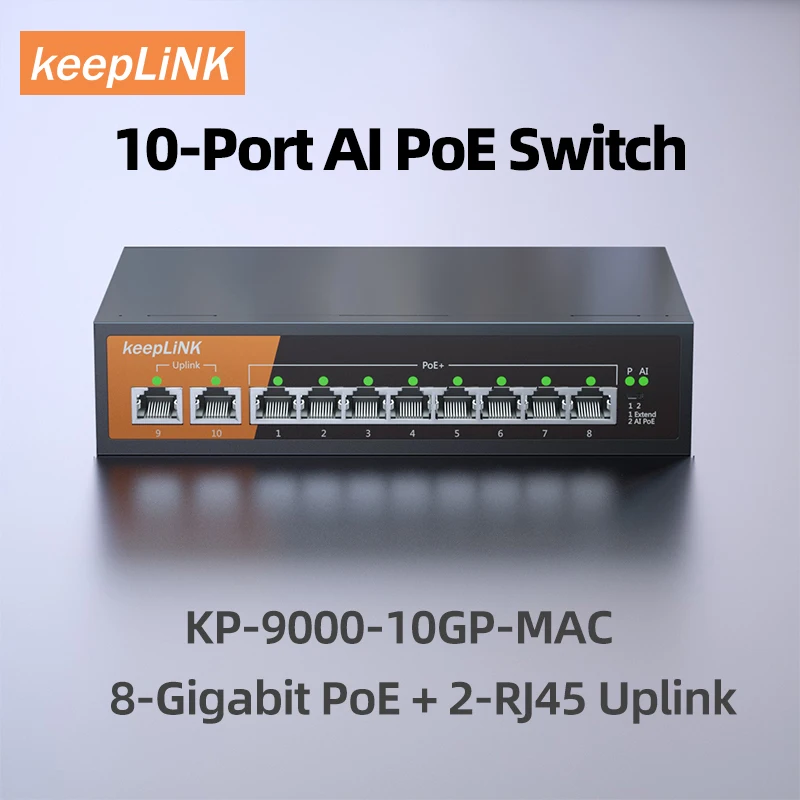
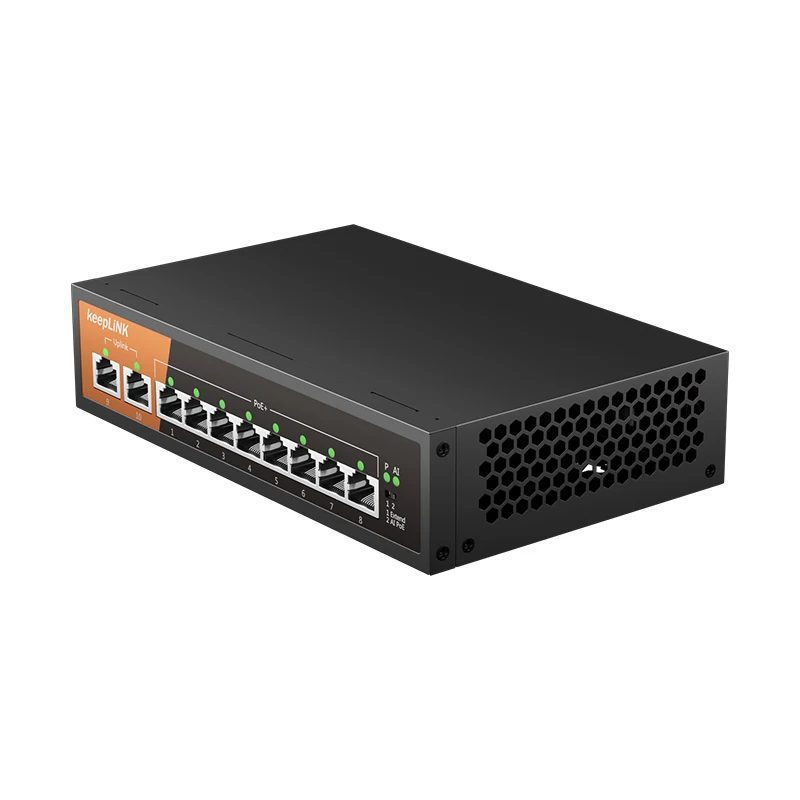
Quick answer: This 10-port gigabit PoE switch has 8 PoE+ ports (up to 30 W each, 135 W total) and 2 gigabit uplink ports. It powers IP cameras, Wi-Fi access points and VoIP phones over one cable, is plug and play, and includes a VLAN isolation switch for safer camera networks.
Power and Connect Your Network Devices With One Cable
Installing security cameras or Wi-Fi access points usually means hunting for power outlets. A gigabit PoE switch sends power and data over a single Ethernet cable, so you can mount devices exactly where you need them.
It is ideal for home and small-business camera systems, office Wi-Fi, VoIP phones and IT closets.
Key Features
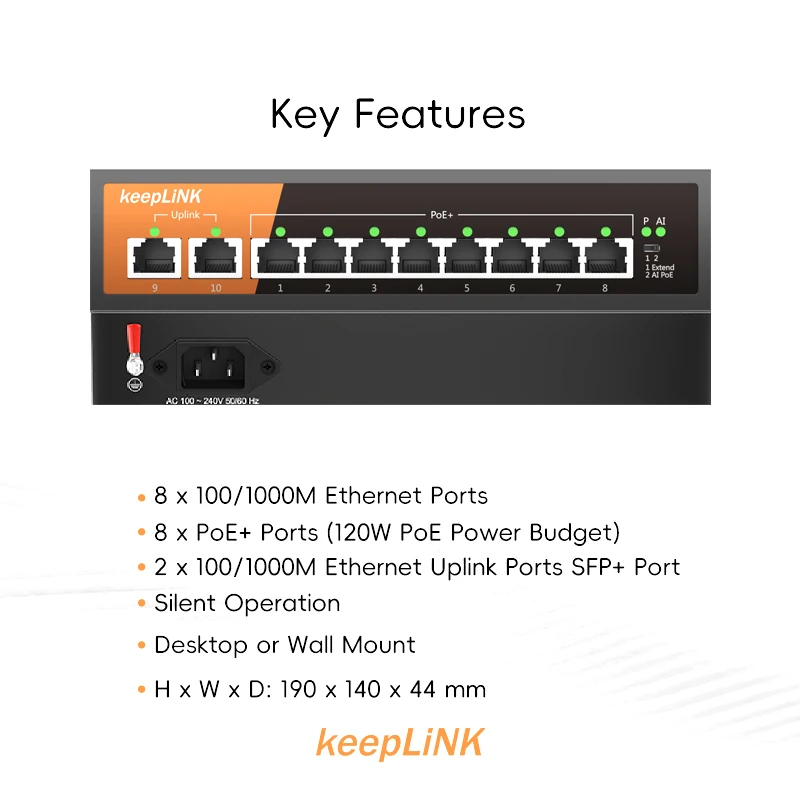
- 8 gigabit PoE+ ports: IEEE 802.3af/at, up to 30 W per port.
- 135 W total PoE budget: power up to 8 cameras, access points or phones.
- 2 gigabit uplink ports: connect to your router, NVR or core switch.
- 20 Gbps switching capacity: full-speed gigabit on every port.
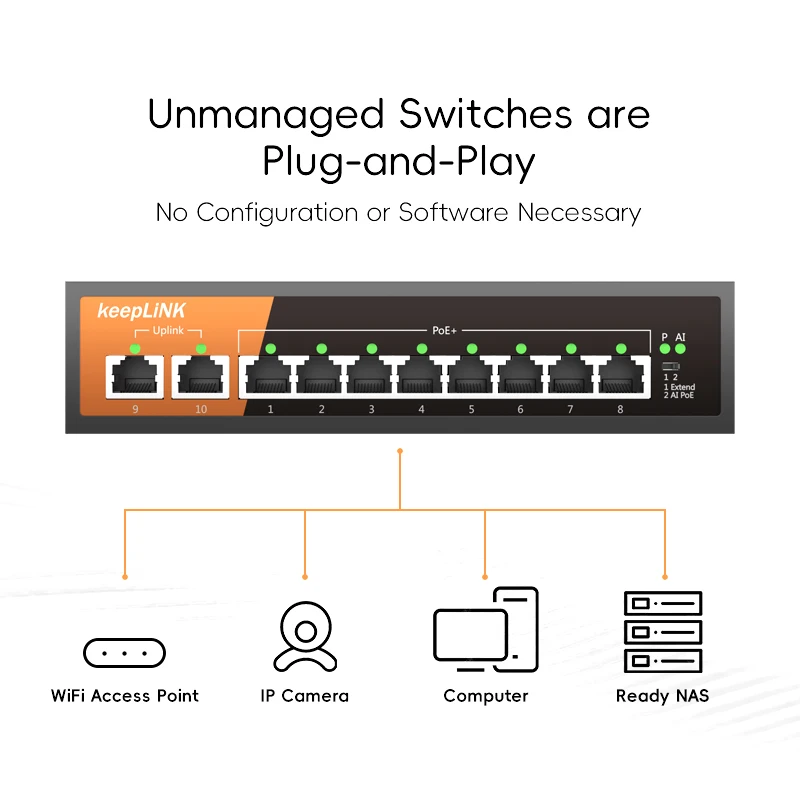
- Unmanaged plug and play: no software or setup required.
- VLAN isolation DIP switch: separates PoE ports for better security.
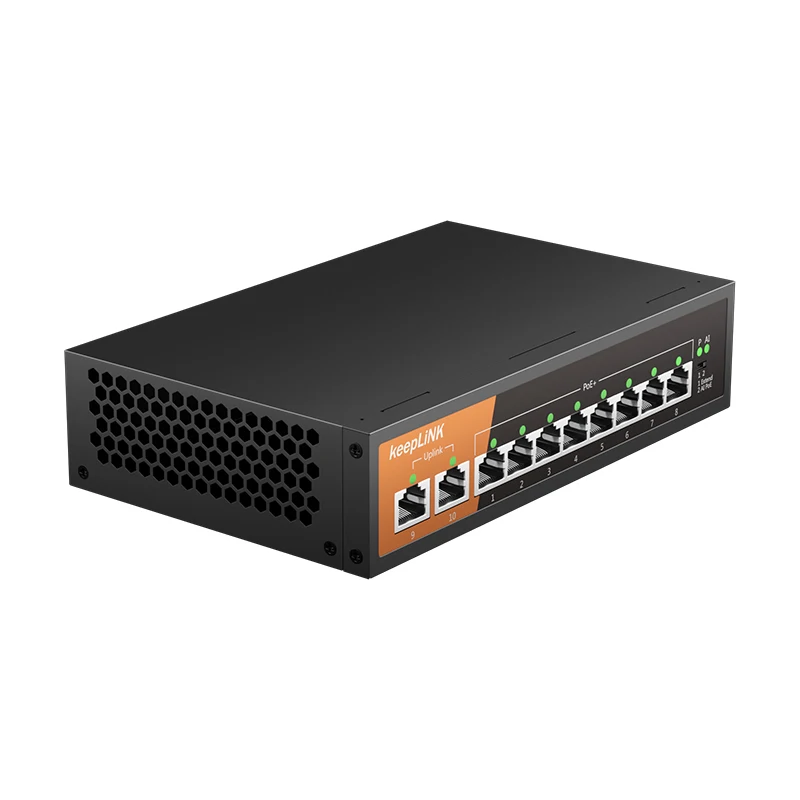
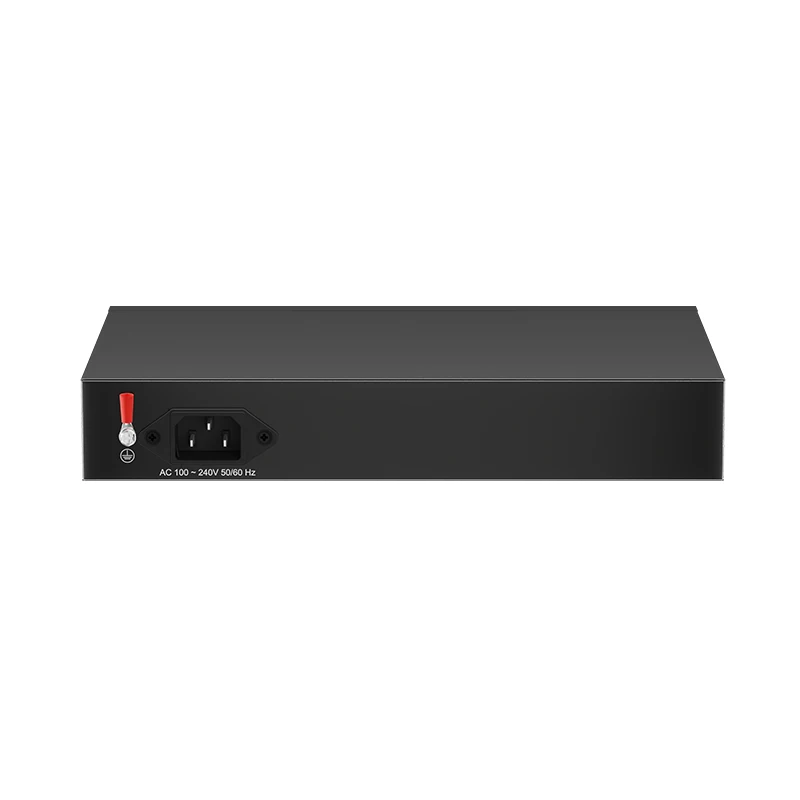
- Metal case, built-in power supply: desktop or wall mount, 100-240V.
How to Set Up a PoE Switch
- Plug the switch into power.
- Connect one uplink port to your router or NVR.
- Connect your PoE cameras, access points or phones to ports 1-8.
- Turn on VLAN mode if you want to isolate camera traffic.
Common Uses
Security Camera Systems
Power up to 8 PoE IP cameras from one box, with clean single-cable runs.
Office Wi-Fi
Run ceiling-mounted access points without electricians.
VoIP and Smart Devices
Power desk phones, door stations and IoT gear.
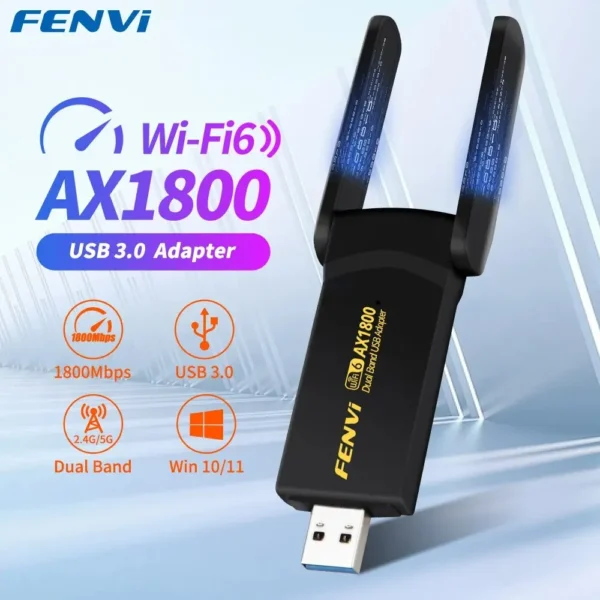
Add wireless to any PC with our Wi-Fi 6 USB adapter, or explore more networking gear. For managed switches, firewalls and enterprise PoE from Cisco, Fortinet and HPE Aruba, visit Jazz Cyber Shield enterprise networking hardware.
Technical Specifications
| Brand / Model | KeepLiNK KP-9000-208GP |
| Ports | 10 x 10/100/1000 Mbps RJ45 |
| PoE Ports | 8 (ports 1-8) |
| PoE Standard | IEEE 802.3af/at |
| PoE Budget | 135 W total, up to 30 W per port |
| PoE Pinout | 1, 2, 3, 6 |
| Uplink | 2 x gigabit RJ45 |
| Switching Capacity | 20 Gbps |
| Management | Unmanaged, plug and play |
| VLAN | DIP switch port isolation |
| Power Input | AC 100-240V, 50/60 Hz, US plug |
| Mounting | Desktop or wall |
| Certifications | FCC, CE, RoHS |
Frequently Asked Questions
What is a PoE switch?
A PoE (Power over Ethernet) switch sends data and power over one Ethernet cable, so IP cameras, Wi-Fi access points and VoIP phones do not need separate power adapters.
How many cameras can it power?
Up to 8 PoE devices. Each port supplies up to 30 W, with a 135 W total budget, which is plenty for most IP cameras, access points and phones.
Do I need to configure it?
No. It is an unmanaged, plug-and-play switch. Connect your devices and an uplink to your router and it works right away.
What are the 2 uplink ports for?
They connect the switch to your router, NVR or another switch at gigabit speed without using PoE ports.
What is the VLAN DIP switch?
It turns on port isolation, so PoE devices can only talk to the uplink. This improves security and reduces broadcast traffic on camera networks.
Buy With Confidence From Enterprise IT Hub
Every order comes with fast dispatch, our 30-day return policy and real human support. Have a question about the gigabit PoE switch? Contact our tech support team before you buy.
Reviews
There are no reviews yet.