Which HP Ink Do I Need? HP 962XL, 936, 67XL, 65XL, 64 and 63 Explained
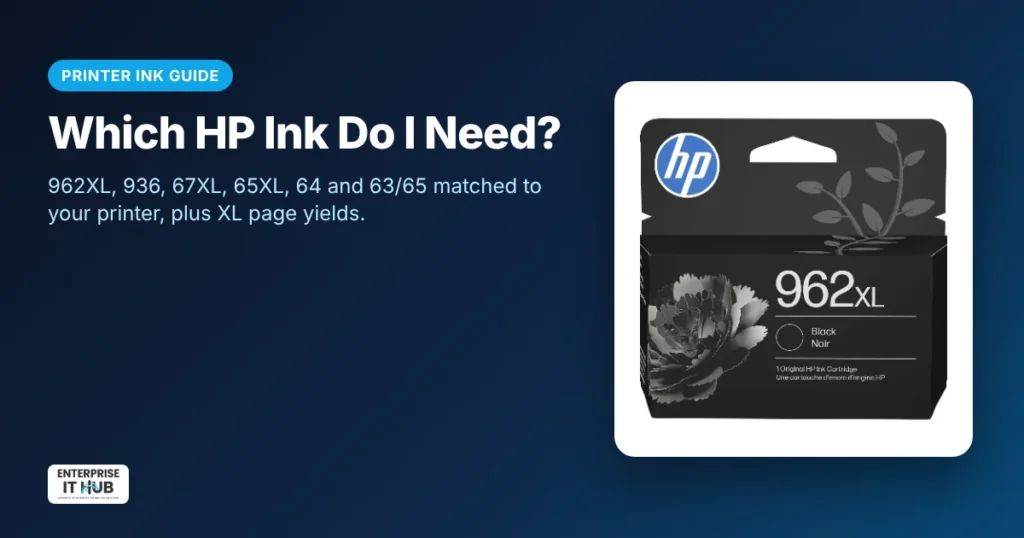
Quick answer: HP ink is matched to printer families. HP 962XL fits OfficeJet Pro 9010, 9020 and 9025 series. HP 936 fits OfficeJet Pro 9100 and 9700 series. HP 67XL fits DeskJet, DeskJet Plus and ENVY models that take 67. HP 65XL fits HP AMP 100, DeskJet 2600 and 3700, and ENVY 5000 series. HP 64/64XL fits ENVY Inspire, ENVY Photo and Tango. Always confirm the number shown on your current cartridge or in the HP Smart app.
How to find your HP ink number in 30 seconds
- Open the ink door and read the number printed on the cartridge (for example, 962XL).
- Or open the HP Smart app and look under supplies.
- Or check the label on the printer for the model (for example, OfficeJet Pro 9015e), then use the chart below.
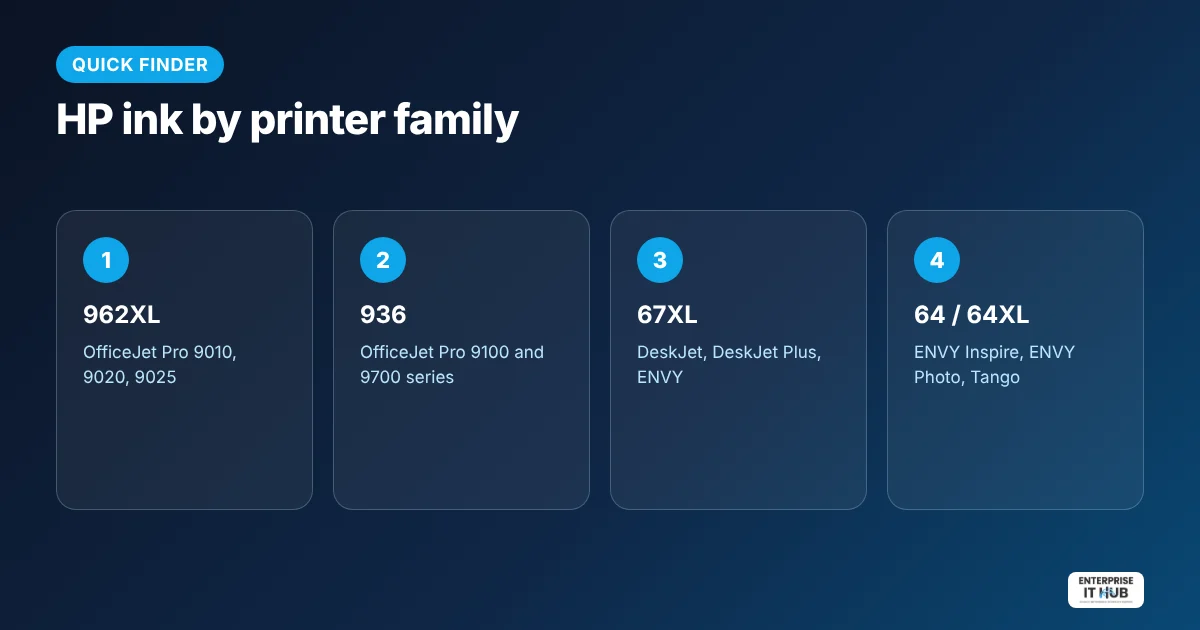
HP ink compatibility chart
| Ink | Printer families | Page yield (approx.) | Shop |
|---|---|---|---|
| HP 962XL | OfficeJet Pro 9010, 9020, 9025 series | ~2,000 black / ~1,600 color | HP 962XL ink cartridges |
| HP 936 | OfficeJet Pro 9100 and 9700 series (e.g. 9110b, 9125e, 9130b, 9135e, 9730e) | Up to 1,250 black / 800 per color | HP 936 ink cartridges |
| HP 67XL | DeskJet, DeskJet Plus, ENVY (67 models) | Up to 240 black | HP 67XL ink |
| HP 65XL Black | HP AMP 100, DeskJet 2600 and 3700, ENVY 5000 series | ~300 pages | HP 65XL black ink |
| HP 64 / 64XL | ENVY Inspire, ENVY Photo, Tango | XL black up to 2x standard | HP 64 / 64XL ink |
| HP 63/65 Tri-Color | Select DeskJet, ENVY and OfficeJet models that take 63 or 65 | — | HP 63/65 tri-color ink |
Page yields are approximate manufacturer figures as listed on our product pages; real results depend on what you print.
XL or standard HP ink?
XL (high-yield) cartridges cost more upfront but print more pages, so they usually cost less per page. Choose XL if you print weekly. Choose standard if you print rarely, so ink doesn’t sit unused for months. Need black and color together? A bundle like the HP 63XL/65XL black + tri-color bundle saves buying two separate orders.
Genuine HP ink and HP+ printers
Some HP printers, including HP+ models, are designed to work with original HP cartridges, and firmware updates can block some non-HP chips. Genuine cartridges avoid “cartridge problem” errors and give the most consistent prints.
5 ways to make HP ink last longer
- Print in draft or grayscale for internal documents.
- Print at least once a week so nozzles don’t dry out.
- Leave cartridges installed until you have replacements ready.
- Buy XL if you print often.
- Print shipping labels on a thermal label printer instead, with no ink needed.
Frequently asked questions
Which HP ink do I need?
Check the number on your current cartridge or in the HP Smart app, then match it to your printer family: 962XL for OfficeJet Pro 9010/9020/9025, 936 for OfficeJet Pro 9100/9700, 67XL for DeskJet and ENVY models that take 67, and so on.
Is HP XL ink worth it?
Yes, if you print regularly. XL cartridges usually cost less per page. If you print rarely, standard cartridges help avoid dried ink.
Can I use 962XL ink in an OfficeJet Pro 9100 series?
No. The OfficeJet Pro 9100 and 9700 series use HP 936 ink. HP cartridge numbers are not interchangeable.
What is the difference between HP 63 and 65 ink?
They fit different printer families. The HP 63/65 tri-color cartridge is designed to replace both in compatible models; check your printer before ordering.
Why does my HP printer say cartridge problem?
The cartridge may be the wrong number, not seated properly, or a non-HP cartridge blocked by the printer firmware. Reseat it and try a genuine HP cartridge.
Do you sell genuine HP ink?
Yes. Our HP cartridges are original HP, new and factory sealed.
The bottom line
Match the number, choose XL if you print often, and stick with genuine HP for reliable results. Browse all HP ink cartridges, or see our Epson ink guide if you also run an Epson printer.
Enterprise IT Hub ships across the US with free shipping on orders over $50, a tracking number on every order and 30-day hassle-free returns. See our shipping policy.

The Enterprise IT Hub team writes practical guides on enterprise storage, projectors, label printing and IT infrastructure.