Epson 812 vs 822 vs 222 Ink: Which Cartridge Fits Your Printer?
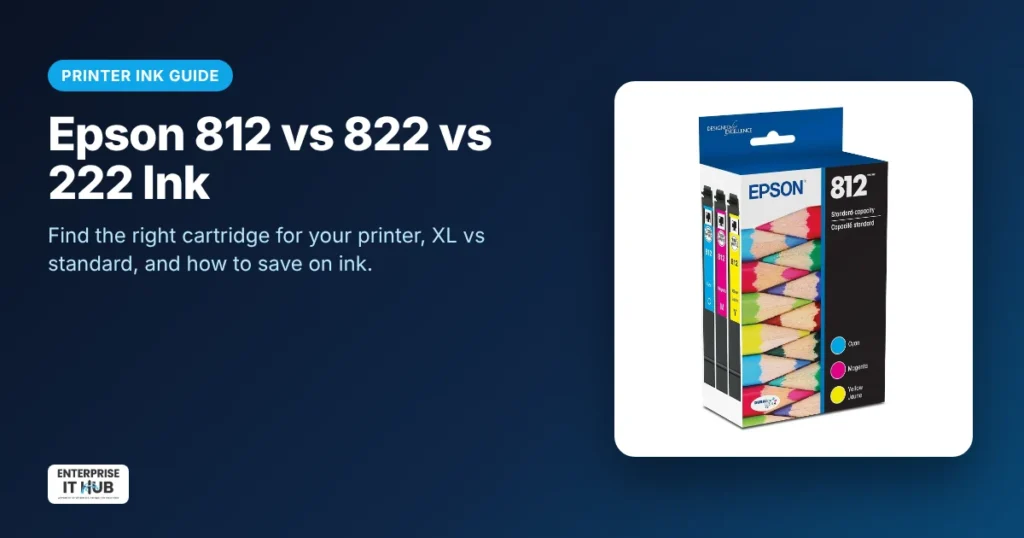
Quick answer: Epson ink numbers are printer-specific, so match the number to your printer model:
- Epson 812 / 812XL fits the WorkForce Pro WF-7310, WF-7820, WF-7840 and EC-C7000.
- Epson 822 / 822XL fits the WorkForce Pro WF-3820, WF-3823, WF-4820, WF-4830, WF-4833 and WF-4834.
- Epson 222 fits the WorkForce WF-2960 and the Expression Home XP-5200.
If you print often, XL cartridges usually cost less per page than standard ones.
This guide helps you find the right Epson cartridge fast. It explains what XL really means, DURABrite Ultra vs Claria ink, genuine vs compatible cartridges, and simple ways to cut your ink costs.
How to find the right Epson ink number
- Check the printer’s front or top label for the model (for example, WF-4830).
- Open the cartridge door. The cartridge itself shows its number (for example, 822).
- Look in the printer’s menu or the Epson app under “Supply levels.”
- Use the table below to match the model to the cartridge.
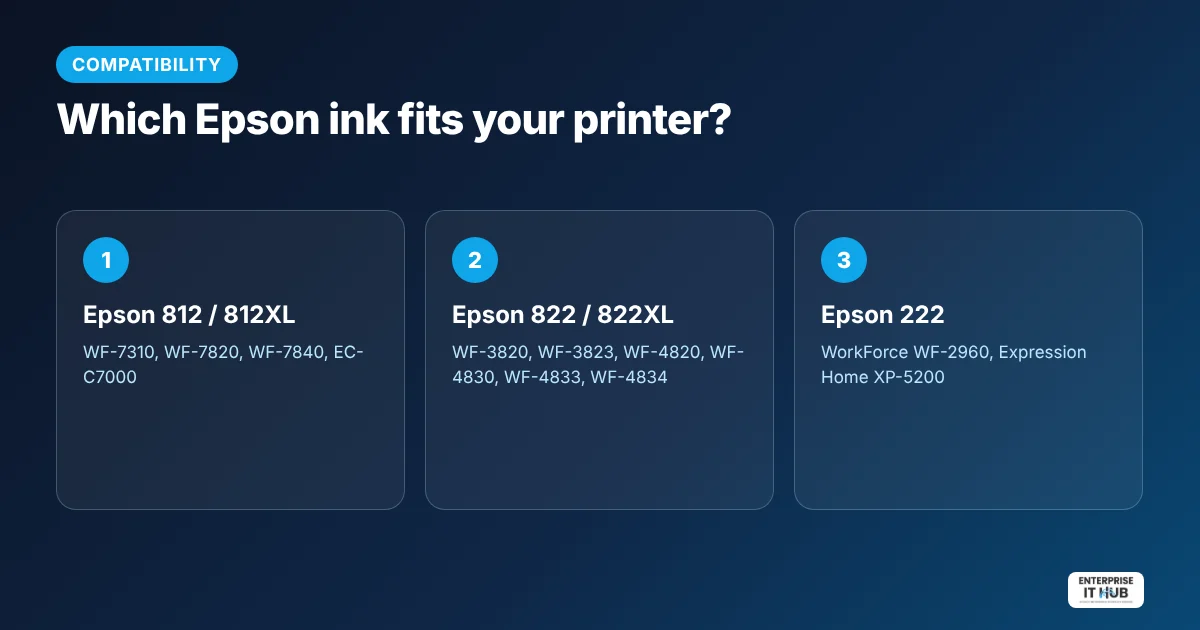
Epson ink cartridge compatibility chart
| Ink | Ink type | Compatible printers | Shop |
|---|---|---|---|
| Epson 812 / 812XL | DURABrite Ultra pigment | WorkForce Pro WF-7310, WF-7820, WF-7840, EC-C7000 | Epson 812 / 812XL ink combo packs |
| Epson 822 / 822XL | DURABrite Ultra pigment | WorkForce Pro WF-3820, WF-3823, WF-4820, WF-4830, WF-4833, WF-4834 | Epson 822 / 822XL ink cartridges |
| Epson 222 | Claria (pigment black, dye colors) | WorkForce WF-2960, Expression Home XP-5200 | Epson 222 Claria ink combo packs |
Always double-check your exact printer model before ordering. One digit can make a cartridge incompatible.
Standard vs XL: which should you buy?
XL (high-capacity) cartridges hold more ink and print more pages. They cost more upfront but usually less per page. Choose:
- XL if you print every week, run a home office or print color documents often.
- Standard if you print rarely. Ink that sits unused for months can dry or clog, so a smaller cartridge you’ll finish makes more sense.
DURABrite Ultra vs Claria ink
- DURABrite Ultra (812, 822): pigment ink that dries fast and resists smudges. It’s built for crisp business documents, highlighting and double-sided printing.
- Claria (222): pigment black with dye-based colors. Text stays sharp and colors are vivid, which suits home documents and everyday photos.
Genuine vs compatible Epson cartridges
Compatible and remanufactured cartridges are cheaper, but quality varies. Common issues include “cartridge not recognized” errors, firmware updates that block non-Epson chips, streaky prints and leaks. Genuine Epson ink is designed for your print head and gives the most consistent results, which matters most for business documents and anything customer-facing.
7 ways to save on printer ink
- Buy XL if you print regularly.
- Buy combo or multipacks instead of single colors when several are low.
- Use draft or “economy” mode for internal documents.
- Print in black and white unless color matters. Select “grayscale” in the print settings.
- Print at least once a week to keep nozzles from drying out. A dried nozzle wastes ink on cleaning cycles.
- Don’t remove cartridges until you have a replacement ready.
- For shipping labels, use a thermal printer instead. It needs no ink at all. See our shipping label printer guide.
Frequently asked questions
Which printers use Epson 812 ink?
Epson 812 and 812XL fit the WorkForce Pro WF-7310, WF-7820, WF-7840 and EC-C7000.
Which printers use Epson 822 ink?
Epson 822 and 822XL fit the WorkForce Pro WF-3820, WF-3823, WF-4820, WF-4830, WF-4833 and WF-4834.
Which printers use Epson 222 ink?
Epson 222 Claria ink fits the WorkForce WF-2960 and Expression Home XP-5200 printers.
Is Epson XL ink worth it?
Yes, if you print regularly. XL cartridges usually cost less per page than standard ones. If you print rarely, standard cartridges help you avoid ink drying out.
Can I use 812 ink in a printer that takes 822?
No. Epson cartridge numbers are not interchangeable. Always use the number listed for your printer model.
Why does my Epson printer say the cartridge is not recognized?
The cartridge may be the wrong number, not seated properly, or a non-genuine cartridge the printer won’t accept. Reseat it, check the number, and try a genuine cartridge.
The bottom line
Match the ink number to your printer, choose XL if you print often, and stick with genuine cartridges for reliable results. Browse genuine Epson and HP ink and toner, or the dedicated Epson ink cartridges collection.
Enterprise IT Hub ships across the US with free shipping on orders over $50, a tracking number on every order and 30-day hassle-free returns. See our shipping policy.

The Enterprise IT Hub team writes practical guides on enterprise storage, projectors, label printing and IT infrastructure.