Best Shipping Label Printer for Small Business (2026 Guide)
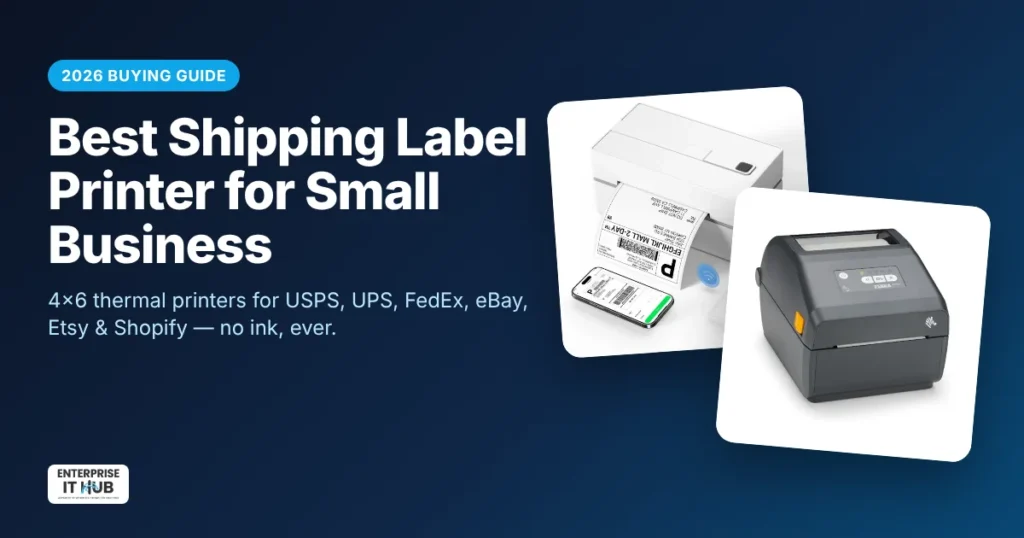
Quick answer: The best shipping label printer for most small businesses is a 4×6 direct thermal label printer with 203 DPI resolution. It prints USPS, UPS and FedEx labels without ink or toner, and Bluetooth models also print from a phone. If you ship fewer than 50 orders a day, a Bluetooth 4×6 printer in the $80–$130 range is plenty. If you ship hundreds of orders a day or run a warehouse, step up to a commercial desktop printer such as the Zebra ZD421.
This guide explains how thermal label printers work and what the specs actually mean. It covers which printer fits your order volume and how to set one up for USPS, UPS, FedEx, eBay, Etsy, Shopify and Amazon. It’s written for US sellers getting ready for the holiday shipping rush.
What is a thermal label printer?
A thermal label printer prints with heat instead of ink. The print head heats tiny dots on special heat-sensitive paper, and those dots turn black. That’s how a barcode or shipping label forms in about a second.
There are two types:
- Direct thermal: prints straight onto heat-sensitive labels. It needs no ink, toner or ribbon. Nearly all shipping label printers work this way.
- Thermal transfer: melts ink from a ribbon onto the label. It costs more to run, but the labels last for years. It’s used for product labels, asset tags and outdoor labels, not everyday shipping labels.
A shipping label only has to survive from your packing table to the customer’s door. That’s why direct thermal is the right choice for shipping: the only thing you ever buy again is labels.
Why use a thermal printer for shipping labels instead of an inkjet or laser?
If you’re still printing labels on letter paper, cutting them out and taping them to boxes, here’s what changes when you switch:
- No ink or toner, ever. The biggest running cost of an office printer simply disappears.
- Peel-and-stick labels. No scissors and no tape over the barcode, where glare can stop it from scanning.
- Faster packing. One label prints in a second or two, so a batch of 40 orders takes minutes instead of an hour.
- Cleaner barcodes. Thermal printing gives sharp black bars that scan reliably at the post office and in carrier hubs.
- Smudge-resistant. With no wet ink, rain or a damp porch won’t make the label run.
How to choose a shipping label printer: 6 specs that matter
1. Label width (4×6 support)
The standard US shipping label is 4 x 6 inches. USPS, UPS, FedEx, eBay, Etsy, Shopify, Amazon and PayPal all let you print labels in 4×6 format. Make sure the printer handles at least 4-inch-wide labels. Many also take smaller widths for barcodes, product labels and return-address labels.
2. Resolution: 203 DPI vs 300 DPI
203 DPI is the standard for shipping labels and is all a carrier barcode needs. 300 DPI only matters for very small text or tiny 2D barcodes on product and jewelry labels. Don’t pay extra for 300 DPI if you only print shipping labels.
3. Print speed
Speed is measured in millimeters per second (mm/s) or inches per second (ips). A 4×6 label is about 152 mm long, so a printer rated at 150 mm/s prints one label in roughly a second. For a small business, anything around 150 mm/s is fast enough. Speed only becomes the bottleneck when you’re printing hundreds of labels in one sitting.
4. Connectivity: Bluetooth, USB or Ethernet
- Bluetooth: print from an iPhone, Android phone or tablet. This is great if you buy labels in a seller app like eBay or Etsy and want to skip the computer.
- USB: the simplest and most reliable connection to one Windows PC or Mac.
- Ethernet / Wi-Fi: lets several packing stations or computers share one printer. This is standard on commercial models.
5. Label compatibility (fanfold vs rolls)
Labels come as rolls or as fanfold stacks (one long folded strip). Fanfold stacks sit behind the printer and hold more labels, so you swap them less often. Before you buy, check that the printer accepts generic third-party labels. Some printers only work with the brand’s own chipped rolls, and those cost more over time.
6. Duty cycle and build quality
Entry-level printers are built for a few dozen to a couple of hundred labels a day. Commercial desktop printers like Zebra’s are built for all-day use, offer business-grade support, and plug into warehouse and ERP software through the ZPL printer language.
Best shipping label printer by business size
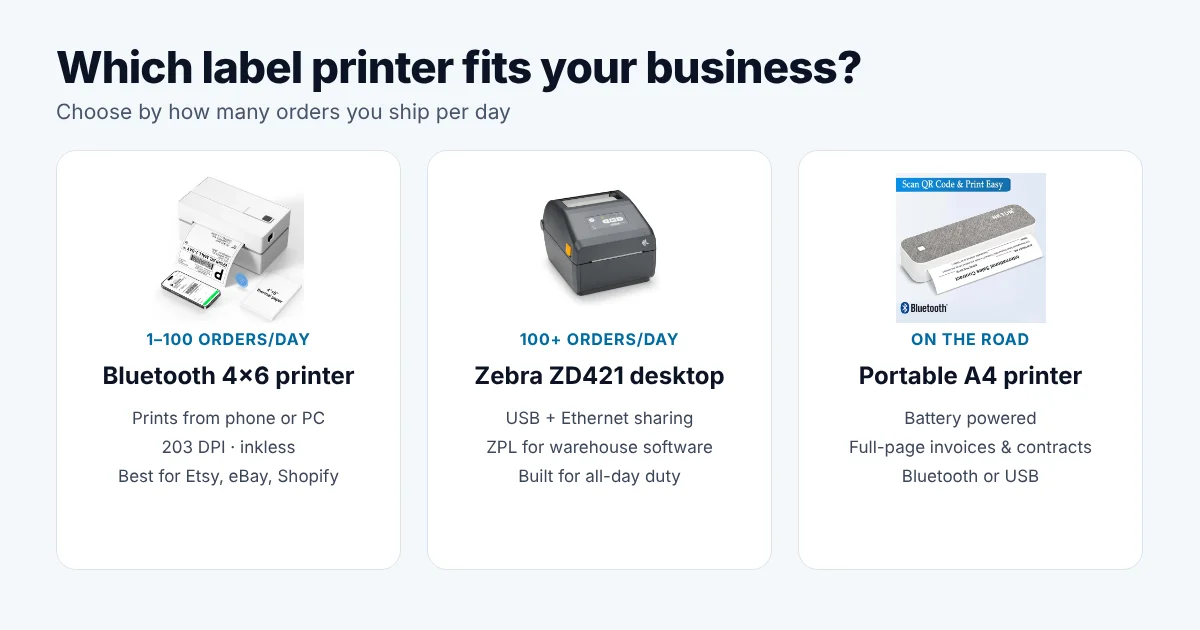
| Your business | Orders per day | What to buy | Why |
|---|---|---|---|
| Side hustle / new Etsy or eBay seller | 1–20 | Bluetooth 4×6 thermal label printer | Low cost, prints from your phone, no ink to buy |
| Growing online store | 20–100 | 4×6 thermal printer with USB + Bluetooth, fanfold labels | Fast batch printing from a computer, fewer label swaps |
| Warehouse / 3PL / multi-station | 100+ | Commercial desktop printer (e.g. Zebra ZD421) | Ethernet sharing, ZPL support, built for all-day duty |
| Field sales / mobile documents | — | Portable A4 thermal printer | Prints full-page invoices and contracts on the go |
For small sellers: Bluetooth 4×6 thermal label printer
For most home-based and small online businesses, a Bluetooth 4×6 printer hits the sweet spot. Our Bluetooth 4×6 thermal shipping label printer prints 203 DPI labels at up to 150 mm/s. It takes labels from 1.5″ to 4.3″ wide and connects to iPhone, Android and Windows. It works with USPS, UPS, FedEx and the major seller platforms, and it never needs ink.
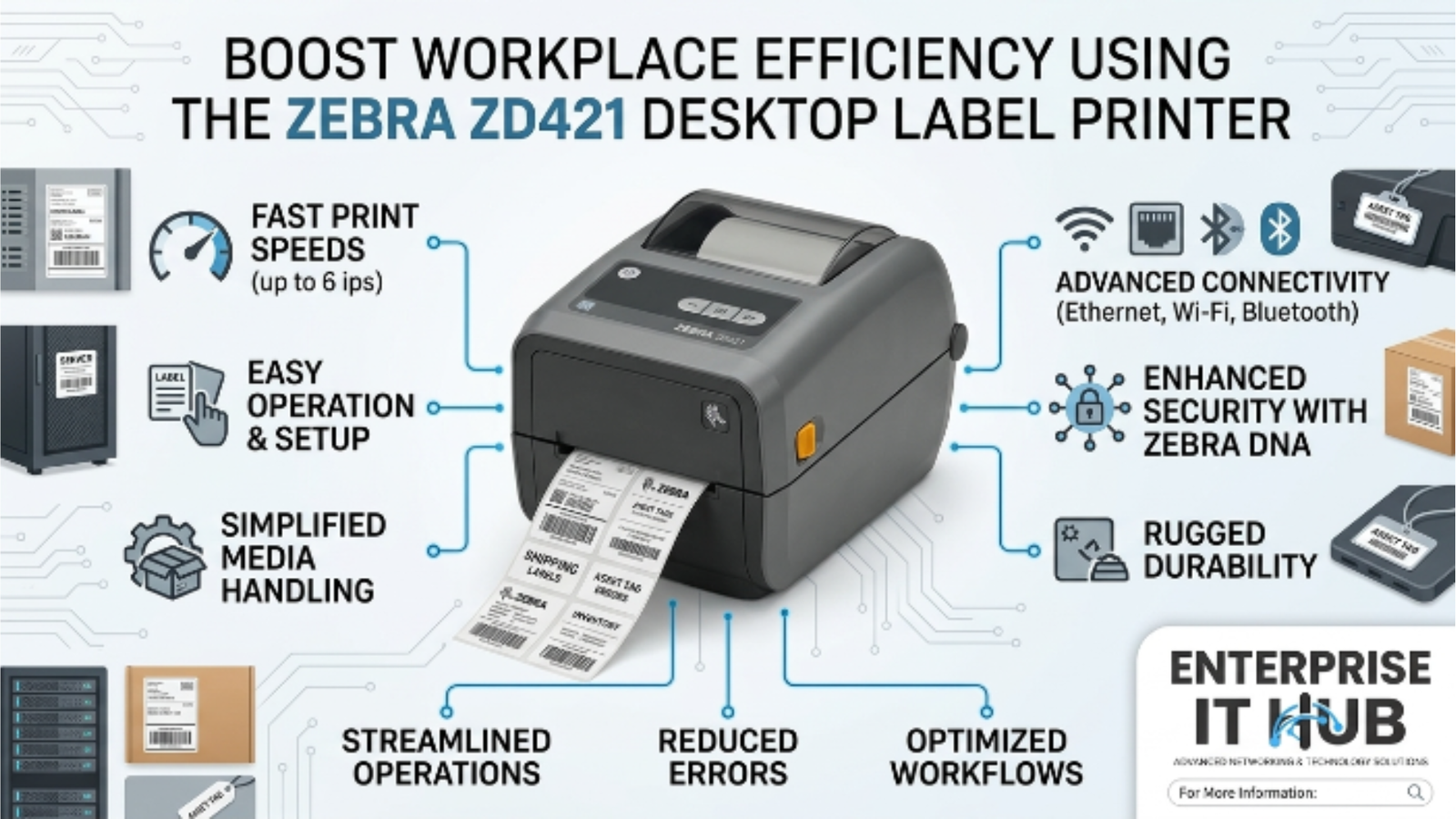
For high-volume shipping: Zebra ZD421 desktop printer
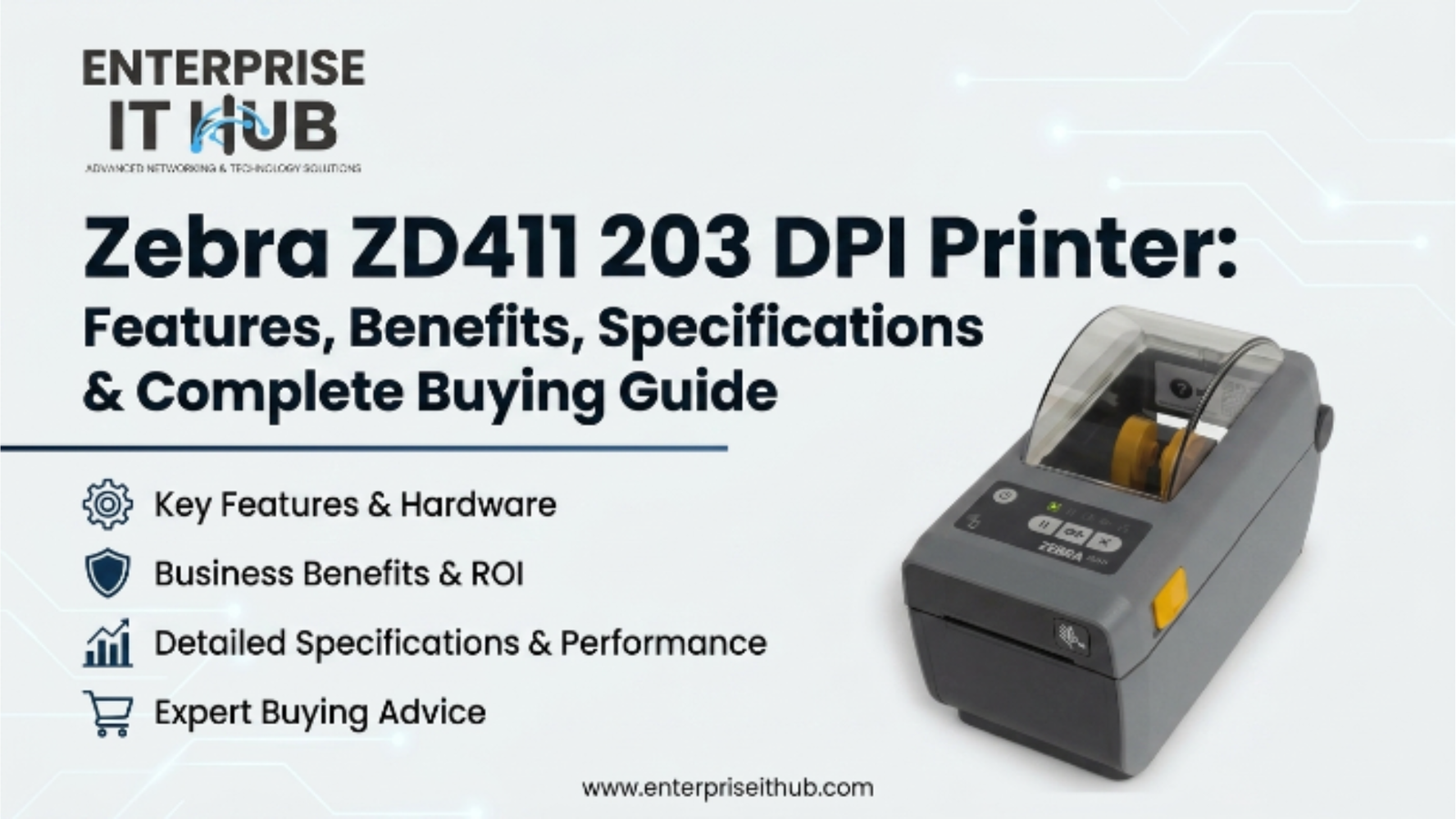
When you’re shipping hundreds of orders a day, or several people print from different computers, a commercial printer pays for itself in reliability. The Zebra ZD421 direct thermal desktop label printer prints 4-inch, 203 DPI labels and connects over USB and Ethernet. It’s a common choice in retail, logistics and e-commerce fulfillment. For a full breakdown, read our Zebra ZD421 desktop label printer review. If you’re comparing Zebra models, see the Zebra ZD411 203 DPI printer guide too.
For printing on the go: portable A4 thermal printer
Shipping labels aren’t the only thing a mobile business prints. If you need invoices, delivery notes or signed contracts on site, a portable A4 printer like the NETUM GD-85 portable A4 thermal printer runs on its battery and prints full pages over Bluetooth or USB.
See the full range in our thermal and label printers collection.
How to set up a thermal label printer for USPS, UPS, FedEx and seller platforms
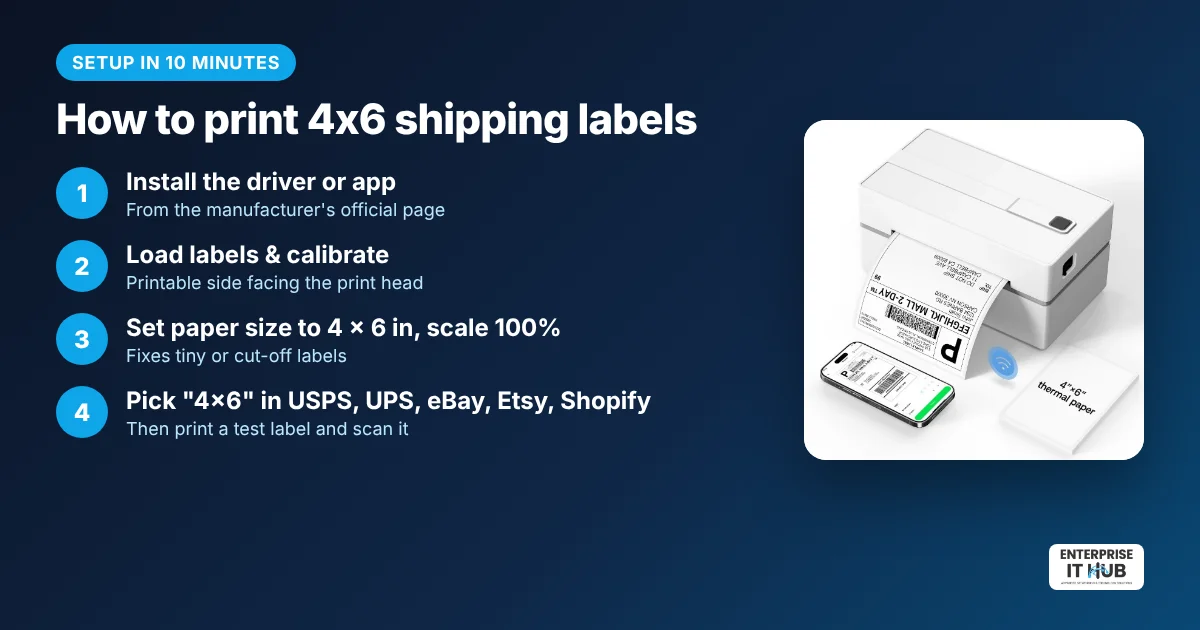
Setup takes about 10 minutes. These steps work for most 4×6 thermal printers:
- Install the driver or app. Download the printer’s driver for Windows or macOS, or its mobile app for Bluetooth printing. Always use the manufacturer’s official download page.
- Load the labels. Place the roll or fanfold stack with the printable side facing the print head, then feed the first label through.
- Calibrate. Most printers auto-detect the label gap when you hold the feed button or run the calibration from the app. This stops labels from printing across two stickers.
- Set the paper size to 4 x 6 in (100 x 150 mm). In your computer’s printer settings, set the default paper size to 4×6 and set scaling to 100% or “Actual size.”
- Choose 4×6 in your shipping platform:
- USPS Click-N-Ship: choose the 4×6 label option when you print.
- UPS and FedEx: pick the thermal or 4×6 label format in your shipping preferences.
- eBay: select the 4×6 label size on the print-label page.
- Etsy: in shipping label options, change the format from 8.5×11 to 4×6.
- Shopify: in your shipping label settings, set the label format to 4×6.
- Amazon Seller Central: set the label format to 4×6 thermal in your shipping settings.
- Print a test label and scan the barcode with your phone to confirm it reads cleanly.
Tip: If labels print tiny in the corner or get cut off, the problem is almost always the paper size or scaling setting. Set the size to 4×6 and scaling to 100%.
Common thermal label printer problems (and fixes)
- Blank labels come out: the labels are loaded upside down, or they aren’t direct thermal labels. Scratch the label with a fingernail; direct thermal paper turns dark.
- Printing skips labels or prints across the gap: run the calibration again.
- Faded print: raise the print density/darkness in the driver and clean the print head with an isopropyl alcohol swab.
- Bluetooth won’t connect: pair it from inside the printer’s app, not only in your phone’s Bluetooth menu. Many label apps need to connect directly.
Thermal label costs: what you’ll spend after the printer
Because direct thermal printers use no ink, labels are your only ongoing cost. Generic 4×6 direct thermal labels are sold in rolls and fanfold stacks of several hundred, and buying in bulk keeps the cost per label to a few cents. Store spare labels away from heat and sunlight, because direct thermal paper reacts to heat. Don’t use direct thermal labels for anything that must stay readable for years; use thermal transfer for that.
Frequently asked questions
What size shipping label printer do I need?
You need a printer that handles 4-inch-wide labels, because 4×6 inches is the standard shipping label size for USPS, UPS, FedEx and every major marketplace in the US.
Do thermal label printers need ink?
No. Direct thermal label printers use heat-sensitive labels, so they never need ink, toner or ribbons. Thermal transfer printers do use a ribbon, but they aren’t needed for shipping labels.
Can I print USPS labels with a thermal printer?
Yes. USPS Click-N-Ship and third-party shipping apps support 4×6 labels, which print on any standard 4×6 thermal label printer.
Can a thermal label printer print from my phone?
Yes, if it has Bluetooth. Bluetooth thermal label printers work with iPhone and Android through the printer’s app, so you can buy a label in a seller app and print it right away.
Is 203 DPI good enough for shipping labels?
Yes. 203 DPI is the industry standard for shipping labels and produces barcodes carriers scan reliably. 300 DPI is only worth it for very small product labels.
How long do direct thermal labels last?
Direct thermal labels last plenty long for shipping. They can fade over time with heat, sunlight or friction, so they suit short-life uses like shipping and receipts rather than long-term labeling.
What’s the difference between a Zebra printer and a cheaper Bluetooth label printer?
Zebra desktop printers are built for continuous commercial use. They add Ethernet networking and support the ZPL language used by warehouse software. A Bluetooth 4×6 printer costs far less and is ideal for small sellers who print from a phone or one computer.
The bottom line
For most US small businesses, a 4×6 direct thermal printer at 203 DPI is the fastest, cheapest way to print shipping labels. Start with a Bluetooth 4×6 shipping label printer if you’re shipping from home or a small shop. Upgrade to a Zebra ZD421 once your volume or team grows. Set it up before the holiday rush, so peak season is spent packing, not cutting paper.
Enterprise IT Hub ships across the US with free shipping on orders over $50, a tracking number on every order and 30-day hassle-free returns. See our shipping policy or track your order.

The Enterprise IT Hub team writes practical guides on enterprise storage, projectors, label printing and IT infrastructure.