
Description
HP 67XL Ink Cartridges – Quick Answer
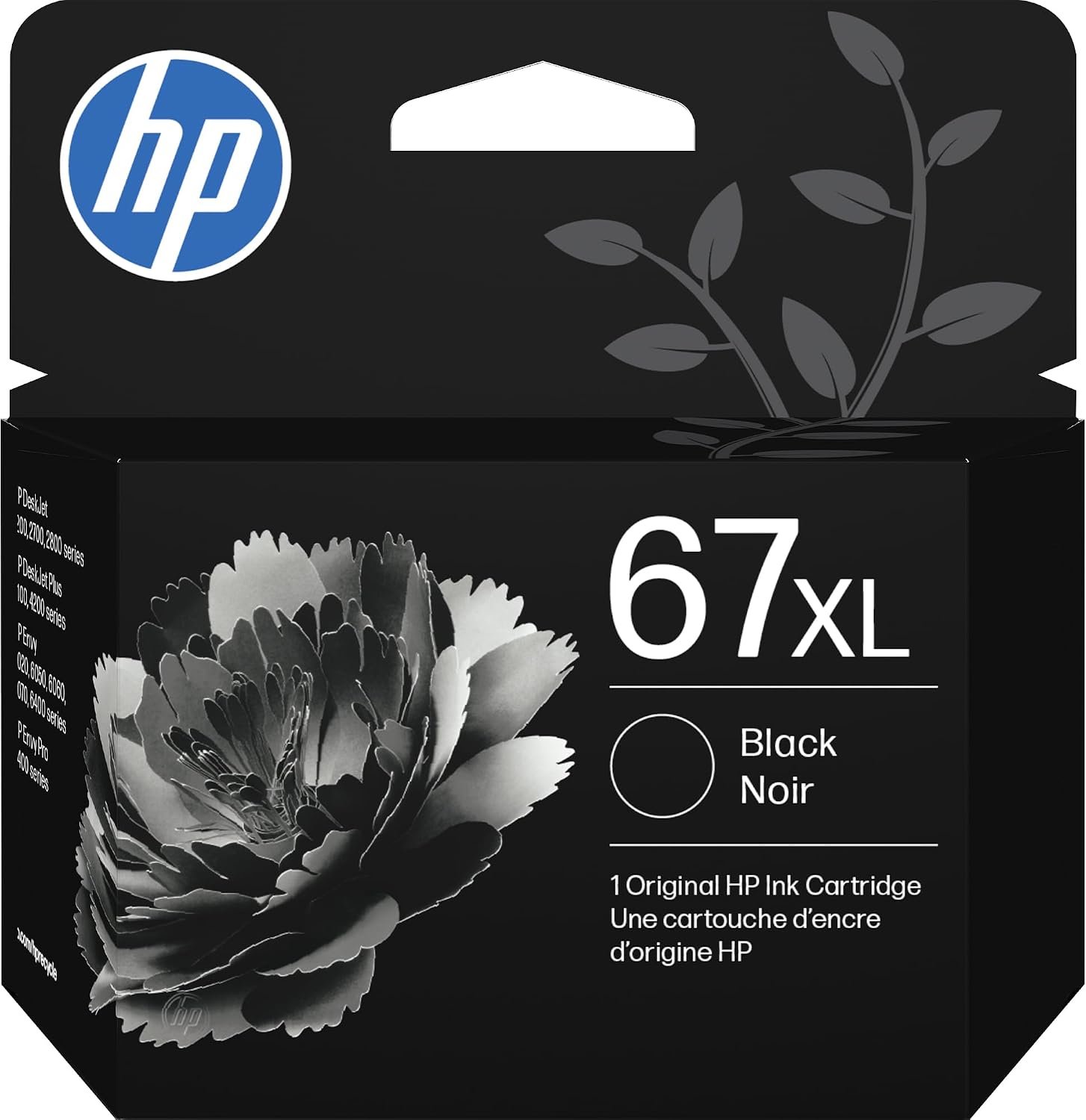
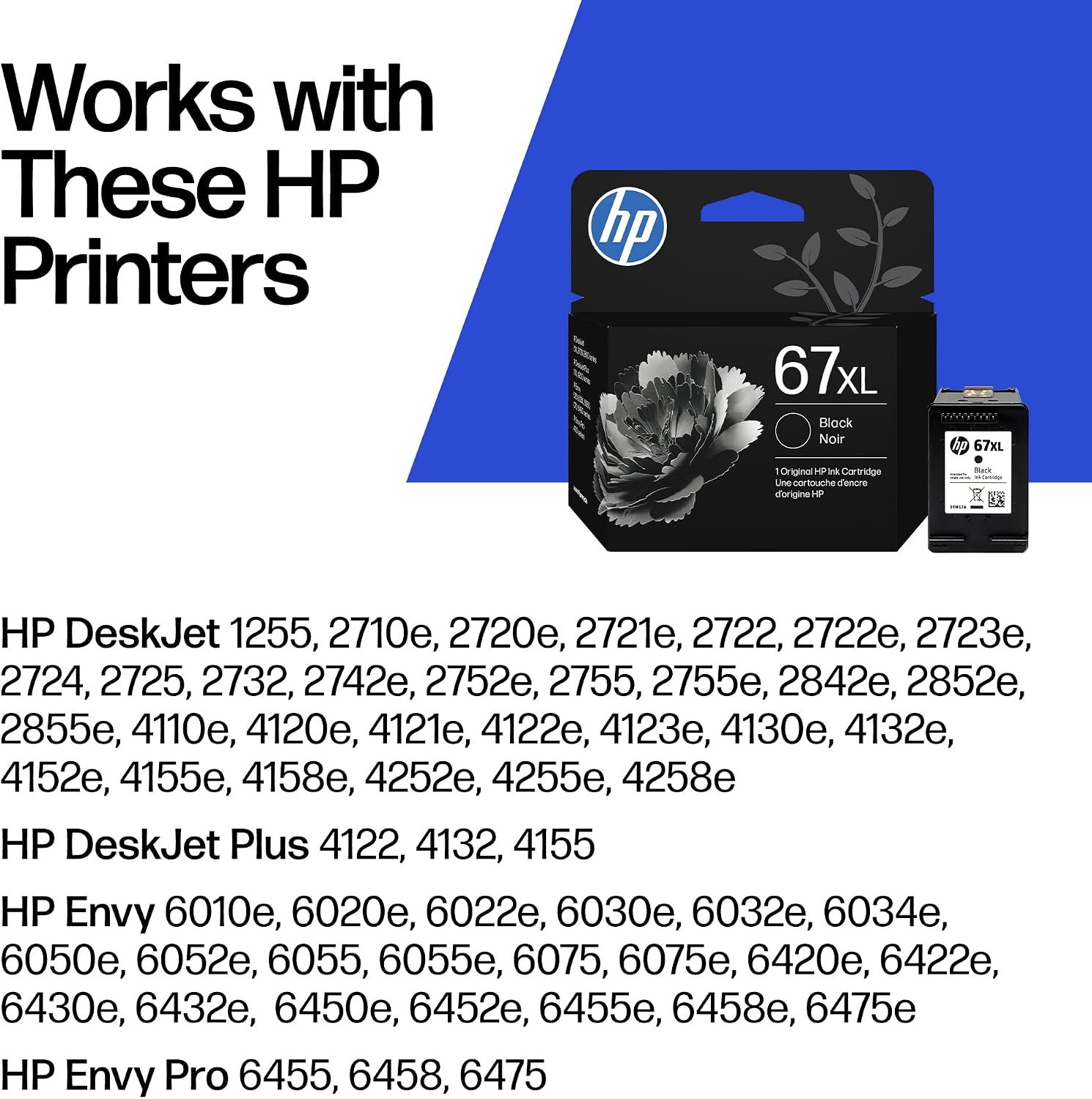
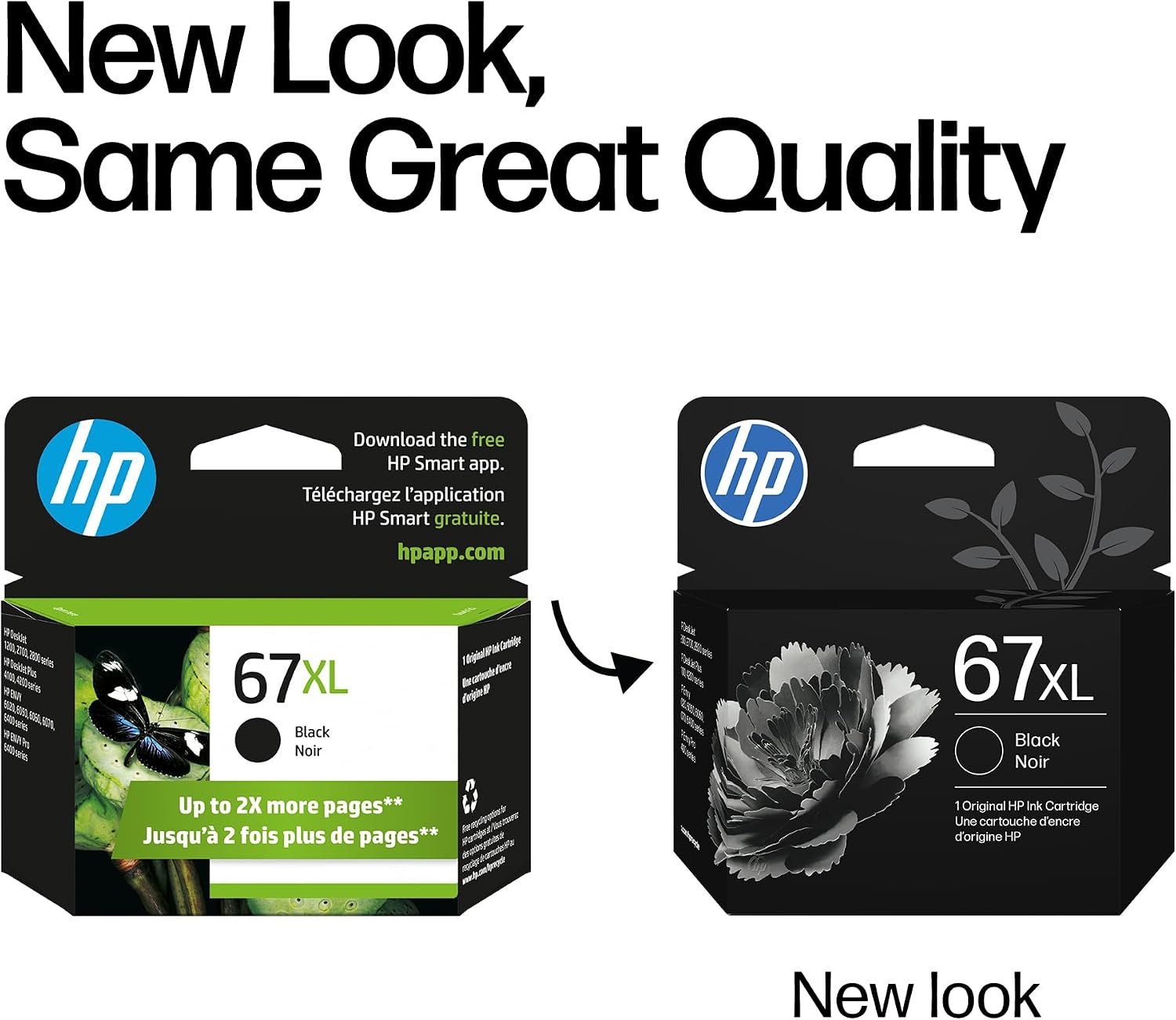
The HP 67XL is the high-yield version of HP 67 ink, made for HP DeskJet 1255, 2700, 2800 and 4100 series, HP DeskJet Plus 4100 series and HP ENVY 6000 and 6400 series printers. HP 67XL Black (3YM57AN) prints about 240 pages and HP 67XL Tri-Color (3YM58AN) prints about 200 pages — roughly twice the pages of standard HP 67 cartridges.
HP 67XL Part Numbers and Page Yields
| Cartridge | HP Part Number | UPC | Page Yield |
|---|---|---|---|
| HP 67XL Black | 3YM57AN | 193015522404 | ~240 pages |
| HP 67XL Tri-Color | 3YM58AN | 193015522411 | ~200 pages |
Yields are approximate, based on ISO/IEC testing. Actual yield varies with content and usage.
Why Choose HP 67XL?
- More pages, lower cost per page: About double the yield of standard HP 67, so you replace cartridges less often.
- HP+ compatible: HP+ “e” printers such as the DeskJet 2755e and ENVY 6055e can block non-HP cartridges. Original HP 67XL always works.
- Built-in print head: Each cartridge has a fresh print head, so print quality resets with every replacement.
- Accurate ink-level alerts: Genuine chips report remaining ink correctly.
- Easy recycling: Return empties free through HP Planet Partners.
Compatible Printers
HP DeskJet
- HP DeskJet 1255
- HP DeskJet 2732, 2734e, 2752, 2755, 2755e
- HP DeskJet 2827e, 2855e
- HP DeskJet 4155e, 4158e, 4175e, 4255e
HP DeskJet Plus
- HP DeskJet Plus 4140, 4152, 4155, 4158
HP ENVY
- HP ENVY 6052, 6055, 6055e, 6058, 6075
- HP ENVY 6452e, 6455e, 6458e
- HP ENVY Pro 6452, 6455, 6458
Technical Specifications
| Specification | Details |
|---|---|
| Brand | HP (Original) |
| Series | HP 67XL High Yield |
| Colors | Black; Tri-Color (Cyan, Magenta, Yellow) |
| Page Yield | Black ~240 pages; Tri-Color ~200 pages |
| Print Technology | HP Thermal Inkjet |
| Pack Size | 1 cartridge |
| Region | North America |
| Condition | New, factory sealed |
How to Replace an HP 67XL Cartridge
- Turn on the printer and open the ink cartridge access door.
- Wait for the carriage to move to the center and stop.
- Press down on the old cartridge to release it, then pull it out.
- Remove the plastic tape from the new cartridge. Do not touch the copper contacts.
- Slide it into its slot until it clicks: Tri-Color on the left, Black on the right.
- Close the door and print an alignment page if prompted.
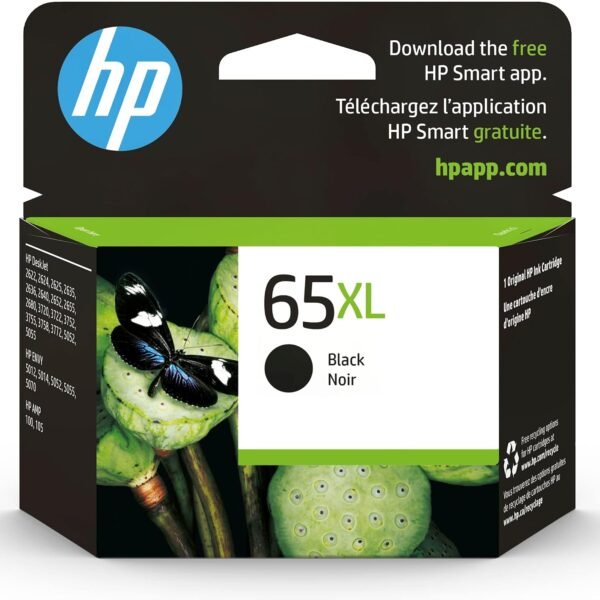
Also shop HP 936 ink cartridges for OfficeJet Pro and more genuine HP ink cartridges.
Reviews
There are no reviews yet.