
Portable SSD vs External Hard Drive: Which Should You Buy? (2026)
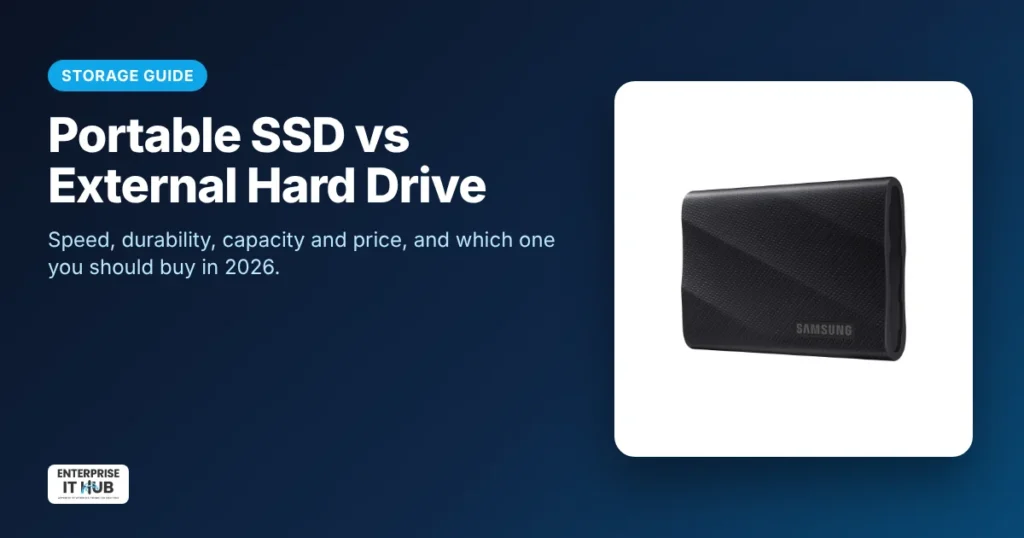
Quick answer: Choose a portable SSD if you need speed, durability and a small size: for video editing, gaming libraries, laptop backups and carrying files every day. Choose an external hard drive (HDD) if you need the most storage for the lowest price, for archives and backups that rarely move. A portable SSD has no moving parts, so it’s much faster and more resistant to drops. A hard drive stores more terabytes for the money.
This guide explains the real differences in speed, durability, capacity and cost. It also covers USB speeds (the part most buyers get wrong) and gives clear recommendations for creators, gamers, students and small businesses.
Portable SSD vs external hard drive: the key differences
| Portable SSD | External hard drive (HDD) | |
|---|---|---|
| How it stores data | Flash memory chips, no moving parts | Spinning magnetic platters and a moving head |
| Typical speed | Roughly 500 MB/s to 2,000 MB/s, depending on the model and USB port | Roughly 100–200 MB/s |
| Durability | Handles drops and vibration better | Sensitive to drops, especially while running |
| Size and weight | Pocket-size, very light | Bigger and heavier |
| Noise | Silent | Audible spin and clicks |
| Cost per TB | Higher | Lower |
| Best for | Working files, editing, gaming, travel | Bulk backups and archives |
Speed: why portable SSDs feel so much faster
A hard drive has to physically move a head across spinning platters to find your data. An SSD reads flash memory directly. The difference is most obvious when you open large video projects, load games, or copy thousands of small files like photos.
For example, the Samsung T9 portable SSD 2TB is rated for up to 2,000 MB/s over USB 3.2 Gen 2×2. That’s many times faster than a typical portable hard drive.
The USB port matters as much as the drive
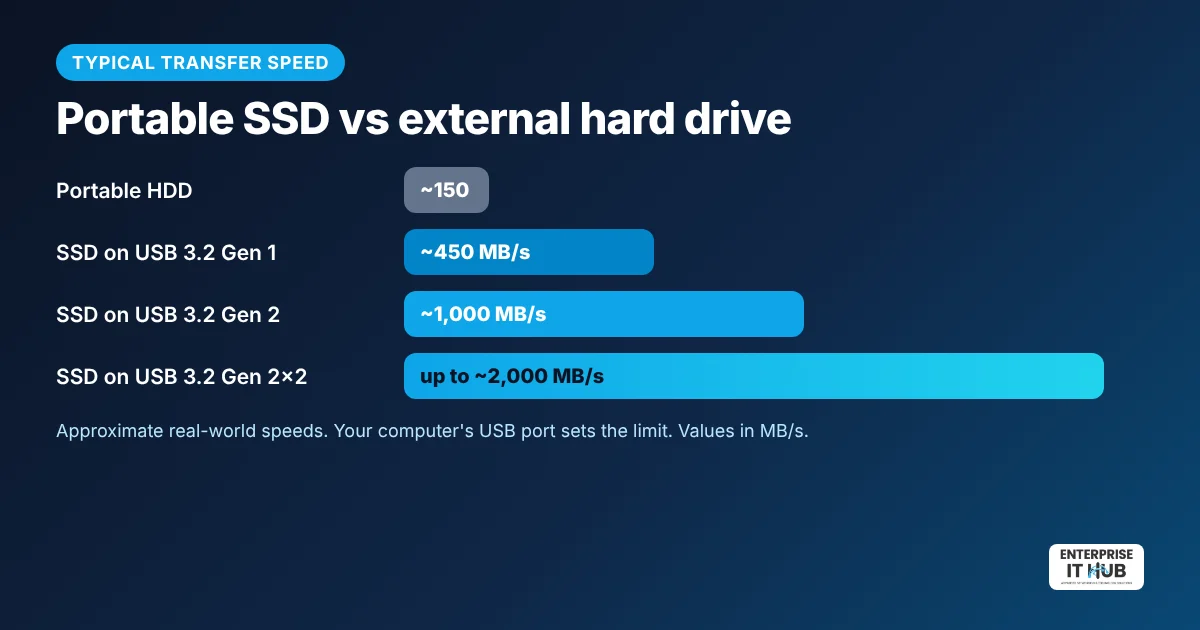
A fast SSD can only go as fast as the port it’s plugged into:
- USB 3.2 Gen 1 (5Gbps): up to about 450 MB/s in real use.
- USB 3.2 Gen 2 (10Gbps): up to about 1,000 MB/s.
- USB 3.2 Gen 2×2 (20Gbps): up to about 2,000 MB/s. Many computers, especially Macs, don’t support Gen 2×2 and fall back to Gen 2 speeds.
Check your laptop’s port before paying extra for the fastest drive. Even at Gen 2 speeds, an SSD is still far faster than a hard drive.
Durability: what happens if you drop it?
Drops are the number one killer of portable hard drives. A fall while the platters are spinning can damage the drive and the data on it. Portable SSDs have no moving parts, so they handle bumps, vibration and life in a backpack much better. If your drive travels every day, an SSD is the safer choice.
Capacity and price: where hard drives still win
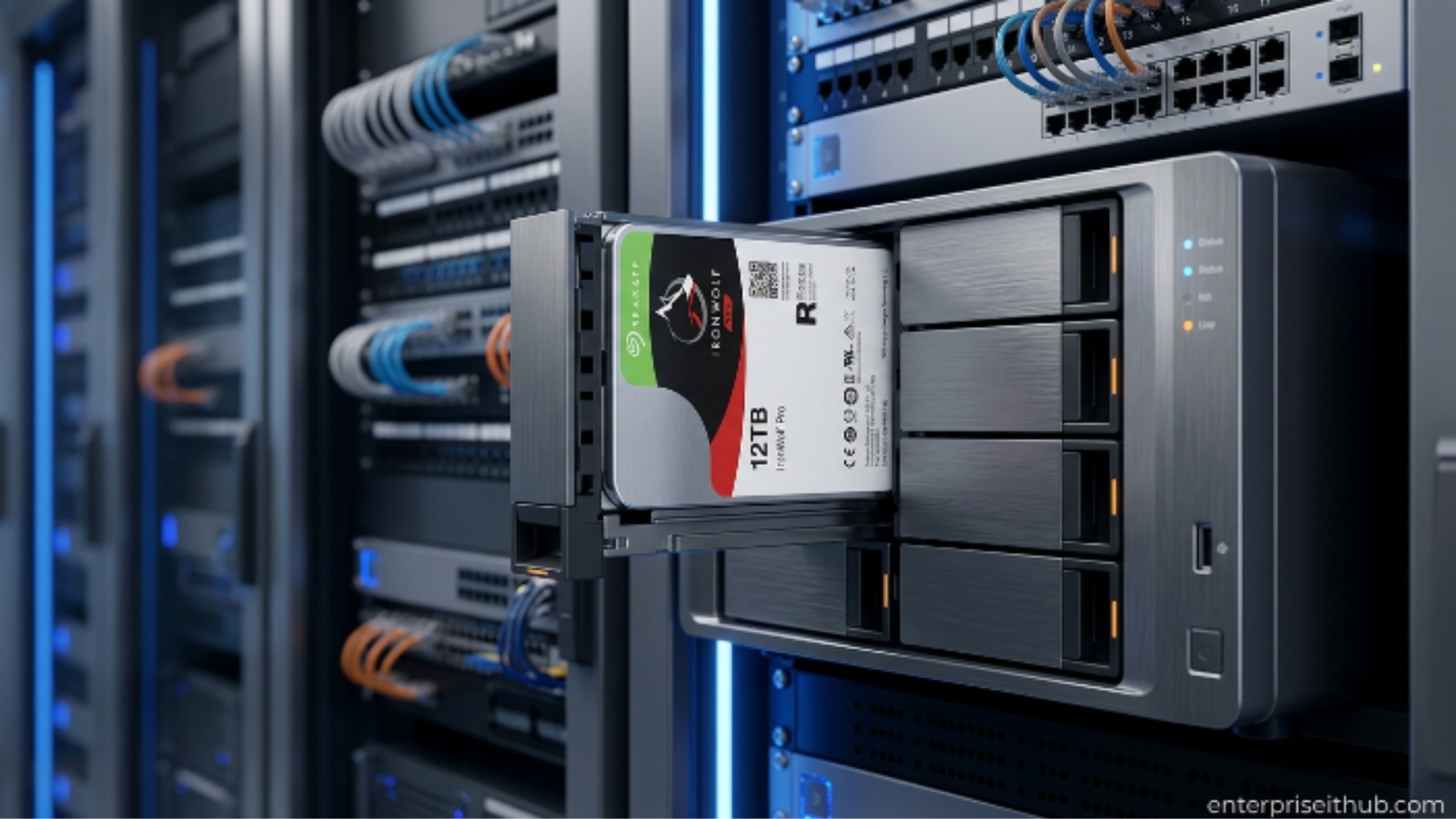
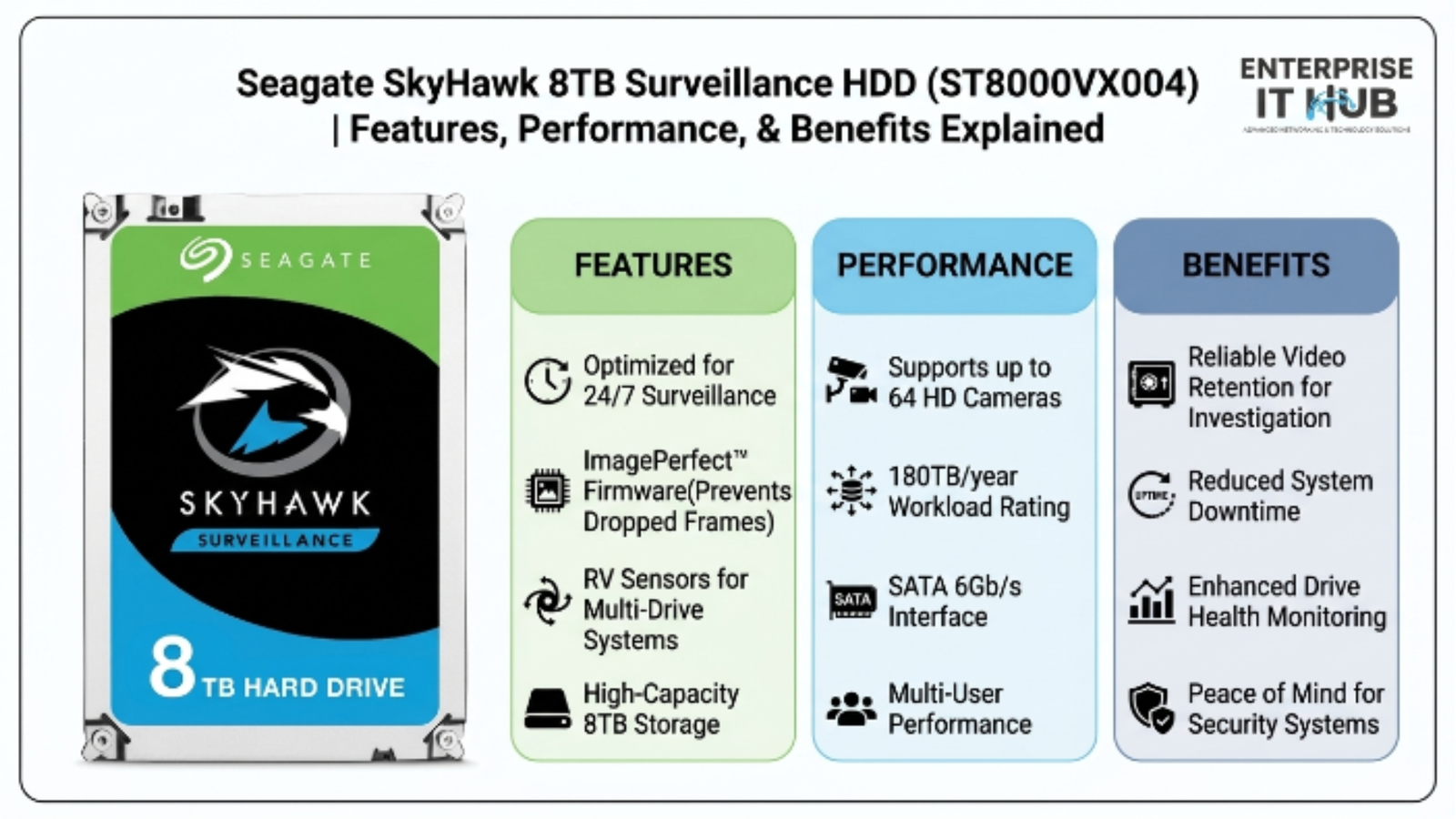
Hard drives give you far more terabytes for your money. If you need to back up a whole family photo library, years of security camera footage, or a large media collection that you rarely open, a hard drive or a NAS is the most cost-effective option. For always-on network storage, see our IronWolf vs SkyHawk vs BarraCuda guide. It explains which hard drive family fits NAS, surveillance and desktop use.
Which should you buy?
- Video editors, photographers and content creators: Portable SSD. You can edit directly from the drive without lag.
- Gamers (PS5, Xbox, PC): Portable SSD for faster load times and more room for your game library.
- Students and remote workers: Portable SSD for carrying projects between home, school and office.
- Family backups and archives: External hard drive for the lowest cost per terabyte.
- Small businesses: Both. Use an SSD for active work and a hard drive or NAS for nightly backups.
The smart setup: use both
Many professionals follow the 3-2-1 backup rule: three copies of your data, on two different types of storage, with one copy off-site. A portable SSD for daily work, plus a hard drive or NAS for backups, plus a cloud copy, covers all three.
How to make a portable SSD last
- Always eject before unplugging to avoid corrupted files.
- Use the included cables. Cheap cables can cap your speed at USB 2.0.
- Format for your devices: exFAT works on both Windows and Mac. Consoles may reformat the drive for their own use.
- Keep a backup. SSDs are durable, but no drive is a backup on its own.
Frequently asked questions
Is a portable SSD better than an external hard drive?
For speed, durability and portability, yes. For the most storage at the lowest price, an external hard drive is still better.
How much faster is a portable SSD than an HDD?
Portable SSDs typically run at about 500–2,000 MB/s depending on the model and USB port, while portable hard drives typically run at about 100–200 MB/s. Real speed depends on your computer’s port and cable.
Do portable SSDs last longer than hard drives?
Portable SSDs have no moving parts, so they handle drops and travel better. Both types can fail, which is why you should always keep a backup.
Can I use a portable SSD with a PS5 or Xbox?
Yes. Many portable SSDs, including the Samsung T9, work with PS5 and Xbox for storing games. Check your console’s rules for which games can be played directly from external storage.
Is a 2TB portable SSD enough?
For most creators, students and gamers, 2TB is a good balance of space and price. Heavy 4K video editors may want more, or may archive finished projects to a hard drive.
What’s the best format for a portable SSD on Mac and Windows?
exFAT works on both macOS and Windows without extra software, so it’s the easiest choice for a drive you’ll move between computers.
The bottom line
If your drive travels with you or you work directly from it, a portable SSD is worth the extra cost. The Samsung T9 2TB portable SSD is a top pick for speed. For cheap bulk backups, pair it with a hard drive or NAS from our storage collection.
Enterprise IT Hub ships across the US with free shipping on orders over $50, a tracking number on every order and 30-day hassle-free returns. See our shipping policy.

The Enterprise IT Hub team writes practical guides on enterprise storage, projectors, label printing and IT infrastructure.
2 Comments