IronWolf vs SkyHawk vs BarraCuda: Which Seagate Hard Drive Should You Buy in 2026?
Choosing between IronWolf vs SkyHawk vs BarraCuda looks simple until you notice all three are Seagate 3.5-inch SATA hard drives that look almost identical on paper. Pick the wrong one and you get a NAS that slows down during rebuilds, a security recorder that drops frames, or a desktop drive that wears out early because it was never designed to run 24/7.
This guide compares the three drive families side by side — what each one is built for, the specs that actually matter, and exactly which one to buy for a desktop, a NAS, or a CCTV/NVR system.
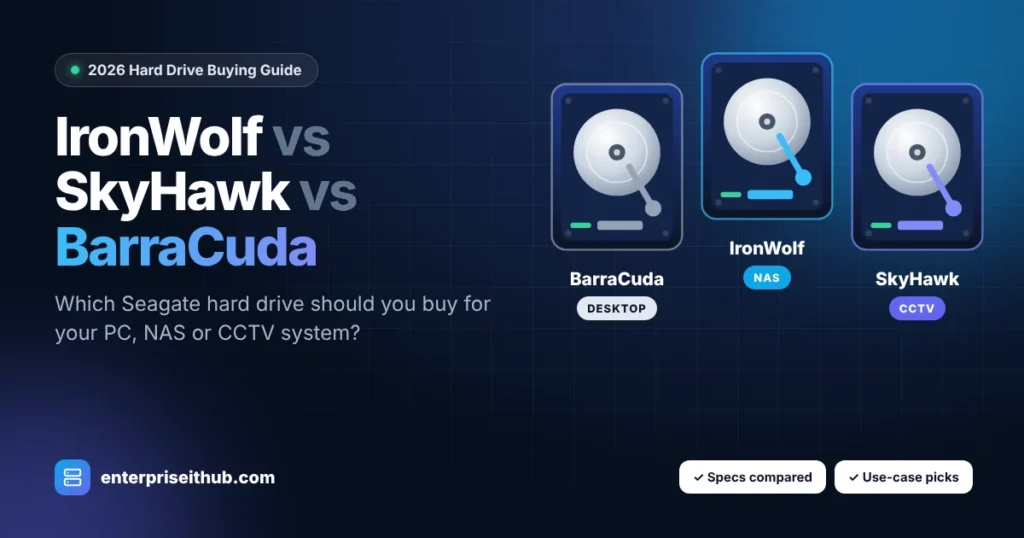
Buy BarraCuda for a desktop PC or a backup drive that is not powered on all day. Buy IronWolf for a NAS (Synology, QNAP, TrueNAS) running 24/7 with file sharing and RAID. Buy SkyHawk for security camera recorders (NVR/DVR) that write video non-stop. IronWolf and SkyHawk are both rated for 180 TB/year and come with a 3-year warranty; BarraCuda is rated for 55 TB/year with a 2-year warranty.
BarraCuda 4TB (ST4000DM004)
Best value storage for PCs, gaming rigs and occasional backups.
- 55 TB/year workload
- 256MB cache, up to 190 MB/s
- 2-year warranty
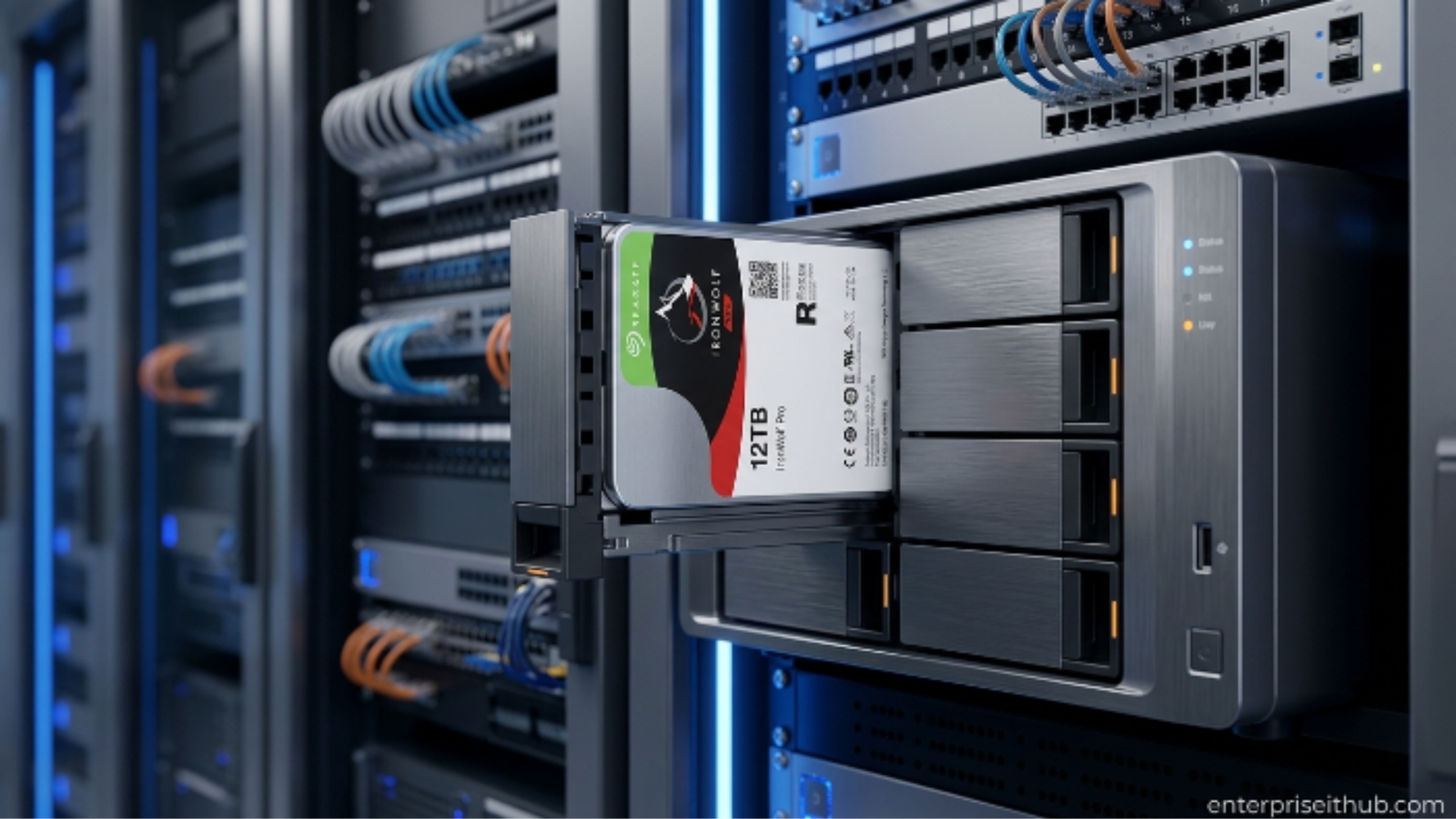
IronWolf 6TB (ST6000VN001)
Built for always-on NAS and RAID in home offices and small businesses.
- 180 TB/year, 24/7 rated
- 1M hours MTBF
- 3-year warranty
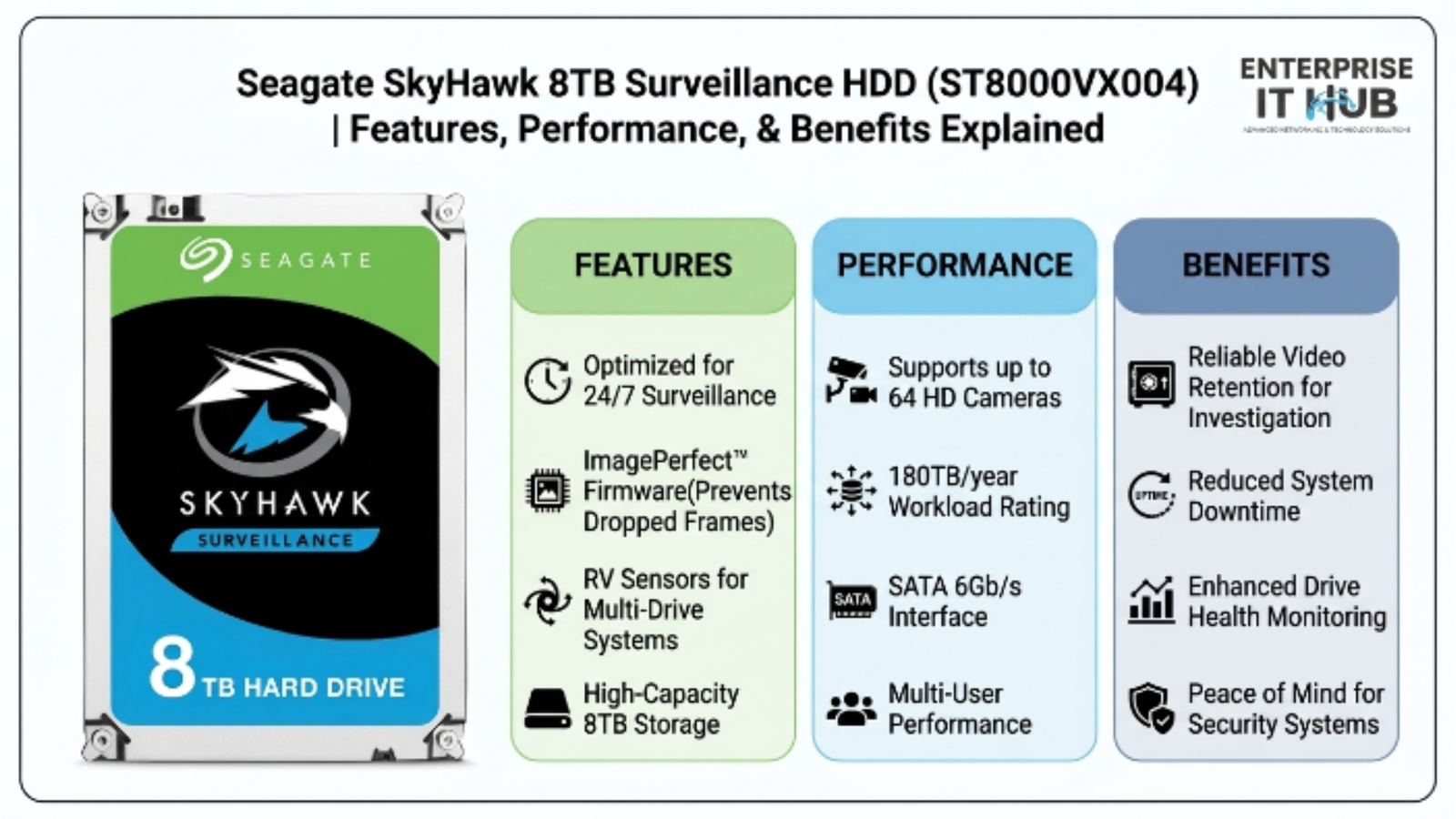
SkyHawk 8TB (ST8000VX004)
Surveillance-tuned for NVRs recording multiple cameras day and night.
- Up to 64 cameras
- 180 TB/year, 1M hours MTBF
- 3-year warranty
IronWolf vs SkyHawk vs BarraCuda: Side-by-Side Comparison
Here is how the three models we stock compare on the specifications that matter most for reliability and long-term cost.
| Specification | BarraCuda 4TB ST4000DM004 | IronWolf 6TB ST6000VN001 | SkyHawk 8TB ST8000VX004 |
|---|---|---|---|
| Designed for | Desktop PCs, home backup | NAS & RAID (1–8 bays) | Surveillance NVR/DVR (up to 16 bays) |
| Workload rating | 55 TB/year | 180 TB/year | 180 TB/year |
| Operating hours | ~2,400 power-on hours/year | 24×7 | 24×7 |
| Cache | 256MB | 256MB | 256MB |
| Max sustained transfer | Up to 190 MB/s | Up to ~190 MB/s | Up to 210 MB/s |
| MTBF | Not rated for 24×7 | 1,000,000 hours | 1,000,000 hours |
| Special firmware | General-purpose | AgileArray + IronWolf Health Management | ImagePerfect + SkyHawk Health Management |
| Camera support | — | — | Up to 64 HD cameras |
| Warranty | 2 years | 3 years | 3 years |
| Best buy for | Budget PC storage | Synology, QNAP, TrueNAS | Hikvision, Dahua, Axis NVRs |
The bottom line: cache size is the same on all three, so it is not the deciding factor. Workload rating, 24×7 design and firmware are what separate a desktop drive from a NAS or surveillance drive.
Seagate BarraCuda: The Affordable Desktop Drive
BarraCuda is Seagate’s mainstream desktop hard drive. The Seagate BarraCuda 4TB ST4000DM004 spins at 5400 RPM, carries a 256MB cache and reaches up to 190 MB/s — plenty for game libraries, photo archives and media files.
The catch is its duty rating. BarraCuda is rated for 55 TB of data per year and roughly 2,400 power-on hours per year — about 6–7 hours a day. It is engineered for a PC that is switched on during working hours, not for a box that runs every hour of every day.
Choose BarraCuda if you need:
- Extra storage inside a desktop or all-in-one PC
- A secondary drive for games, photos or video projects
- A budget backup drive in a USB dock or external enclosure
Avoid BarraCuda in RAID arrays. The ST4000DM004 uses SMR (shingled magnetic recording), which can make RAID rebuilds very slow. For any NAS, choose IronWolf instead.
Seagate IronWolf: Built for NAS and RAID
IronWolf is Seagate’s purpose-built NAS drive line. The Seagate IronWolf 6TB NAS hard drive (ST6000VN001) is rated for 180 TB/year — more than three times BarraCuda — along with 1 million hours MTBF and true 24×7 operation.
What makes IronWolf different is its firmware. AgileArray tunes the drive for RAID and multi-bay enclosures, while IronWolf Health Management works with compatible NAS systems from Synology, QNAP and others to warn you about problems before you lose data. It runs at 5400 RPM, which keeps heat, noise and power draw low in a small office or home rack.
Choose IronWolf if you need:
- A 1–8 bay NAS for file sharing, Plex, or team backups
- RAID 1, 5, 6 or 10 with dependable rebuild behaviour
- A drive that stays on 24/7 in a home office or small business
Seagate SkyHawk: Made for Security Cameras
Surveillance is a very different workload from a NAS. A security recorder writes several video streams at the same time, all day and all night, and rarely reads them back. The Seagate SkyHawk 8TB surveillance hard drive (ST8000VX004) is designed exactly for that.
Seagate’s ImagePerfect firmware is optimized to keep video recording smooth in 24×7 workloads, and the drive supports up to 64 HD cameras in systems with up to 16 drive bays. It is rated for 180 TB/year, delivers up to 210 MB/s, and includes SkyHawk Health Management on supported recorders, plus a 3-year limited warranty.
Choose SkyHawk if you need:
- Storage for an NVR or DVR from Hikvision, Dahua, Axis, Uniview or similar
- Continuous or motion-based recording from 4 to 64 cameras
- Longer video retention for retail stores, warehouses, offices or homes
Building a new camera system as well? Explore our sister store for enterprise surveillance cameras, NVRs and network security hardware.
The 4 Specs That Actually Matter
1. Workload rating (TB/year)
The total data a drive is designed to read and write each year. NAS and NVR systems blow past 55 TB quickly — that is why IronWolf and SkyHawk are rated for 180 TB/year.
2. 24×7 design & MTBF
Drives that never sleep need extra vibration tolerance and cooler operation. IronWolf and SkyHawk are rated for 1,000,000 hours MTBF in 24×7 use.
3. Firmware tuning
AgileArray (IronWolf) prioritizes RAID consistency; ImagePerfect (SkyHawk) prioritizes uninterrupted video writes. Matching firmware to the workload prevents dropped frames and slow arrays.
4. Warranty length
Three years on IronWolf and SkyHawk vs two on BarraCuda. For business systems, the extra year usually outweighs the small price difference.
CMR vs SMR: why it matters
CMR (conventional magnetic recording) writes data tracks side by side, which keeps write speeds steady. SMR (shingled magnetic recording) overlaps tracks to fit more data, but sustained writes — like a RAID rebuild — can slow down dramatically. Desktop BarraCuda models such as the ST4000DM004 use SMR, while Seagate builds IronWolf drives for NAS workloads. If you are building a RAID array, this alone is reason enough to choose IronWolf.
Which Drive Should You Buy? (By Use Case)
Home or office desktop PC
Go with BarraCuda 4TB. It is the most cost-effective way to add bulk storage to a PC that is switched off at night.
2–8 bay NAS (Synology, QNAP, TrueNAS, Unraid)
Go with IronWolf 6TB. Buy drives in matching pairs or sets so your RAID array stays consistent.
CCTV NVR with 4–64 cameras
Go with SkyHawk 8TB. Its firmware is tuned for many simultaneous video streams.
Small business backup server
Use IronWolf for the always-on server and a BarraCuda in an external dock for an offline copy — a simple, affordable take on the 3-2-1 backup rule.
How Much Capacity Do You Need for Surveillance?
Quick NVR storage formula
Storage per day (GB) = bitrate (Mbps) ÷ 8 × 86,400 ÷ 1,000
- A 1080p camera at 4 Mbps records about 43 GB per day (4 ÷ 8 × 86,400 = 43,200 MB).
- 4 cameras × 43 GB × 30 days ≈ 5.2 TB.
- Add ~20% headroom → an 8TB SkyHawk comfortably stores a full month of 24/7 footage from 4 cameras.
Motion-only recording and H.265 compression can cut this by half or more. 4K cameras typically use 2–3× the bitrate of 1080p.
Buying Checklist Before You Order
- Match the drive type to the workload: desktop = BarraCuda, NAS = IronWolf, NVR = SkyHawk.
- Check your NAS or NVR compatibility list and maximum supported capacity per bay.
- For RAID, buy identical drives (same model and capacity) at the same time.
- Plan capacity with 20–30% headroom for growth and retention.
- Buy new, authentic drives with a full manufacturer warranty — avoid recertified units for business data.
Every drive in our enterprise storage and hard drive collection ships brand new with the manufacturer warranty, and most orders are dispatched within 48 hours. Outfitting several NAS units or NVRs? Request bulk hard drive pricing for volume discounts.
Frequently Asked Questions
What is the difference between Seagate IronWolf and SkyHawk?
IronWolf is optimized for NAS file storage and RAID arrays with mixed read and write activity, while SkyHawk is optimized for surveillance recorders that write many video streams continuously. Both are rated for 180 TB/year, 24×7 operation and a 3-year warranty, but their firmware is tuned for different workloads.
Can I use a SkyHawk drive in a NAS?
It will work, but it is not ideal. SkyHawk firmware prioritizes continuous video writes rather than the random read/write mix of file sharing and RAID. For a NAS, IronWolf is the better choice.
Can I use a BarraCuda drive in a NAS or NVR?
It is not recommended. BarraCuda is rated for 55 TB/year and about 2,400 power-on hours per year, and the ST4000DM004 uses SMR recording, which can slow RAID rebuilds. Use IronWolf for NAS and SkyHawk for NVR systems.
Can I use IronWolf in a security camera NVR?
Yes, IronWolf works in most NVRs and is far better than a desktop drive. However, SkyHawk is purpose-built for surveillance and supports up to 64 cameras, so it is the better long-term fit for dedicated recorders.
Is 5400 RPM fast enough for a NAS?
Yes. For home and small business NAS units, network speed is usually the bottleneck, not the drive. A 5400 RPM IronWolf also runs cooler, quieter and uses less power than 7200 RPM drives.
How long do NAS and surveillance hard drives last?
IronWolf and SkyHawk are rated for 1,000,000 hours MTBF and backed by a 3-year limited warranty. Real lifespan depends on temperature and workload, so keep drives cool and monitor their health with the built-in Health Management tools.
Get the Right Seagate Drive — Shipped in 48 Hours
Authentic, factory-sealed IronWolf, SkyHawk and BarraCuda drives with manufacturer warranty and 30-day returns. Not sure which one fits your setup? Our team will recommend the right model and capacity.

The Enterprise IT Hub team writes practical guides on enterprise storage, projectors, label printing and IT infrastructure.