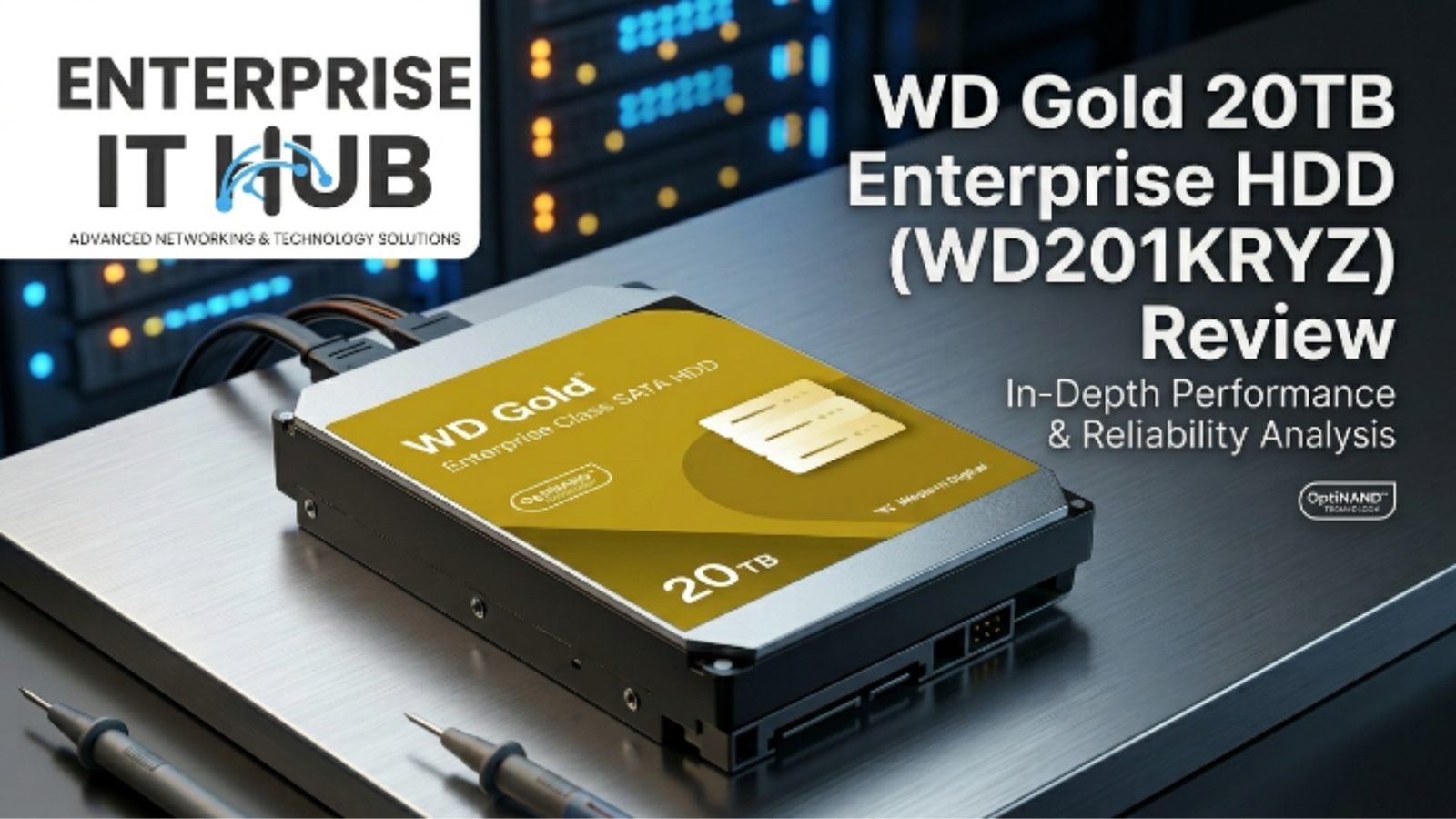
WD Gold 20TB Enterprise HDD Review (WD201KRYZ): Speed, Durability & Enterprise Performance
This Drive Doesn’t Mess Around
If you’re shopping for an enterprise HDD that can anchor a data center, bulk NAS array, or heavy-duty RAID setup — the WD Gold 20TB (WD201KRYZ) is one of the most talked-about options in the market right now.
Enterprise storage is no place for second guesses. When your business depends on uptime, throughput, and a drive that won’t tap out at 3 AM, you need hardware that was built for punishment — not just marketed that way. The WD Gold 20TB enterprise HDD has been on IT buyers’ radars since its release, promising the kind of reliability and raw performance that large-scale workloads demand.
But does it actually deliver? Let’s dig in — specs, benchmarks, real-world use cases, and where it fits (or doesn’t) in your storage stack.
Table of Contents
Why Enterprise HDDs Matter in 2026
Data isn’t slowing down. Global data creation is projected to hit 120 zettabytes by 2026, and the bulk of that still lands on spinning hard drives — not SSDs. Why? Cost per terabyte. At this scale, HDDs win every time.
But not all hard drives are built equal. A consumer desktop drive stuffed into a 24/7 server rack will fail. It’s not a question of if — it’s when.
⚠️ ALERT: Consumer HDDs are rated for roughly 8 hours/day of use. Enterprise HDDs like the WD Gold are rated for 24/7 continuous operation with workload ratings of up to 550TB/year — more than 10x a typical desktop drive. Using the wrong drive in an enterprise environment voids warranties and kills uptime.
Enterprise HDDs are engineered differently: stronger vibration compensation, higher workload ratings, longer MTBF, and firmware tuned for RAID and multi-drive environments. That’s what separates a WD Gold from a WD Blue.
WD Gold 20TB Enterprise HDD: Key Specs at a Glance
The WD201KRYZ is WD’s flagship enterprise hard drive at the 20TB tier. Here’s what’s under the hood:
| Spec | WD Gold 20TB (WD201KRYZ) |
|---|---|
| Capacity | 20TB |
| Interface | SATA 6Gb/s |
| RPM | 7200 RPM |
| Cache | 512MB |
| Workload Rating | 550TB/year |
| MTBF | 2.5 million hours |
| Form Factor | 3.5-inch |
| Recording Technology | CMR (Conventional Magnetic Recording) |
| Power (Active) | ~9.0W |
| Warranty | 5 years |
| RVS | Yes (Rotational Vibration Safeguard) |
Enterprise HDD Performance: Speed & Throughput
Here’s where the WD Gold 20TB earns its stripes as a serious enterprise HDD.
Sequential Read/Write: Sustained transfer rates clock in around 255 MB/s — fast for a spinning drive at this capacity. For large file transfers, bulk backups, or video editing off a NAS, that throughput is real and consistent.
Random IOPS: This is where spinning drives always show their limits compared to SSDs. Random 4K read performance sits around 180 IOPS — adequate for archival and sequential-heavy workloads, but not the right pick for a database server hammered with random I/O.
Cache Impact: That 512MB DRAM cache makes a meaningful difference during burst writes. Large sequential transfers benefit significantly from the buffer, smoothing out write performance under load.
🔴 KEY POINT: The WD Gold 20TB is optimized for sequential, high-throughput workloads — think backup servers, media storage, archival NAS, and surveillance storage. If you need extreme random IOPS, an enterprise SSD or NVMe is the right tool. Don’t buy the wrong drive for the job.
Benchmark Snapshot:
| Benchmark | WD Gold 20TB |
|---|---|
| Seq. Read (ATTO) | ~255 MB/s |
| Seq. Write (ATTO) | ~255 MB/s |
| Random Read 4K | ~180 IOPS |
| Random Write 4K | ~520 IOPS |
| Access Time | ~8.5ms |
For deeper benchmark data, StorageReview.com’s enterprise HDD test methodology (opens in new tab) is the most rigorous independent source available.
Durability, Workload Rating & MTBF
This is where the WD Gold separates itself from prosumer and NAS-class drives.
MTBF — 2.5 Million Hours: Mean Time Between Failures at this level is serious enterprise credibility. That’s not a guarantee of 285 years of operation on a single drive — it’s a statistical reliability metric across a large population of drives. What it means practically: WD is confident enough in this hardware to warrant it for 5 years with full 24/7 use.
550TB/Year Workload Rating: A typical desktop drive is rated for around 55TB/year. The WD Gold is rated for 10x that. Translation: you can hammer this drive in a RAID array running constant backups and it won’t redline its warranty ceiling.
CMR vs. SMR: The WD201KRYZ uses CMR (Conventional Magnetic Recording) — not SMR. This matters enormously in enterprise environments. SMR drives suffer severe write performance degradation in RAID arrays and NAS systems. CMR is the correct architecture for this use case, and WD made the right call here.
RVS — Rotational Vibration Safeguard: In a multi-drive chassis, the vibration from neighboring drives can degrade read/write performance. WD’s RVS technology uses sensors to detect and compensate for rotational vibration in real time. This is not a marketing checkbox — it’s engineering that matters in 12-bay and 24-bay enclosures.
⚠️ PRO TIP: Always check whether a drive you’re evaluating uses CMR or SMR. SMR drives are cheaper but create serious bottlenecks in write-intensive RAID configurations. The WD Gold 20TB is CMR — that’s a hard requirement for any enterprise NAS or server deployment.
Enterprise HDD Use Cases: Who Actually Needs This?
The WD Gold 20TB enterprise HDD is not for everyone — and that’s fine. Here’s where it fits:
✅ Best Fit:
- Hyperscale and cloud storage arrays — High-density enclosures where capacity per drive matters
- Enterprise backup servers — Sequential writes all day, every day
- Surveillance archival storage — Recording 24/7 from multiple camera feeds
- Cold and warm data tiers — Storing data that isn’t hit constantly but needs to be reliable
- NAS RAID arrays in SMB environments — File servers, media libraries, shared storage
❌ Not the Right Fit:
- Database servers with random I/O dominance — Use NVMe SSDs
- Boot drives or OS installations — Overkill and wrong form factor
- Budget home NAS — The price-per-TB doesn’t justify the enterprise premium at home scale
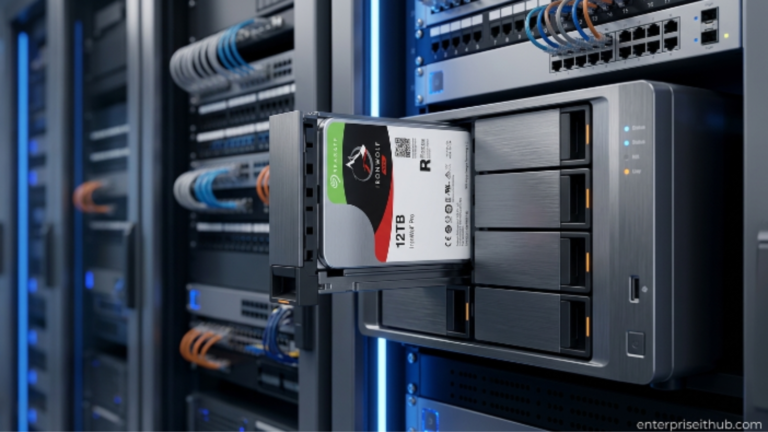
For smaller business deployments that need reliable always-on storage without the enterprise price tag, it’s worth comparing options. The Seagate IronWolf 6TB NAS HDD (ST6000VN001) — available at enterpriseithub.com — is engineered specifically for always-on NAS systems, with AgileArray technology and CMR recording optimized for RAID environments. It’s a compelling choice for SMBs that don’t need 20TB per drive but still want enterprise-grade NAS reliability at $382.00.
WD Gold vs. The Competition
How does the WD Gold 20TB stack up against comparable enterprise drives?
| Feature | WD Gold 20TB | Seagate Exos X20 | Toshiba MG10 |
|---|---|---|---|
| Capacity | 20TB | 20TB | 20TB |
| RPM | 7200 | 7200 | 7200 |
| Cache | 512MB | 256MB | 512MB |
| Workload Rating | 550TB/yr | 550TB/yr | 550TB/yr |
| MTBF | 2.5M hrs | 2.5M hrs | 2.5M hrs |
| Recording Tech | CMR | CMR | CMR |
| Interface | SATA 6Gb/s | SATA 6Gb/s | SATA 6Gb/s |
| Warranty | 5 years | 5 years | 5 years |
At this tier, the specs converge significantly. The WD Gold’s 512MB cache gives it an edge over the Exos X20’s 256MB cache for burst write workloads. Pricing and ecosystem integration (firmware support in your NAS OS) often become the real differentiators at this level.
Noise, Heat & Power Consumption
Enterprise HDDs running at 7200 RPM aren’t silent. Here’s what to expect:
Noise: The WD Gold 20TB produces audible seek noise in a quiet room. In a server rack or NAS enclosure with fans running, it disappears into the ambient noise. For home office NAS deployments where silence matters, this is something to factor in.
Heat: Active power draw is around 9W, which is standard for a 7200 RPM enterprise drive. In a properly ventilated enclosure with adequate airflow, thermal management is not an issue. Multi-drive arrays should account for aggregate heat load in enclosure selection.
Power Efficiency: Compared to older 7200 RPM drives, WD has made efficiency improvements. The drive’s idle power management reduces draw during low-activity periods — useful in mixed-workload environments where drives aren’t constantly hammered.
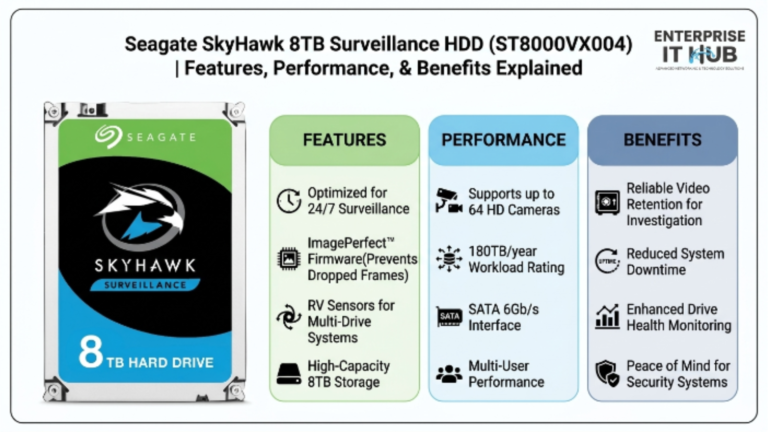
For builds where multiple enterprise HDDs will be deployed, the Seagate SkyHawk 8TB Surveillance HDD (ST8000VX004) — also available at enterpriseithub.com — is worth a look for camera-focused deployments. It’s built for 24/7 surveillance operation, supports up to 64 HD cameras, and runs cool and quiet at $443.00.
How to Choose the Right Enterprise HDD
Don’t buy on specs alone. Here’s a practical framework:
- Define your workload type first. Sequential-heavy (backups, media, archival)? Spinning enterprise HDD like the WD Gold. Random I/O-heavy (databases, VMs with frequent writes)? Look at enterprise SSDs or NVMe.
- Calculate your capacity requirements — then add 30%. Storage needs always grow. Buying at the edge of your current needs guarantees you’re shopping again in 12 months.
- Verify CMR vs. SMR. For any RAID or NAS application, CMR is non-negotiable. Confirm this before purchase — not after.
- Check your enclosure’s vibration specs. In multi-drive setups, RVS or similar vibration compensation is a meaningful feature, not marketing fluff.
- Match the workload rating. 550TB/year sounds like a lot until you do the math on a 24/7 backup server. Know your annual write volume.
- Don’t ignore firmware compatibility. Check your NAS OS (TrueNAS, Synology DSM, QNAP QTS) for official compatibility with the specific drive model and firmware version.
- Factor in TCO, not just sticker price. A cheaper drive that fails in 18 months costs more than a premium enterprise HDD that runs for 5+ years without issue.
✅ Quick Reference Checklist
ENTERPRISE HDD EVALUATION CHECKLIST
━━━━━━━━━━━━━━━━━━━━━━━━━━━━━━━━━━━
□  Confirmed CMR recording (not SMR)
□  Workload rating matches expected annual write volume
□  MTBF adequate for deployment scale (2M+ hours for enterprise)
□  RVS or vibration compensation if multi-drive array
□  5-year warranty for enterprise deployments
□  NAS OS firmware compatibility confirmed
□  Thermal load calculated for enclosure airflow
□  Cache size appropriate for workload burst requirements
□  SATA 6Gb/s interface compatible with HBA/controller
□  Drive capacity leaves 20-30% headroom for growth
━━━━━━━━━━━━━━━━━━━━━━━━━━━━━━━━━━━
WD Gold 20TB (WD201KRYZ) passes all 10. ✅
Frequently Asked Questions
Q: Is the WD Gold 20TB suitable for a home NAS? A: Technically yes — it will work in any 3.5-inch NAS bay. Practically, the enterprise pricing is overkill for most home NAS builds. Unless you’re running a small business or need the 20TB capacity specifically, a NAS-optimized drive offers better value at home scale.
Q: Does the WD Gold 20TB use SMR or CMR recording? A: CMR (Conventional Magnetic Recording). This is critical for RAID and NAS environments. SMR drives throttle severely on sustained writes, which makes them problematic in multi-drive setups. The WD Gold is CMR — safe for RAID.
Q: What is the WD Gold 20TB’s warranty? A: 5 years — standard for enterprise-class hard drives. This covers 24/7 operation and accounts for the 550TB/year workload rating.
Q: How does the 512MB cache affect real-world performance? A: The large cache buffer smooths burst write performance significantly. In backup or write-intensive workloads, you’ll see more consistent throughput compared to drives with smaller caches. It’s most noticeable during large sequential write operations.
Q: Is the WD Gold 20TB compatible with Synology and QNAP NAS systems? A: Yes — WD Gold drives are broadly supported across major NAS platforms including Synology DSM and QNAP QTS. Always verify the specific model against your NAS manufacturer’s compatibility list before purchase, as firmware versions can affect behavior.
Conclusion
The WD Gold 20TB enterprise HDD (WD201KRYZ) is a well-engineered, purpose-built drive for serious storage workloads. The 512MB cache, CMR recording, 550TB/year workload rating, and 2.5 million hour MTBF make it a credible choice for data center deployments, enterprise backup systems, and large-scale NAS arrays.
It’s not cheap — and it’s not supposed to be. You’re paying for 24/7 reliability, 5-year warranty coverage, and firmware designed for multi-drive environments. If that matches your use case, the WD Gold earns its price.
For SMBs that need enterprise-grade reliability without the capacity overhead of a 20TB drive, the Seagate IronWolf 6TB NAS HDD (ST6000VN001) at Enterprise IT Hub delivers always-on NAS performance with AgileArray technology built for RAID at $382.00 — a sharp option for growing businesses that need dependable storage now.
Whatever your storage stack looks like, the core rule stands: match the drive to the workload. The WD Gold 20TB enterprise HDD does exactly what it’s built for — and it does it well.