
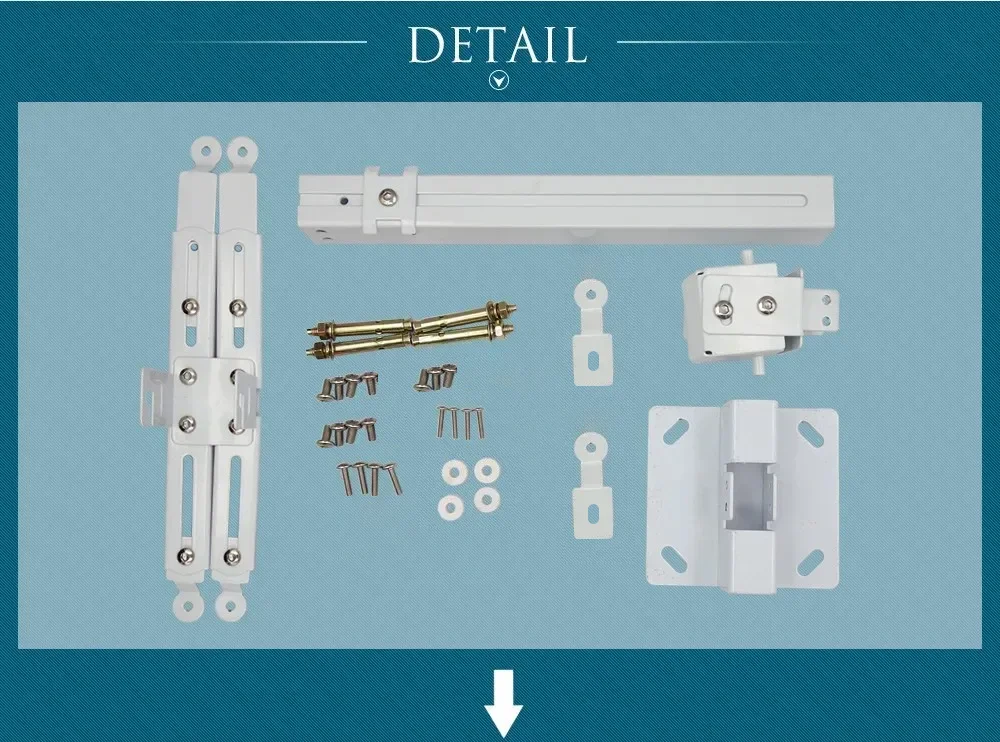
Description
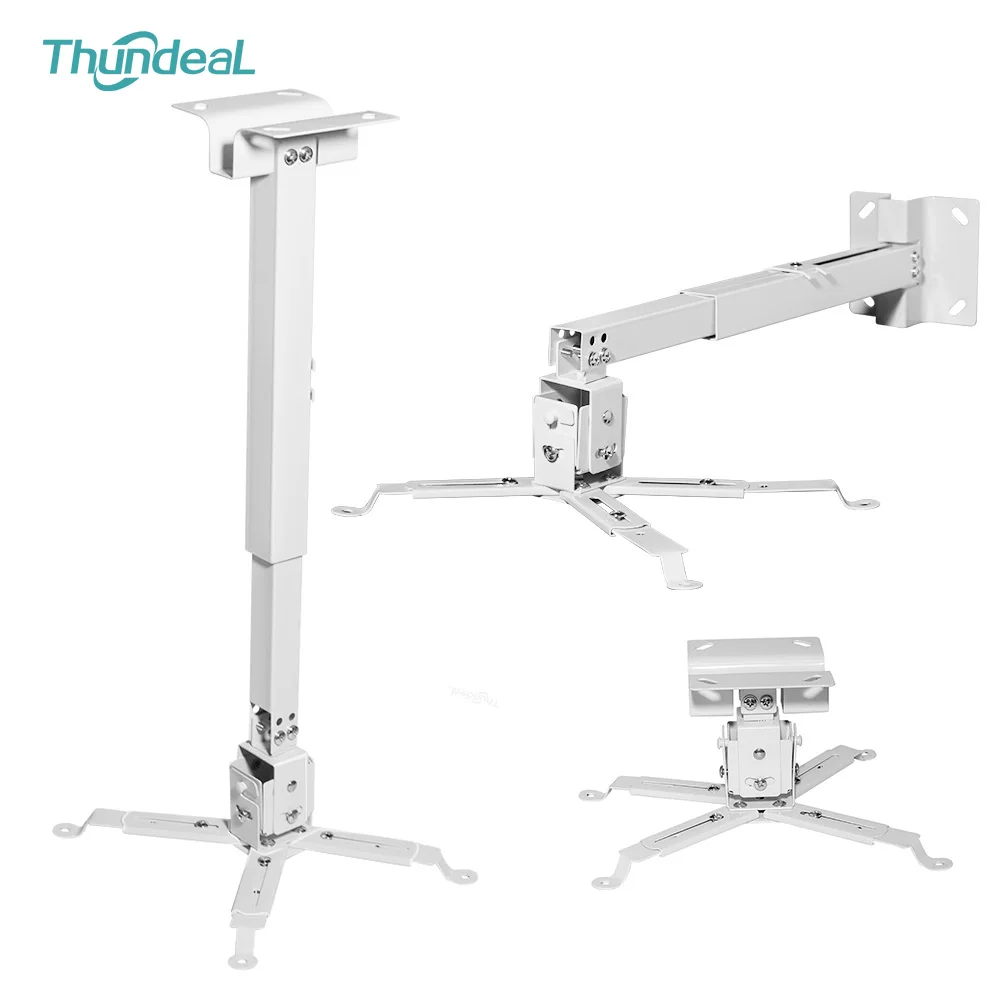
Quick answer: This universal projector ceiling mount has a height-adjustable pole and adjustable arms that fit most mini and home projectors. It mounts on a ceiling or wall, lets you adjust tilt and rotation, and frees up your table for a clean home theater or meeting room setup.
Get Your Projector Off the Table and Out of the Way
A projector on a coffee table gets bumped, blocks views and leaves cables everywhere. A ceiling projector mount puts it up high, perfectly aligned with your screen, for a clean, permanent setup that looks professional.
Key Features
- Height-adjustable pole: set the drop length to match your ceiling height and screen position.
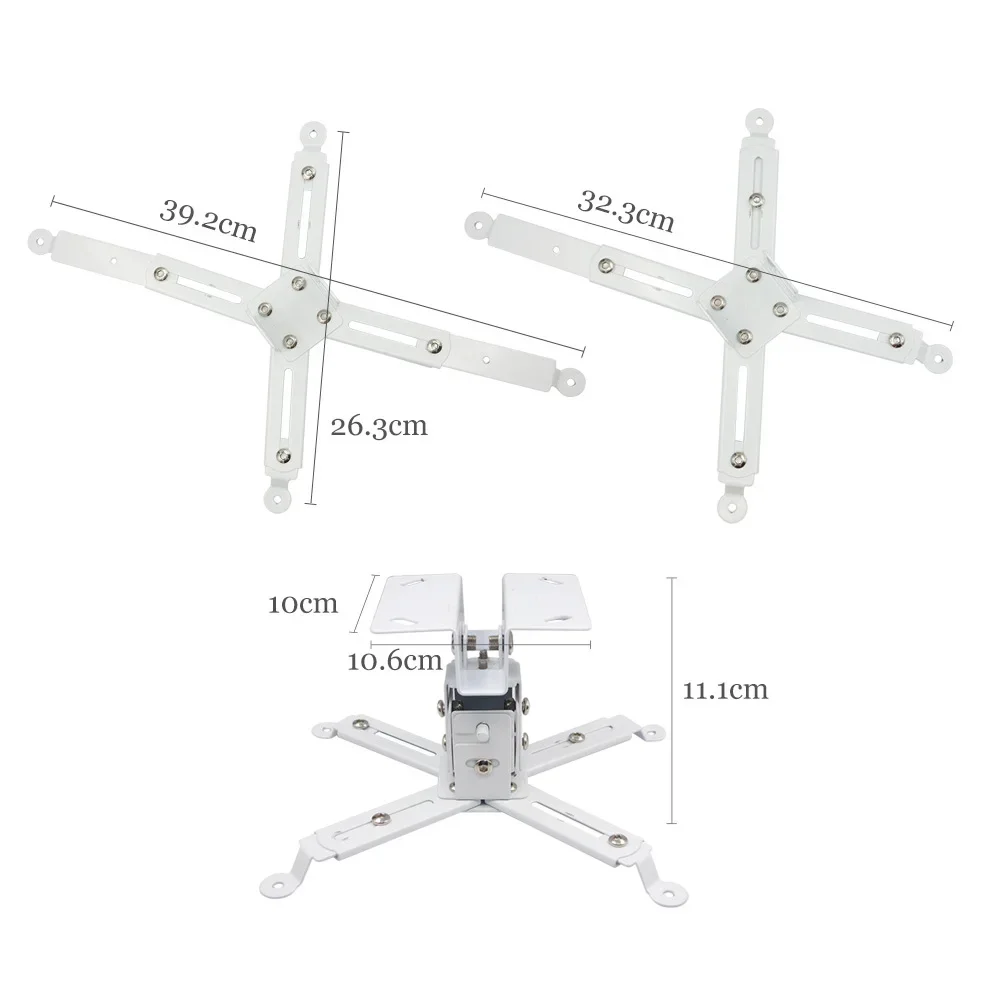
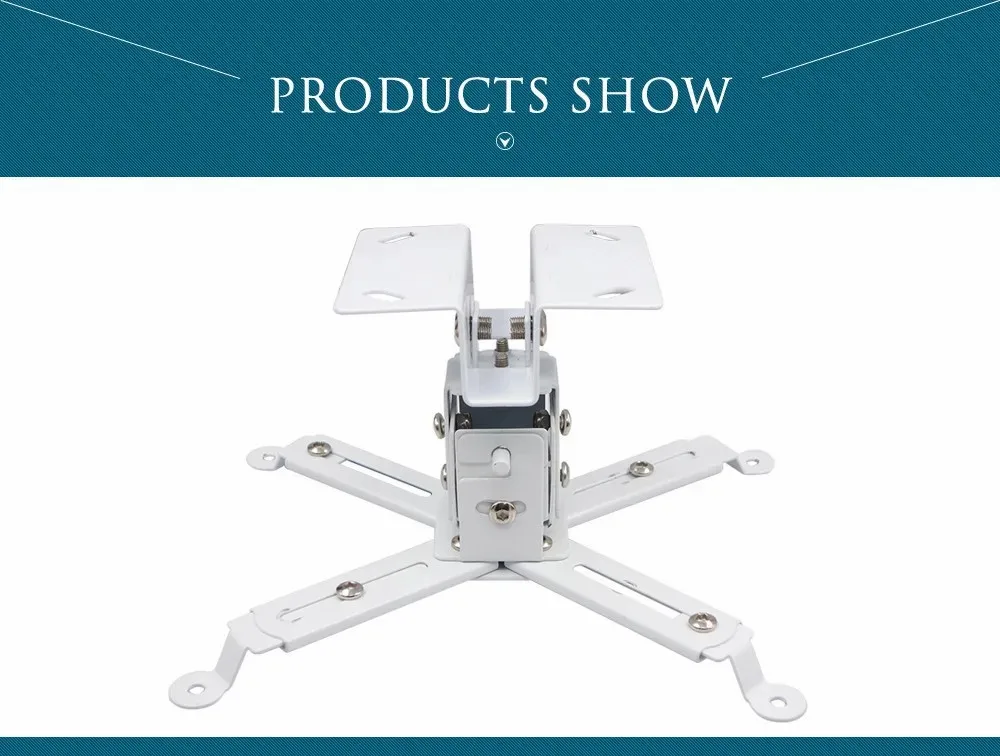
- Universal adjustable arms: fit the mounting holes on most mini, portable and home projectors.
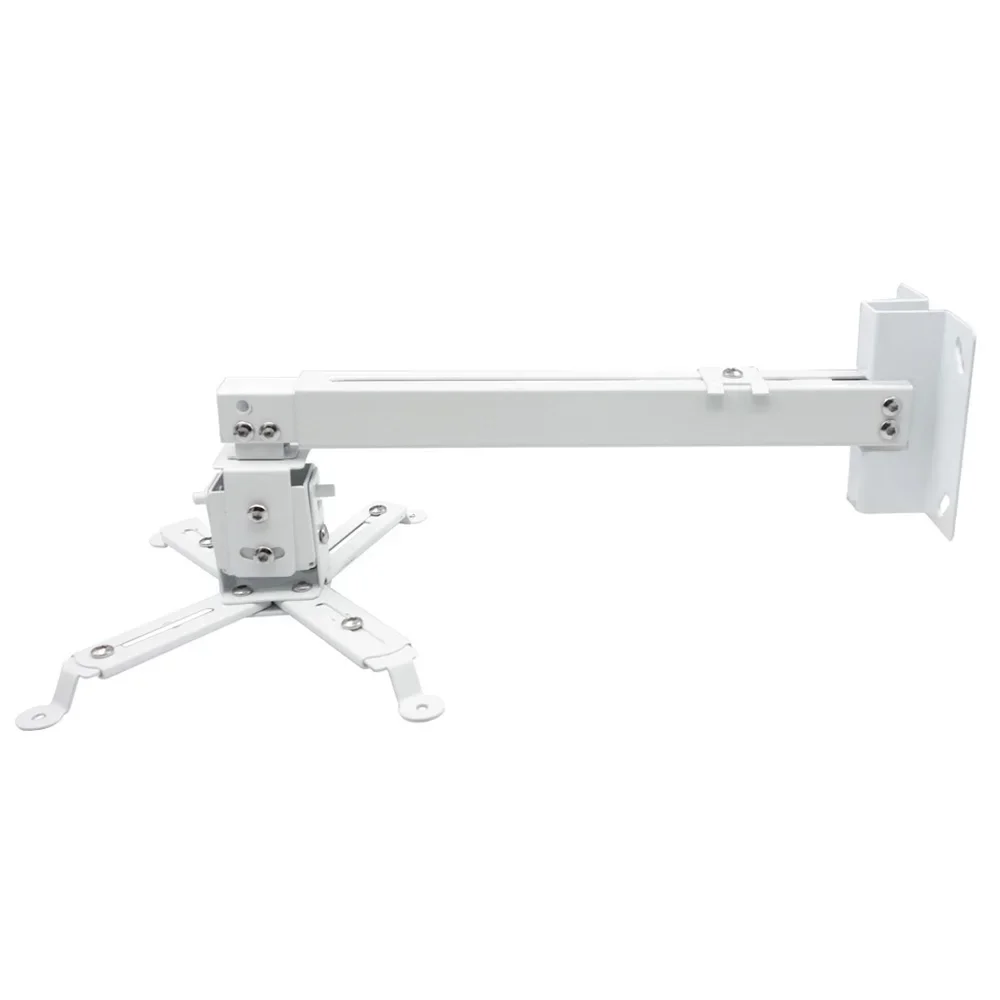
- Ceiling or wall installation: flexible placement for living rooms, bedrooms and offices.
- Tilt and rotation: fine-tune the angle for a square, centered picture.
- Accessory tray: a handy spot for streaming sticks and small accessories.
- Complete hardware: mounting screws included.
How to Install a Projector Ceiling Mount
- Mark the spot in line with the center of your screen and find a ceiling joist.
- Fix the ceiling plate with the included screws.
- Attach the arms to your projector’s mounting holes.
- Connect the projector to the pole, set the height, then adjust tilt and rotation.
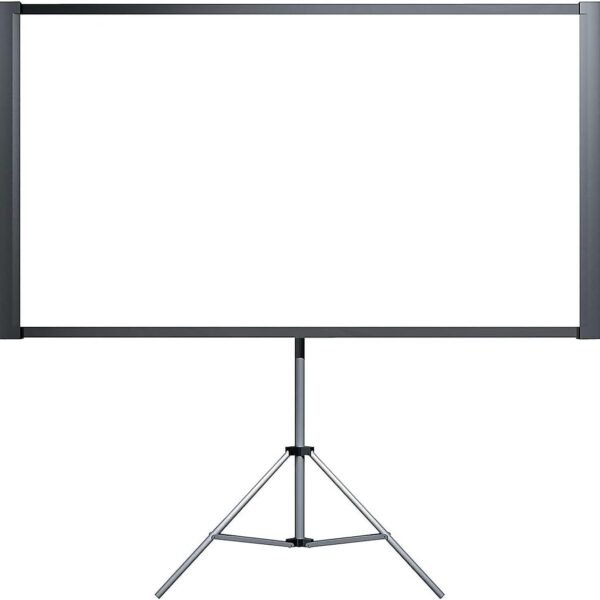
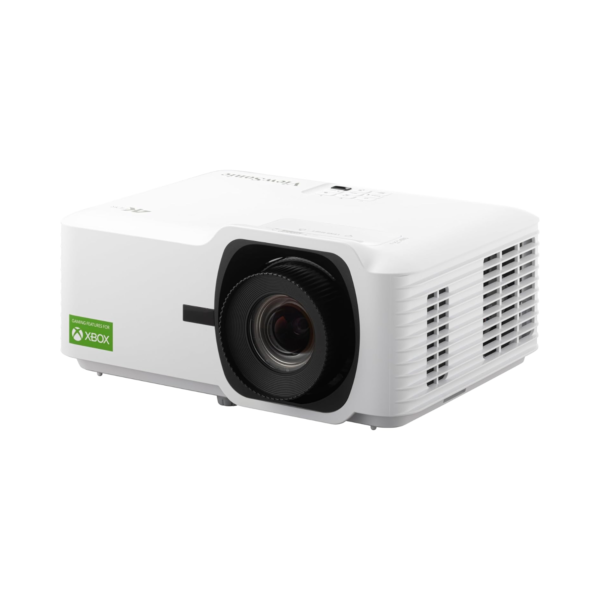
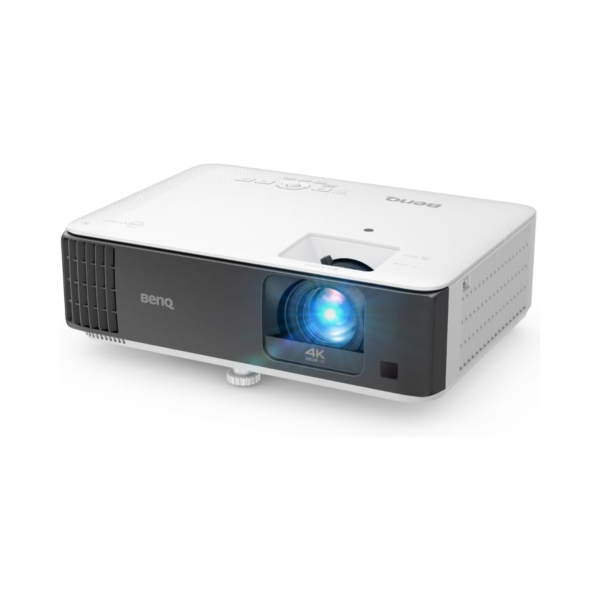
Finish your home cinema with a 100-inch anti-light projector screen, or shop BenQ, Optoma and ViewSonic projectors.
Technical Specifications
| Type | Universal ceiling / wall projector mount |
| Pole | Height adjustable |
| Projector Bracket | Adjustable 4-arm universal bracket |
| Adjustment | Height, tilt and rotation |
| Extras | Accessory tray |
| Hardware | Screw pack included |
| Color | White |
| Brand | ThundeaL |
Frequently Asked Questions
Will this mount fit my projector?
The adjustable arms fit the mounting holes on most mini, portable and home projectors. Check that your projector has threaded holes on the bottom before ordering.
Can I mount it on a wall instead of the ceiling?
Yes. It can be installed on the ceiling or on a wall, and the extension pole lets you set the projector at the right height.
Can I adjust the angle after installing?
Yes. You can adjust the height, tilt and rotation to line up the picture with your screen.
What tools do I need?
A drill, a screwdriver and the included screw pack. Use wall anchors or mount into a ceiling joist for a secure installation.
Buy With Confidence From Enterprise IT Hub
Every order comes with fast dispatch, our 30-day return policy and real human support. Have a question about the projector ceiling mount? Contact our tech support team before you buy.

Reviews
There are no reviews yet.