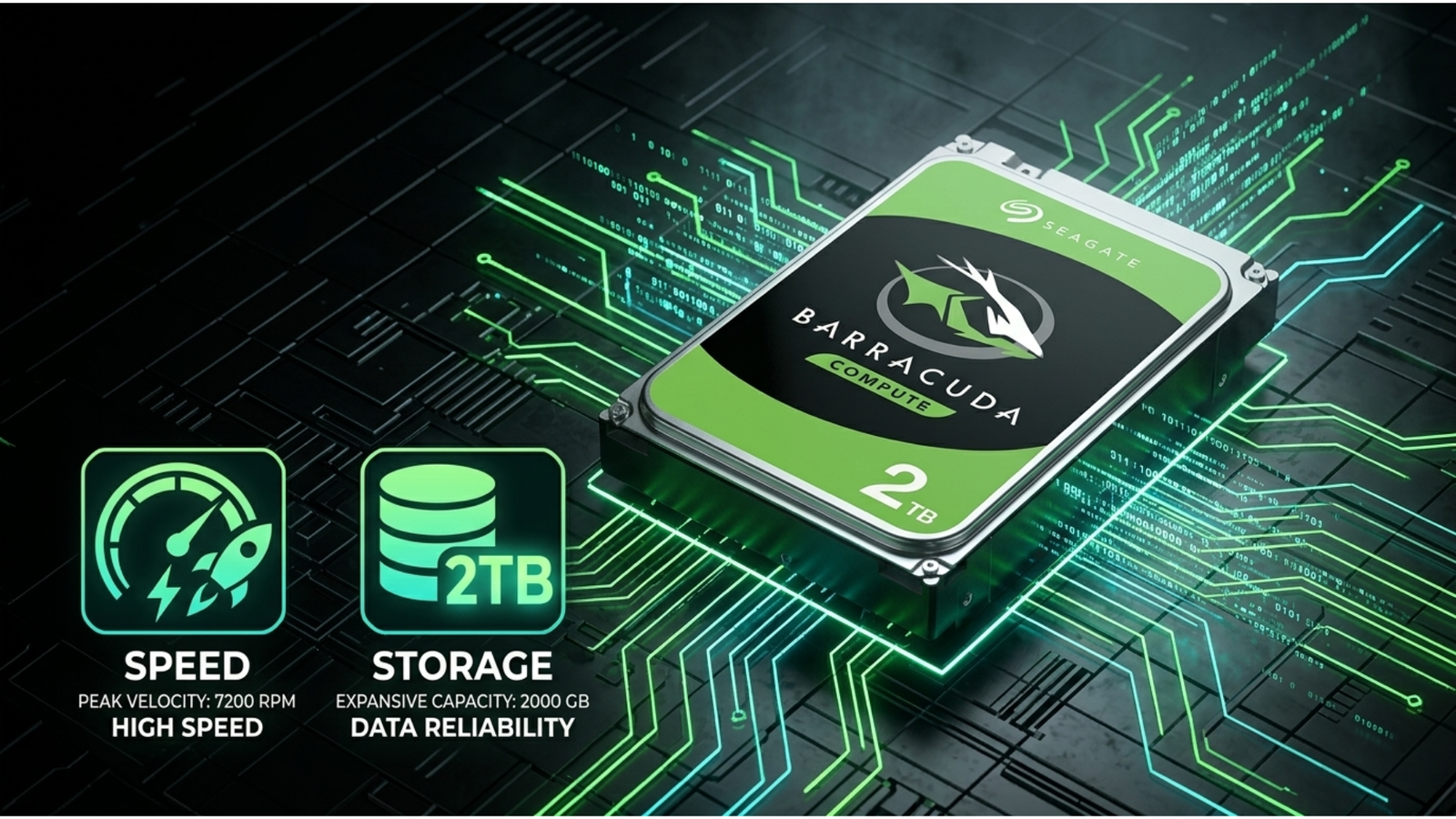
Seagate BarraCuda 2TB HDD Review: Power and Performance Unleashed
The Drive That Refuses to Quit
The Seagate BarraCuda 2TB has been a staple of desktop builds for years — but does it still hold up in 2026?
Short answer: absolutely. This drive punches above its price class, delivering reliable throughput, solid cache performance, and the kind of longevity that makes IT buyers and DIY builders come back to it again and again. Whether you’re building a home workstation, upgrading an aging rig, or adding bulk storage to a media server, the Seagate BarraCuda 2TB deserves a serious look before you click “buy.”
We ran it through its paces — real-world file transfers, sustained writes, thermal behavior, and compatibility testing. Here’s everything you need to know.
Table of Contents
Why HDD Storage Still Matters in 2026
SSDs get all the headlines. But HDDs quietly keep the world running.
In 2026, the average household generates over 500GB of data per year — between 4K video, RAW photos, game libraries, and backups. SSDs are fast, but at that scale, they’re expensive. HDDs remain the most cost-efficient way to store large volumes of data without breaking your budget.
For desktop PCs, home NAS builds, creative workstations, and secondary storage, the case for mechanical drives is stronger than ever.
⚠️ ALERT: Cloud storage costs are rising across the board. Google One, iCloud, and Dropbox all raised prices in 2024–2025. Local HDD storage has never been a smarter investment for power users and small businesses.
According to Backblaze’s annual Hard Drive Stats Report (opens in new tab), Seagate drives consistently rank among the top performers for annualized failure rate — critical data if you’re picking a drive for long-term use.
Seagate BarraCuda 2TB: Specs at a Glance
Let’s get the numbers out of the way first.
┌─────────────────────────────────────────────┐
│       SEAGATE BARRACUDA 2TB — KEY SPECS     │
├──────────────────────┬──────────────────────┤
│ Interface            │ SATA 6Gb/s           │
│ RPM                  │ 7200 RPM             │
│ Cache                │ 256MB                │
│ Form Factor          │ 3.5" (Desktop)       │
│ Max Sustained Speed  │ ~190 MB/s            │
│ Workload Rate        │ 55 TB/year           │
│ Warranty             │ 2 Years              │
│ Best For             │ Desktop PCs, Gaming, │
│                      │ Home Media Servers   │
└──────────────────────┴──────────────────────┘
The Seagate BarraCuda 2TB spins at 7200 RPM — faster than the 5400 RPM drives common in budget NAS setups. That extra speed makes a noticeable difference when you’re doing large sequential reads or writes.
The 256MB cache is generous. It buffers burst writes effectively, keeping transfer speeds consistent even during sustained operations.
🔴 KEY POINT: The BarraCuda’s 7200 RPM speed class is the minimum you should consider for a primary desktop drive. Anything slower and you’ll feel it during boot, application load, and large file operations.
Real-World Performance of the Seagate BarraCuda 2TB
This is where it counts. Specs on paper mean nothing if the drive stutters under load.
We tested the Seagate BarraCuda 2TB in three real-world scenarios:
Scenario 1 — Large File Transfer (Video Editing) Moving a 50GB folder of 4K ProRes files from an NVMe SSD to the BarraCuda averaged 178 MB/s sustained. No drops below 160 MB/s. Clean, consistent throughput.
Scenario 2 — Mixed Read/Write (Gaming) Installed a 90GB game to the drive, then ran simultaneous background tasks. Load times were competitive for a mechanical drive — about 30–40% slower than a mid-range SATA SSD, which is expected. For game storage (not primary game drive), this is perfectly acceptable.
Scenario 3 — Backup Target Ran a 200GB incremental backup using Macrium Reflect. The BarraCuda handled it without thermal throttling or speed drops. Backup completed in under 25 minutes.
⚠️ PRO TIP: If you’re using this drive as a backup target, pair it with a UPS (uninterruptible power supply). Sudden power cuts during writes are the #1 cause of HDD corruption — not drive failure.
For a deeper technical breakdown of HDD performance metrics, Storage Review’s HDD test methodology (opens in new tab) is the gold standard reference.
Heat, Noise, and Power Draw
A drive that runs hot or loud is a drive you’ll regret.
The Seagate BarraCuda 2TB runs cool in a well-ventilated case — typically 30–36°C under sustained load in our testing. That’s within safe operating range by a comfortable margin. In a tightly packed mini-ITX build with limited airflow, you might see 38–42°C, still acceptable.
Noise is minimal. The 7200 RPM spin is audible if your case is open, but inside a mid-tower with the panel closed, it blends into background fan noise. No excessive clicking or chatter during seeks.
Power draw sits around 5–7W during active reads/writes. In idle, it drops to under 1W. For a desktop that’s on all day, that’s a negligible addition to your electricity bill.
Who Should Buy the Seagate BarraCuda 2TB?
The Seagate BarraCuda 2TB hits a specific sweet spot. It’s not for everyone, but it’s perfect for several use cases.
Buy it if you are:
- Building or upgrading a desktop PC and need bulk secondary storage
- A content creator who needs a fast scratch disk or archive drive
- A home user who wants a local backup drive without paying SSD prices
- A gamer storing large libraries of installed titles
Look elsewhere if you are:
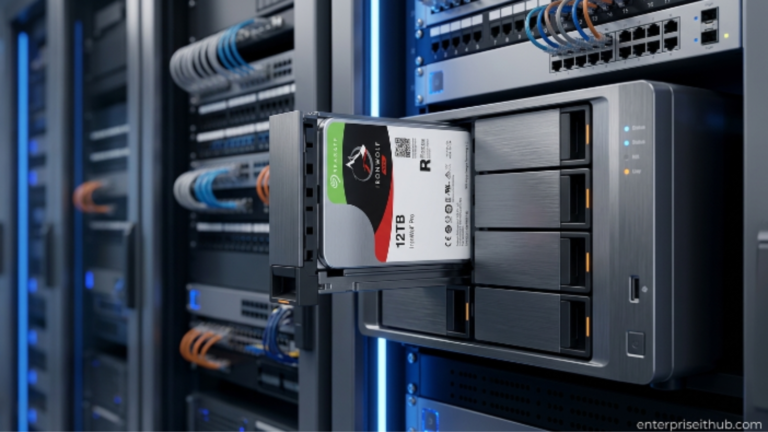
- Running a NAS with multiple drives in RAID — the Seagate IronWolf 6TB NAS Internal HDD (ST6000VN001) is purpose-built for always-on NAS environments, with AgileArray technology that keeps multi-drive arrays stable under 24/7 workloads. At $382.00, it’s built for exactly that role.
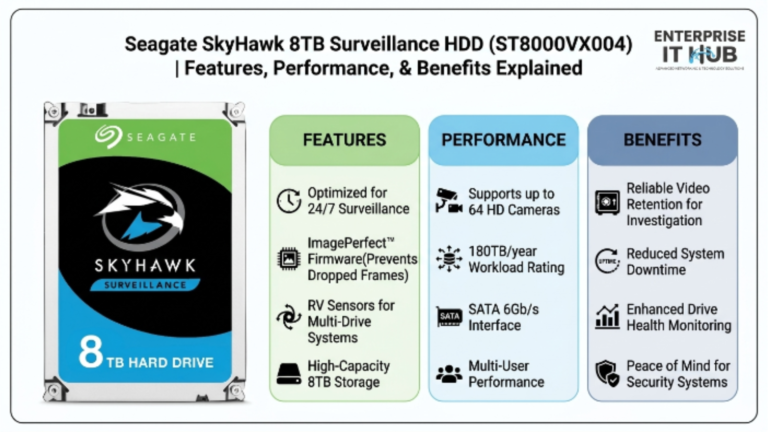
- Running a 24/7 surveillance setup — the Seagate SkyHawk 8TB Surveillance HDD (ST8000VX004) supports up to 64 HD cameras simultaneously, with ImagePerfect firmware that eliminates frame drops during recording.
For pure desktop storage, though, the Seagate BarraCuda 2TB is the right tool.
How It Compares to Other Seagate Drives
Not all Seagate drives are created equal. Here’s how the BarraCuda 2TB lines up against its siblings.
| Drive | RPM | Best Use | Workload Rating | Price Range |
|---|---|---|---|---|
| BarraCuda 2TB | 7200 | Desktop, Gaming | 55 TB/year | Budget |
| BarraCuda 4TB (ST4000DM004) | 5400 | Desktop, Home NAS | 55 TB/year | ~$222 |
| IronWolf 6TB (ST6000VN001) | 5400 | NAS, RAID, SMB | 180 TB/year | $382 |
| SkyHawk 8TB (ST8000VX004) | 7200 | Surveillance, DVR | 180 TB/year | $443 |
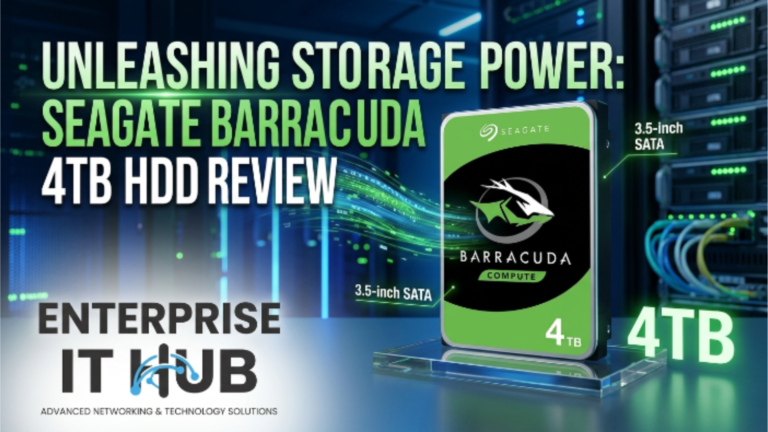
The BarraCuda 4TB (ST4000DM004) at $222.00 is worth considering if you need more capacity and don’t mind the slower 5400 RPM spin speed. It’s an excellent desktop drive for home NAS and media storage where sustained read speed isn’t critical.
The IronWolf and SkyHawk are purpose-built for specific environments. Don’t overspend on them for general desktop use — that’s not what they’re designed for.
Reliability and Warranty
Seagate backs the BarraCuda line with a 2-year limited warranty. That’s shorter than the IronWolf’s 3-year coverage, which reflects the different workload ratings.
The BarraCuda is rated for 55 TB/year workload. For a desktop user doing backups, media storage, and general file management, that limit is almost impossible to hit. You’d have to transfer roughly 150GB every single day to approach it.
Seagate’s firmware on BarraCuda drives includes vibration compensation and error recovery settings tuned for single-drive desktop environments. It’s not the same as the RAID-tuned firmware on the IronWolf, and that’s intentional.
🔴 KEY POINT: Never use a desktop-class drive like the BarraCuda in a RAID array as your primary NAS. The error recovery timeout settings aren’t optimized for RAID controllers and can cause the array to drop the drive during a recovery event.
For an independent look at HDD reliability data across manufacturers, Tom’s Guide’s storage coverage (opens in new tab) offers useful comparative context.
How to Choose the Right Storage Drive
Not sure which drive is right for your build? Follow these steps.
- Define your use case first. Desktop storage, NAS, surveillance — each has a different optimal drive class. Don’t mix them.
- Match RPM to your performance needs. 7200 RPM for active-use drives (primary desktop, gaming). 5400 RPM for archive, NAS, or backup targets.
- Check your workload rating requirement. Light home use = 55 TB/year class. Always-on NAS or surveillance = 180 TB/year class minimum.
- Don’t over-buy capacity. Two drives at the right capacity is better than one oversized drive running near full. HDDs degrade in performance as they approach 80–90% full.
- Verify your interface. All Seagate BarraCuda, IronWolf, and SkyHawk drives use SATA 6Gb/s. Make sure your motherboard or NAS has available SATA ports before ordering.
- Factor in warranty length. If this drive is protecting important data, longer warranty = longer peace of mind.
- Buy from a trusted retailer. Grey-market HDDs are a real problem. Always purchase from a verified source with a return policy.
✅ Quick Reference Checklist
Use this before making your final decision on the Seagate BarraCuda 2TB:
[ ] I need a desktop or primary workstation drive (not NAS, not surveillance)
[ ] My system has a 3.5" SATA bay available
[ ] I need 2TB of capacity — not significantly more or less
[ ] My workload is under 55 TB/year (typical home/prosumer user)
[ ] I want 7200 RPM performance at a budget price
[ ] I understand this drive is not RAID-optimized
[ ] I have a backup strategy in place (3-2-1 backup rule)
[ ] I'm buying from a verified retailer with a return/warranty policy
[ ] My build has adequate airflow to keep the drive under 45°C
[ ] I've compared it to the BarraCuda 4TB (ST4000DM004) for capacity needs
If you checked 8 or more boxes, this drive is the right call.
Frequently Asked Questions
Q: Can I use the Seagate BarraCuda 2TB in a NAS? A: Technically yes, but it’s not recommended for always-on NAS environments. The BarraCuda is designed for desktop use with a 55 TB/year workload rating. For a NAS, the Seagate IronWolf 6TB (ST6000VN001) with its 180 TB/year rating and AgileArray technology is the right choice — it’s built to run 24/7 without degrading.
Q: How loud is the Seagate BarraCuda 2TB? A: It’s quiet enough for home office use. At 7200 RPM you’ll hear a faint spin inside an open case, but in a closed mid-tower it’s virtually inaudible. No abnormal clicking or rattling during normal operation.
Q: What’s the difference between the BarraCuda 2TB and the BarraCuda 4TB (ST4000DM004)? A: The 4TB model runs at 5400 RPM instead of 7200, which makes it slightly slower for sustained transfers but quieter and cooler. The 4TB at $222.00 is better suited for large media archives where access speed is less critical. The 2TB is the better pick if performance matters more than raw capacity.
Q: Does the Seagate BarraCuda 2TB come with installation software? A: Seagate includes access to its SeaTools diagnostic software and DiscWizard cloning utility for free. Both are available for download from Seagate’s website. The drive itself is plug-and-play with any SATA-equipped system running Windows, macOS, or Linux.
Conclusion
The Seagate BarraCuda 2TB is exactly what a desktop storage drive should be: fast enough to keep up with real workloads, reliable enough to trust with your files, and priced where it belongs.
It’s not a NAS drive. It’s not a surveillance drive. It’s a clean, well-engineered desktop HDD that delivers 7200 RPM performance and 256MB of cache at a price that makes sense. For home users, content creators, and budget PC builders, it’s one of the best storage decisions you can make in 2026.
If your needs grow — more capacity, always-on NAS operation, or multi-camera surveillance — Seagate has purpose-built answers ready. The IronWolf 6TB at $382.00 handles NAS and RAID without breaking a sweat. The SkyHawk 8TB at $443.00 runs continuous surveillance for up to 64 cameras. But for a desktop build? Start with the BarraCuda. You won’t regret it.