
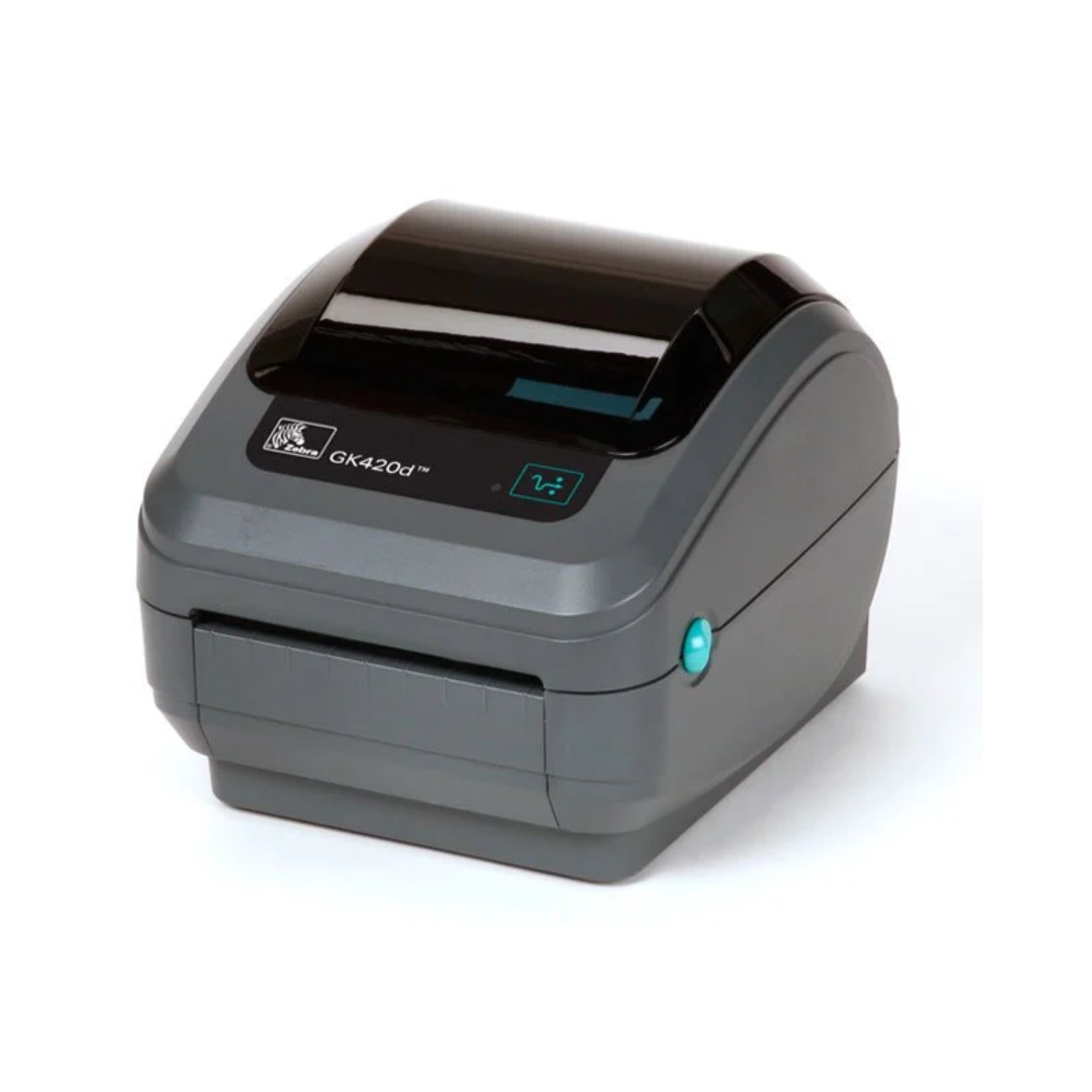
Zebra GK420d Direct Thermal Ethernet Printer
Original price was: $550.00.$485.00Current price is: $485.00. & Free Shipping
Network Ready: Built-in 10/100 Ethernet port allows seamless label printing across your entire office network.
Ribbon-Free Printing: Advanced direct thermal technology eliminates the need for expensive ink, toner, or ribbons.
High-Speed Performance: Maintain maximum productivity with rapid print speeds of up to 5 inches per second.
Sharp Barcode Quality: 203 DPI resolution ensures every barcode is crisp, clear, and 100% scannable.
Compact & Durable: The rugged, space-saving design fits perfectly into retail, healthcare, and warehouse environments.
Easy Media Loading: “Open-Access” clamshell design allows for fast, hassle-free label roll replacements.
Free shipping on orders over $50!
- Satisfaction Guaranteed
- No Hassle Refunds
- Secure Payments
Description
This comprehensive guide provides an in-depth look at the Zebra GK420d (GK42-202210-000), the gold standard for desktop thermal printing. Use this SEO-optimized content to drive traffic and convert visitors into customers.
Product Overview: The Ultimate Networking Desktop Printer
The Zebra GK420d Direct Thermal Printer (GK42-202210-000) represents the pinnacle of reliability for mid-volume desktop labeling. Specifically designed for environments that prioritize speed and network accessibility, this monochrome printer eliminates the need for expensive ink, toner, and ribbons. By utilizing direct thermal technology, the GK420d offers a streamlined, cost-effective solution for creating high-quality barcodes, shipping labels, and identification tags.
What sets this specific model apart is its integrated Ethernet connectivity. Unlike standard USB-only models, the GK42-202210-000 connects directly to your office network, allowing multiple users to share a single printing station seamlessly. Its compact, “clamshell” design ensures it fits into the tightest workspaces, while its rugged build quality guarantees years of consistent performance. Whether you are running a retail storefront, a busy medical clinic, or a logistics warehouse, the Zebra GK420d provides the dependable foundation your operations require.
Key Product Features
The Zebra GK420d is engineered with advanced features that simplify the printing process:
Integrated Ethernet & USB: Features built-in 10/100 internal Ethernet and a high-speed USB 2.0 port, ensuring effortless integration into modern network environments.
Direct Thermal Technology: Uses heat-sensitive media to produce sharp, dark images. This eliminates the maintenance and cost associated with thermal ribbons.
High-Resolution Printing: Delivers 203 DPI (8 dots/mm), providing the precision needed for complex 2D barcodes and small-font text.
Fast Output Speeds: Achieves print speeds up to 5 inches per second (127 mm/s), ensuring your team keeps up with high-demand labeling tasks.
Intuitive Media Loading: The “Open-Access” design allows users to drop in label rolls quickly, significantly reducing downtime.
Dual Programming Languages: Supports both ZPL and EPL as standard, making it compatible with almost all existing enterprise software and shipping platforms.
Operational Benefits for Your Business
Implementing the GK420d into your workflow offers immediate and measurable advantages:
Seamless Team Collaboration: With the Ethernet port, your entire team can send print jobs to one central location, reducing the need for multiple printers and lowering hardware costs.
Significant Cost Savings: By removing ribbons and ink from your supply chain, you lower your total cost per label and simplify your inventory.
Space-Saving Efficiency: The small footprint and sleek design allow the printer to sit on crowded counters or small shipping desks without obstructing other tasks.
Reduced Technical Issues: Zebra printers are famous for their “set it and forget it” reliability. The GK420d requires minimal calibration and very little maintenance.
Professional Brand Image: Consistent print quality ensures that every shipping label or product tag that leaves your facility looks professional and scans perfectly at every checkpoint.
Why Choose the Zebra GK420d?
Choosing the Zebra GK420d means investing in a legacy of excellence. While generic printers often struggle with driver compatibility and hardware failure, Zebra maintains a reputation for building “industrial-strength” desktop machines. This printer bridges the gap between basic home office gear and heavy-duty industrial printers.
Furthermore, the GK420d is built for longevity. Its reinforced plastic casing protects the delicate internal sensors and printhead from dust and debris. Moreover, because it is a direct thermal machine, there are fewer moving parts to break or jam. If you need a printer that works the first time, every time, and can be shared across a network, the GK42-202210-000 is the most logical choice for your business.
Technical Specifications Table
| Feature | Specification |
| Model Number | GK42-202210-000 |
| Print Method | Direct Thermal (No Ribbon) |
| Resolution | 203 DPI (8 dots/mm) |
| Connectivity | USB 2.0, 10/100 Ethernet (RJ45) |
| Max Print Speed | 5 ips (127 mm/s) |
| Max Print Width | 4.09 inches (104 mm) |
| Memory | 8 MB SDRAM; 4 MB Flash |
| Media Sensors | Fixed Transmissive and Reflective sensors |
| Compatibility | Windows, Mac, Linux, ZPL II, EPL 2 |
Frequently Asked Questions (FAQs)
1. Can multiple computers use this printer at the same time?
Yes. Because this model includes an Internal Ethernet port, you can connect it to your router. This allows any computer on your network to send print jobs to the GK420d.
2. Is this printer suitable for 4×6 shipping labels?
Absolutely. The 4.09-inch print width is specifically designed to handle standard 4×6 shipping labels for UPS, FedEx, USPS, and DHL.
3. Do I need to buy ink or ribbons for the GK420d?
No. The GK420d is a Direct Thermal printer. It uses heat-sensitive labels that turn black when heated by the printhead, eliminating the need for any ink, toner, or thermal ribbons.
4. How do I install the drivers for the GK420d?
You can download the official “Zebra Setup Utilities” from Zebra’s website. It will guide you through the process of connecting via USB or Ethernet in just a few minutes.
5. How can I trust my purchase and where do you ship?
Enterprise IT Hub ships worldwide, including the USA, Canada, UK, Germany, France, and across Europe. We ensure your investment is protected by providing a full manufacturer warranty and a 30-day return policy. Whether you are in London, New York, or Paris, we deliver genuine Zebra hardware with the support you deserve.
Related products
-
Sale!

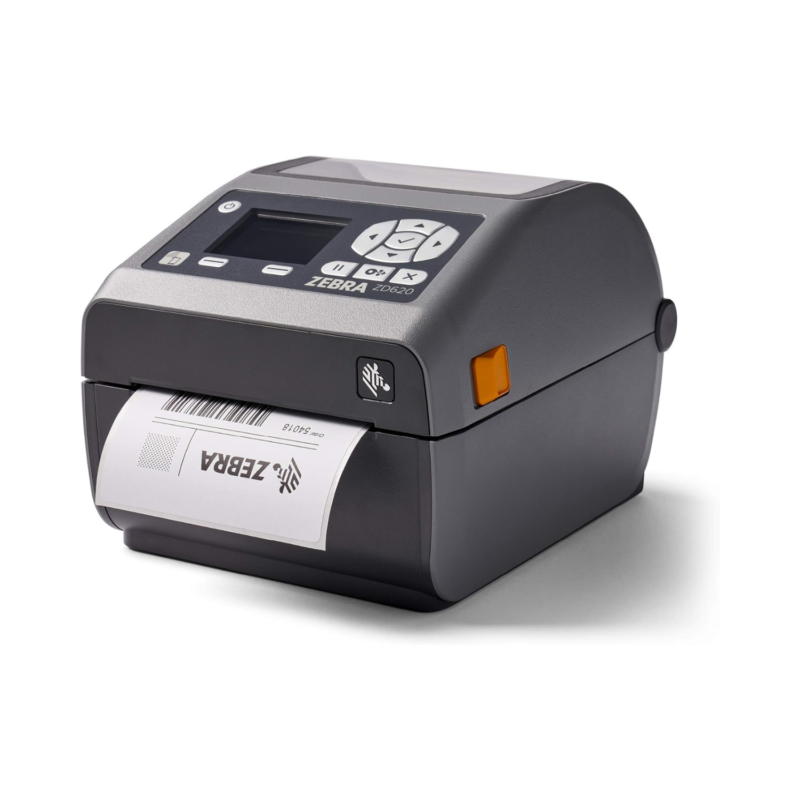
Zebra ZD620d ZD621 Label Desktop Printer
Original price was: $1,085.00.$993.00Current price is: $993.00. -
Sale!
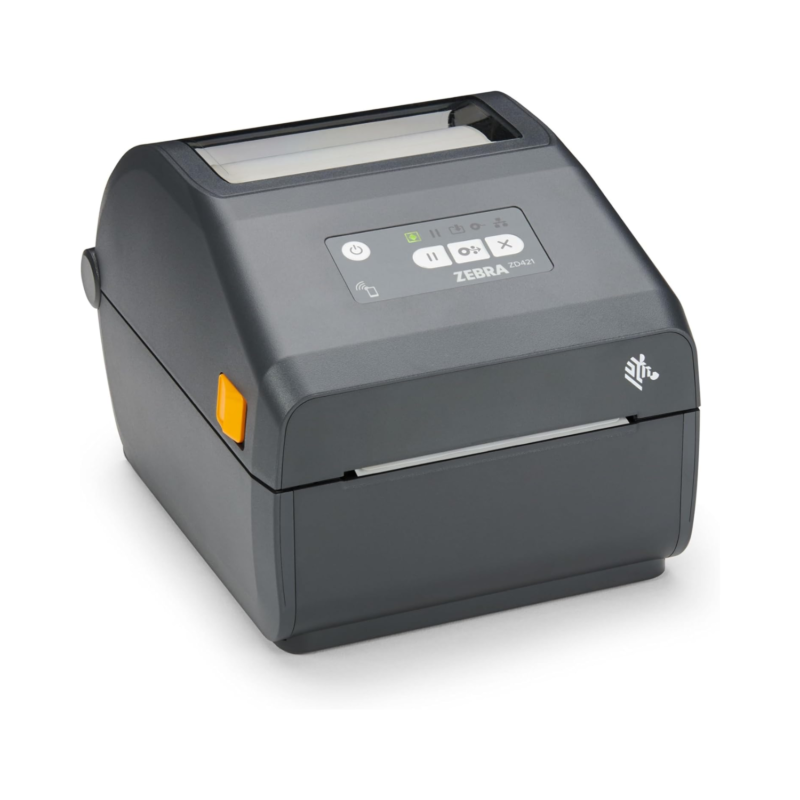
Zebra ZD421 Label Printer ZD4A042 Desktop
Original price was: $620.00.$592.00Current price is: $592.00. -
Sale!
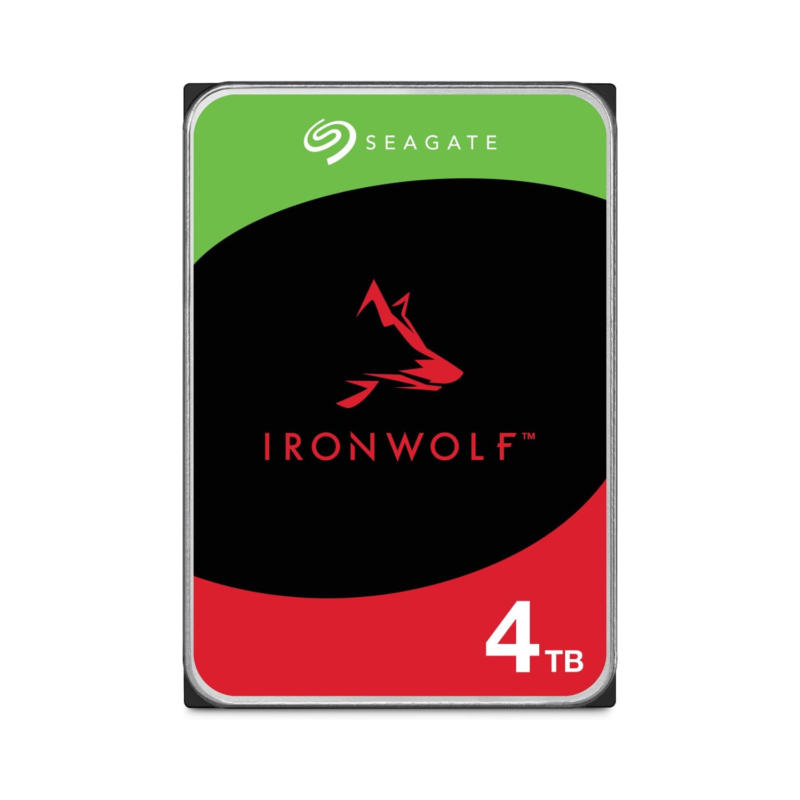
Seagate IronWolf 4TB NAS Internal HDD ST4000VN006
Original price was: $332.00.$292.00Current price is: $292.00. -
Sale!
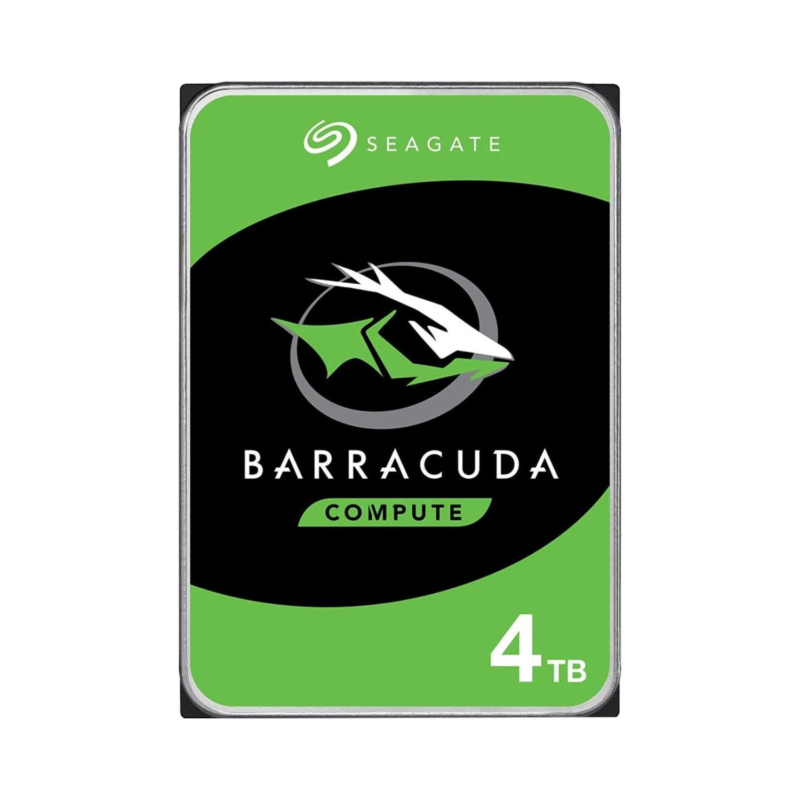
Seagate BarraCuda 4TB Desktop HDD ST4000DM004
Original price was: $275.00.$222.00Current price is: $222.00.
Reviews
There are no reviews yet.